The Trading Journal with
Free TradingView Backtesting.
Journaling & backtesting in a single place.
The software we wish we had, so we built it for you.

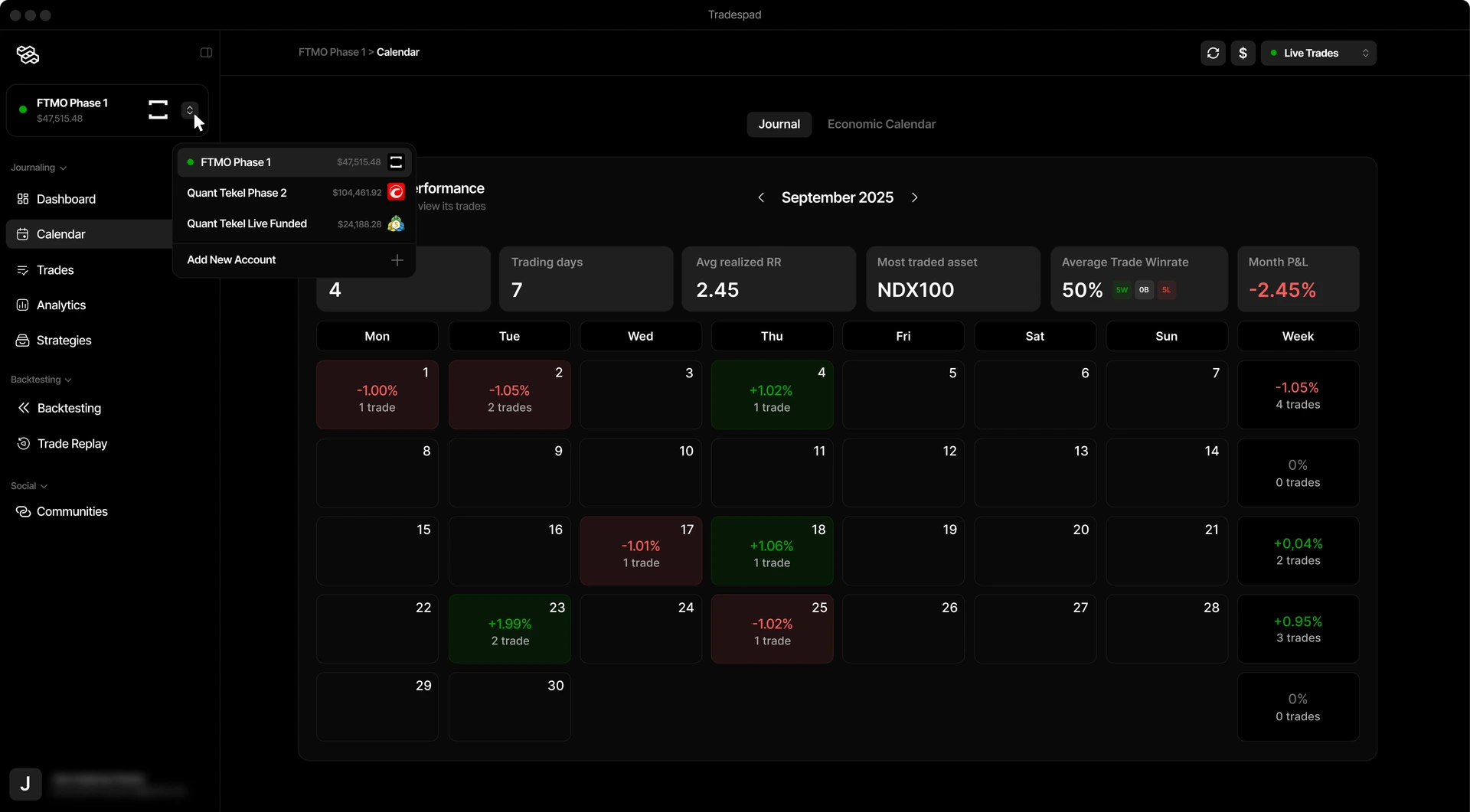






Journaling
An easy way to journal your trades.Connect your account or add trades manually.
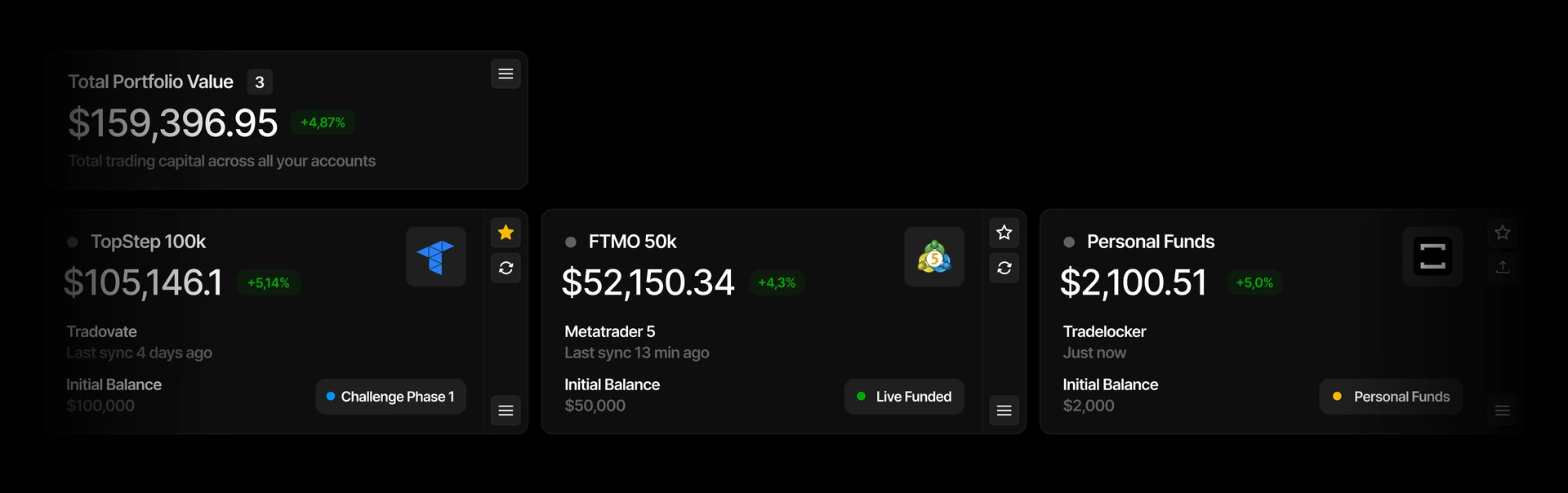
Stack all your trading accounts together
Keep track of all your trading accounts, follow their performance individually, journal them to improve your results, and stay organized.
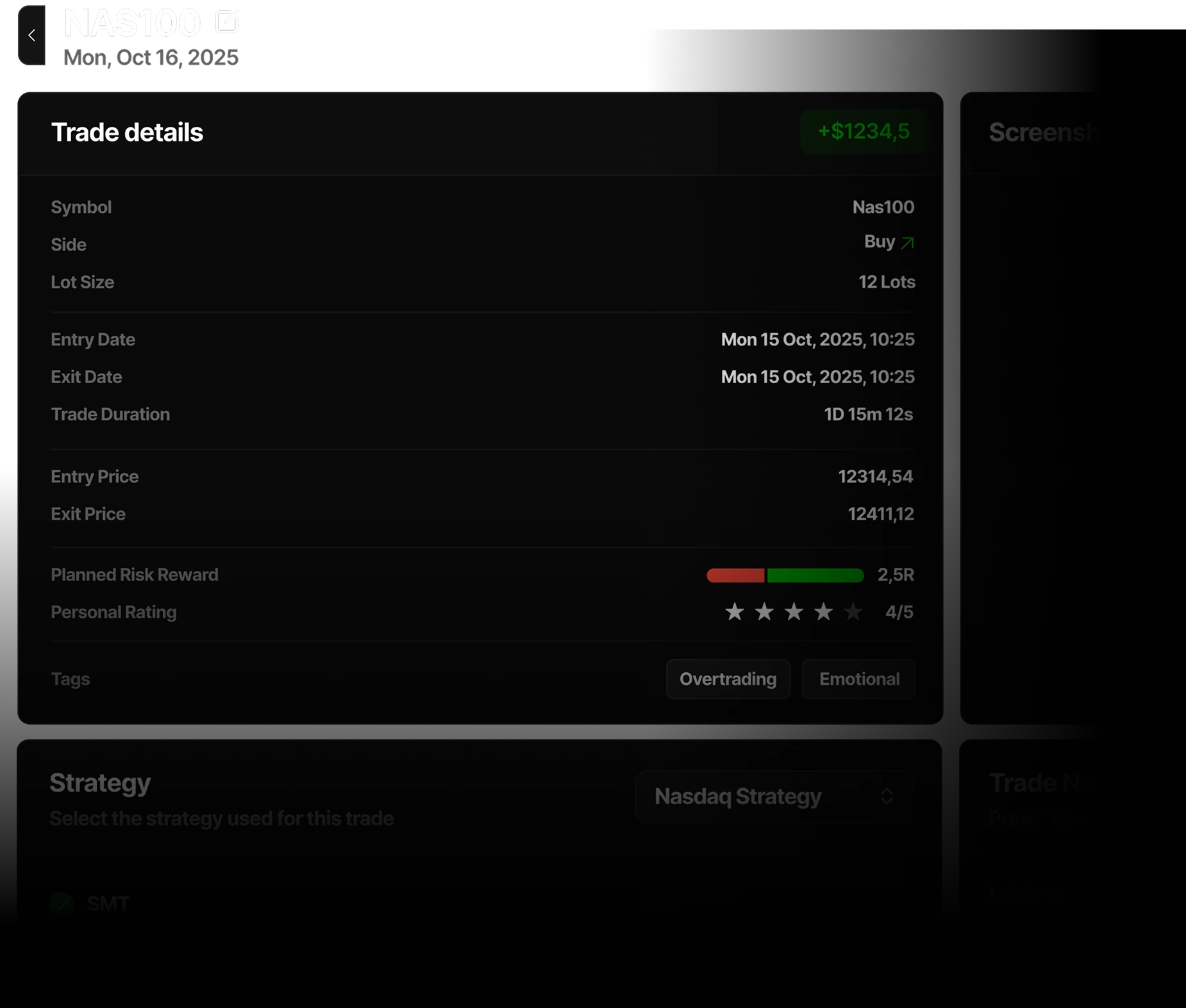
Journal every metric of your trades
Automatic broker sync or manual import, add screenshots, notes, strategy confluences, risk-reward, and tags to journal every trade.
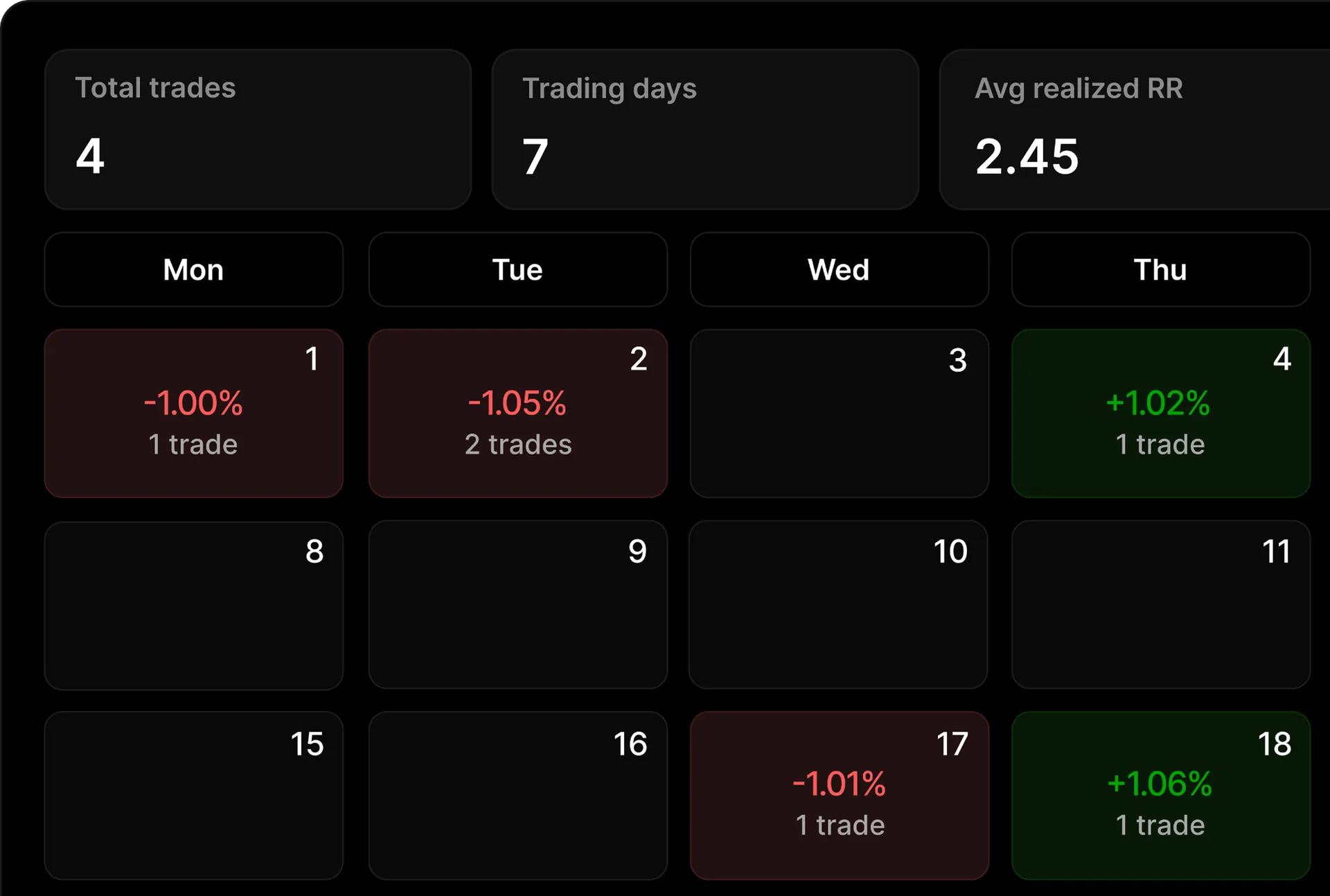
P&L Calendar to track your trading results
A visual and intuitive P&L calendar to check your daily, weekly, and monthly trading results, spot winning streaks, and review performance without opening a spreadsheet.
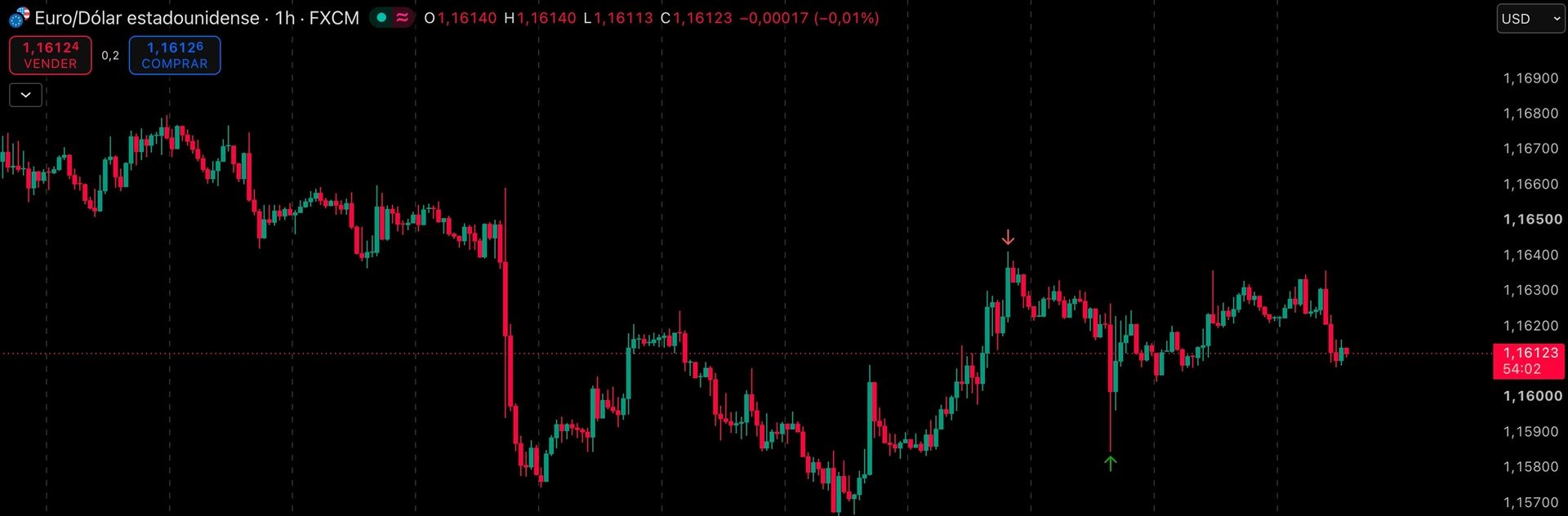
Automatically generated entry and exit point
A visual way to remember your trades. Get automatically the real entry and exit point of your backtesting trades in a TradingView chart.
Analytics
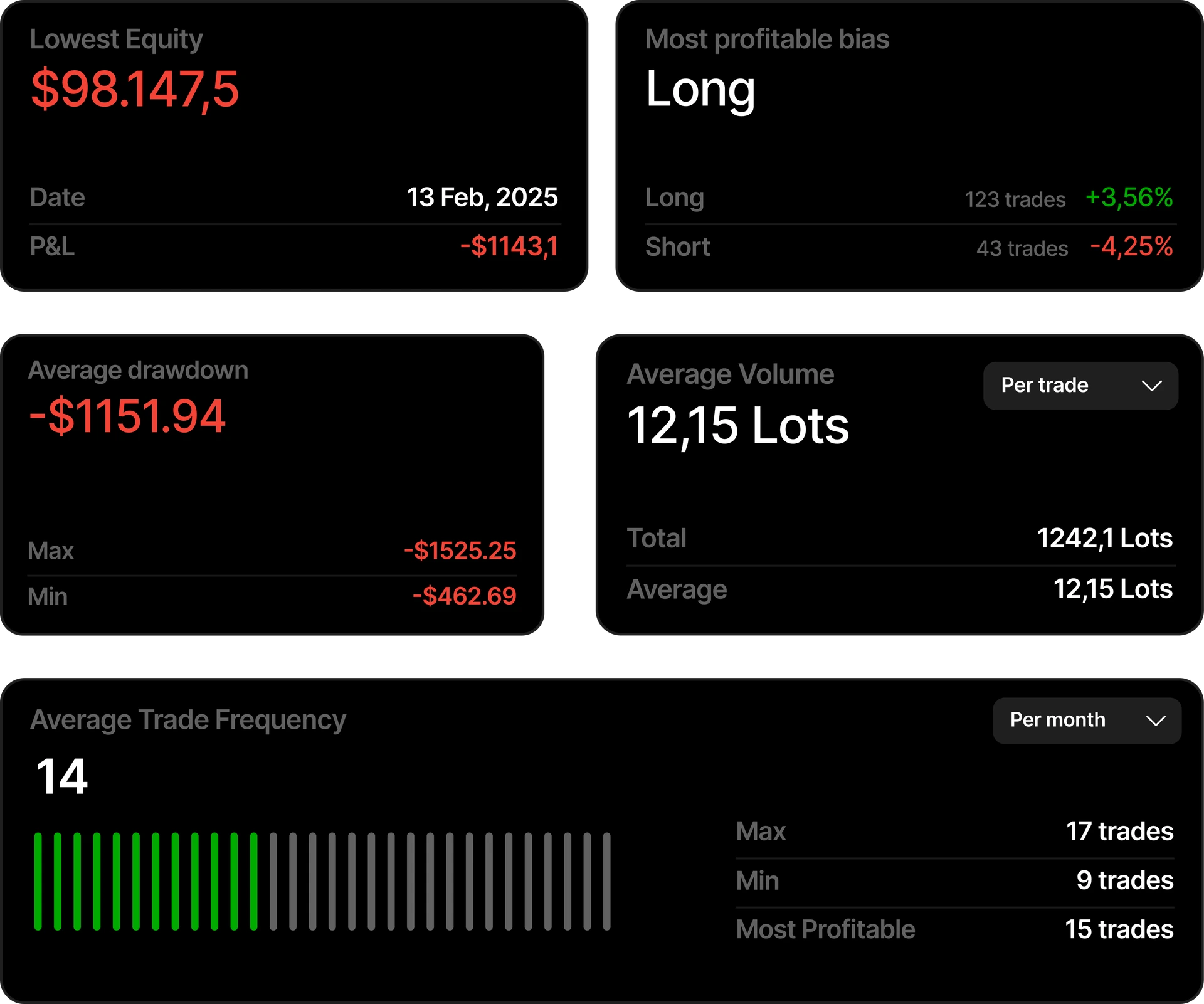
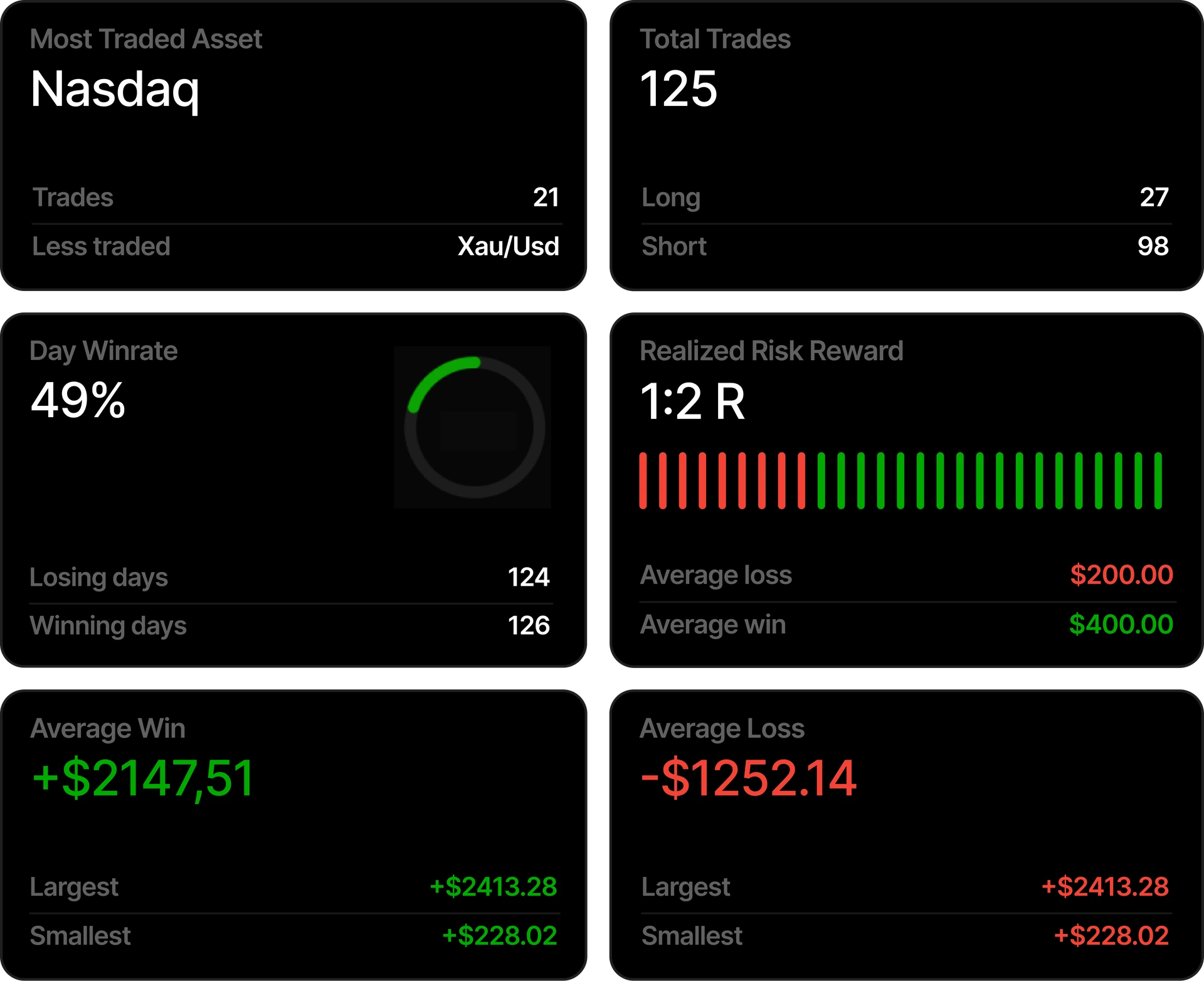
Analytics to understand what works.You can't improve or fix what you don't measure.
From basic to advanced analytics
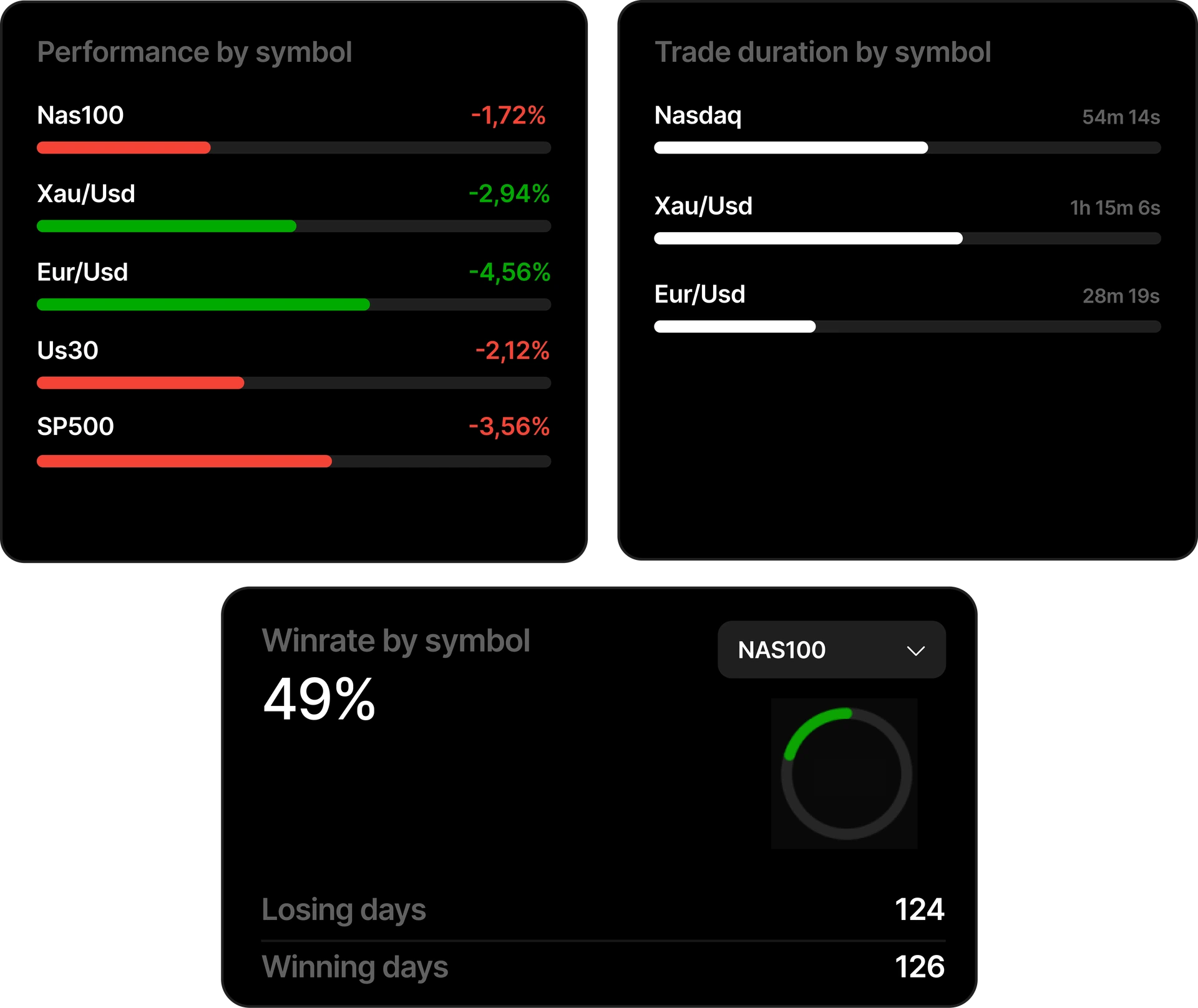
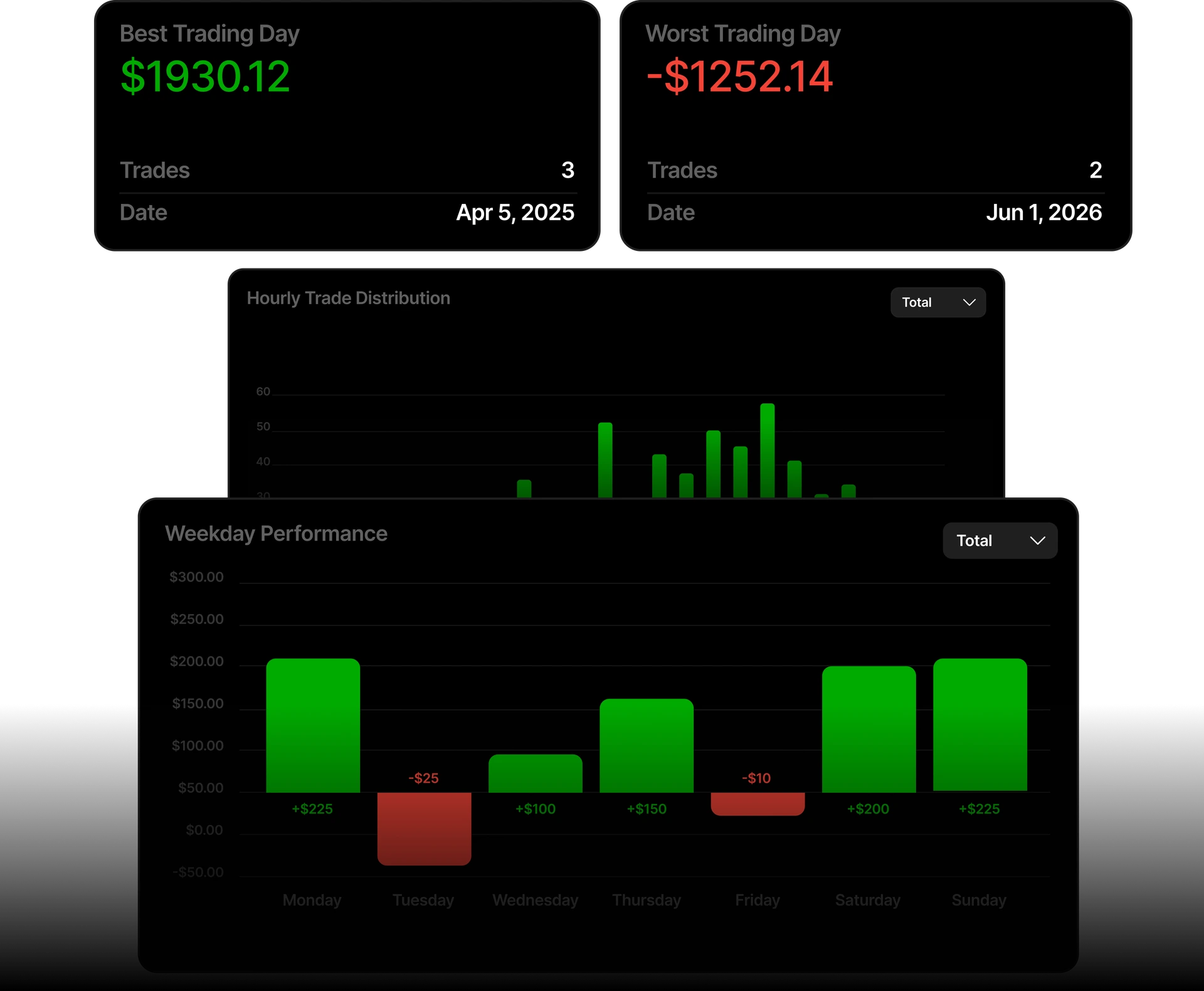
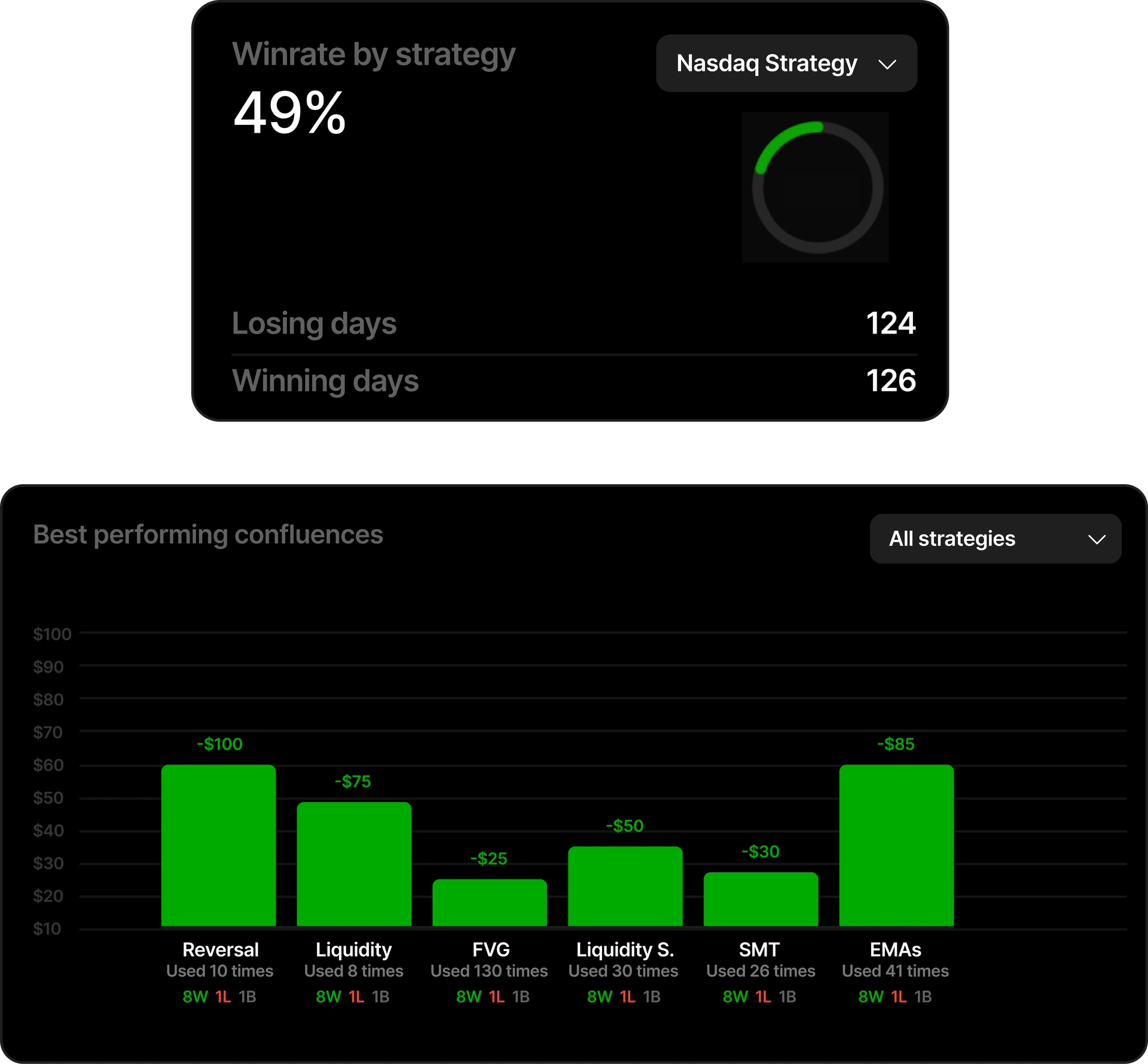
Filtered analytics to understand what your trades have to say. Not long reports or spreadsheets, analytics shown in a visual, easy to understand way.

Your trading results displayed month by month, year by year
The most visual way to analyze your trading results, yearly view, monthly, daily and candle by candle with our TradingView chart widget journal.
Turn data into filtered insightsTradespad turns your trades into analytics
Backtesting
Go back in time with TradingView charts.Backtesting for forex, futures, stocks & crypto traders
 NAS100Nasdaq Inc.4.745 days29,103.08
 SP500S&P 500 Index4.745 days7,640.06
 XAU/USDGold vs Dollar7.304 days4,342.79
 BTC/USDBitcoin vs Dollar7.304 days77,401
 GBP/USDPound vs Dollar7.304 days1.3514
 EUR/USDEuro vs Dollar7.304 days1.1588

Backtest forex, crypto, indices, commodities and more.
Test your trading strategies across 30+ assets, analyze your results, and find out which setups actually have an edge.
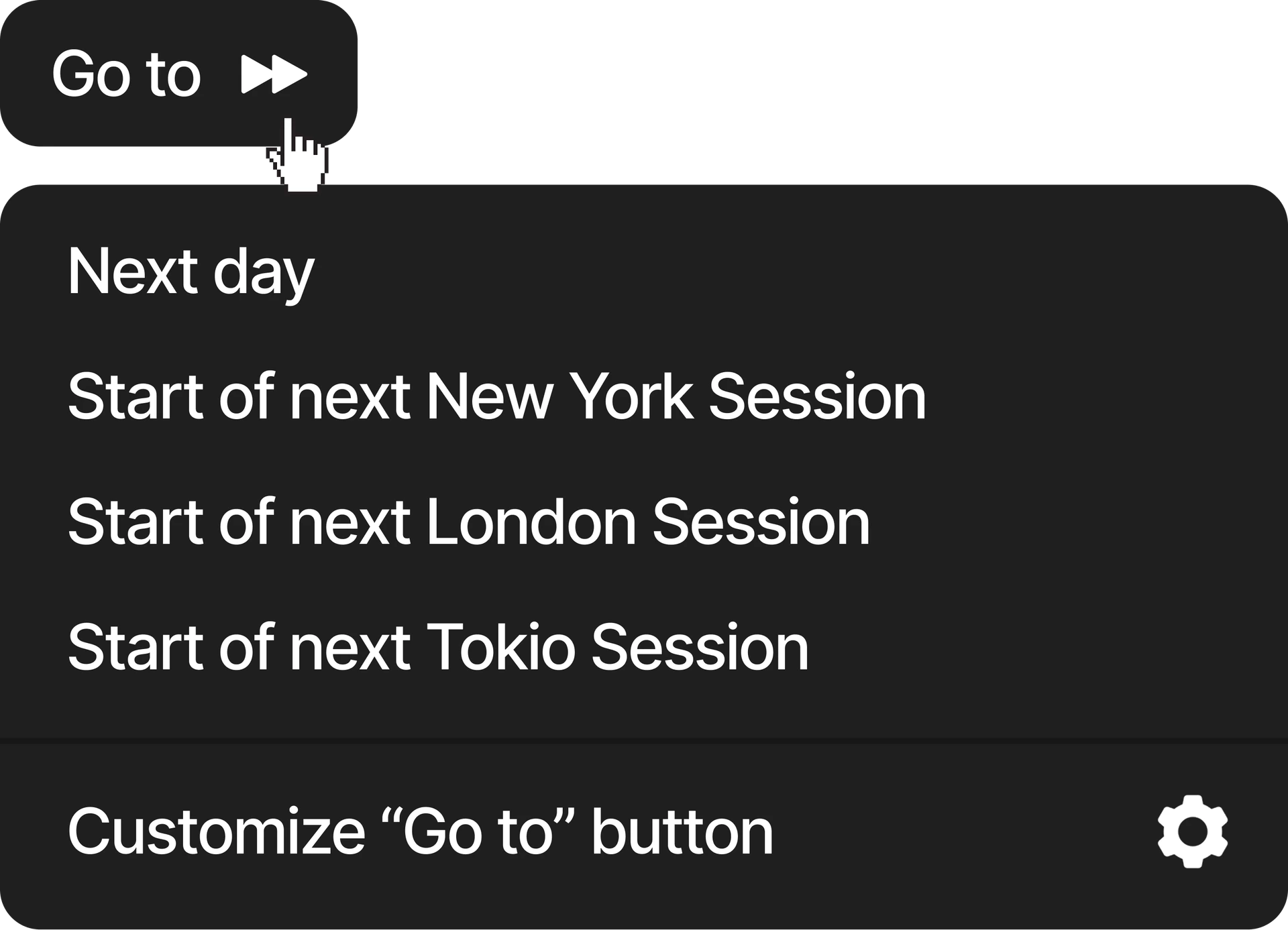
Go to button
Automatically go to the next day/session or create custom values.
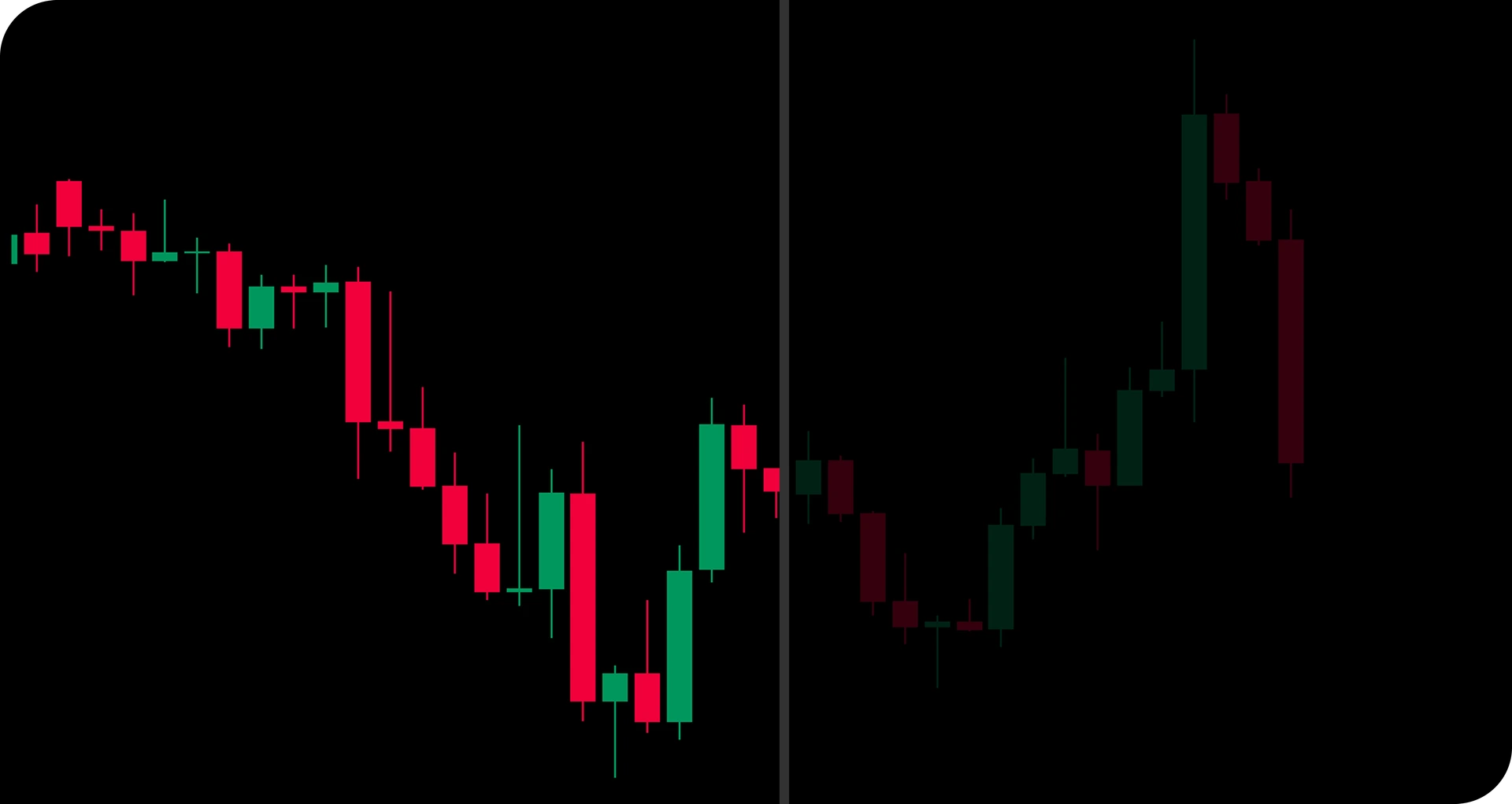
+24 years of market data available.
Replay historical markets, test your trading strategies, and see how they perform across different market conditions.
View moreThe best way to replay any marketReplay your favorite asset bar by bar
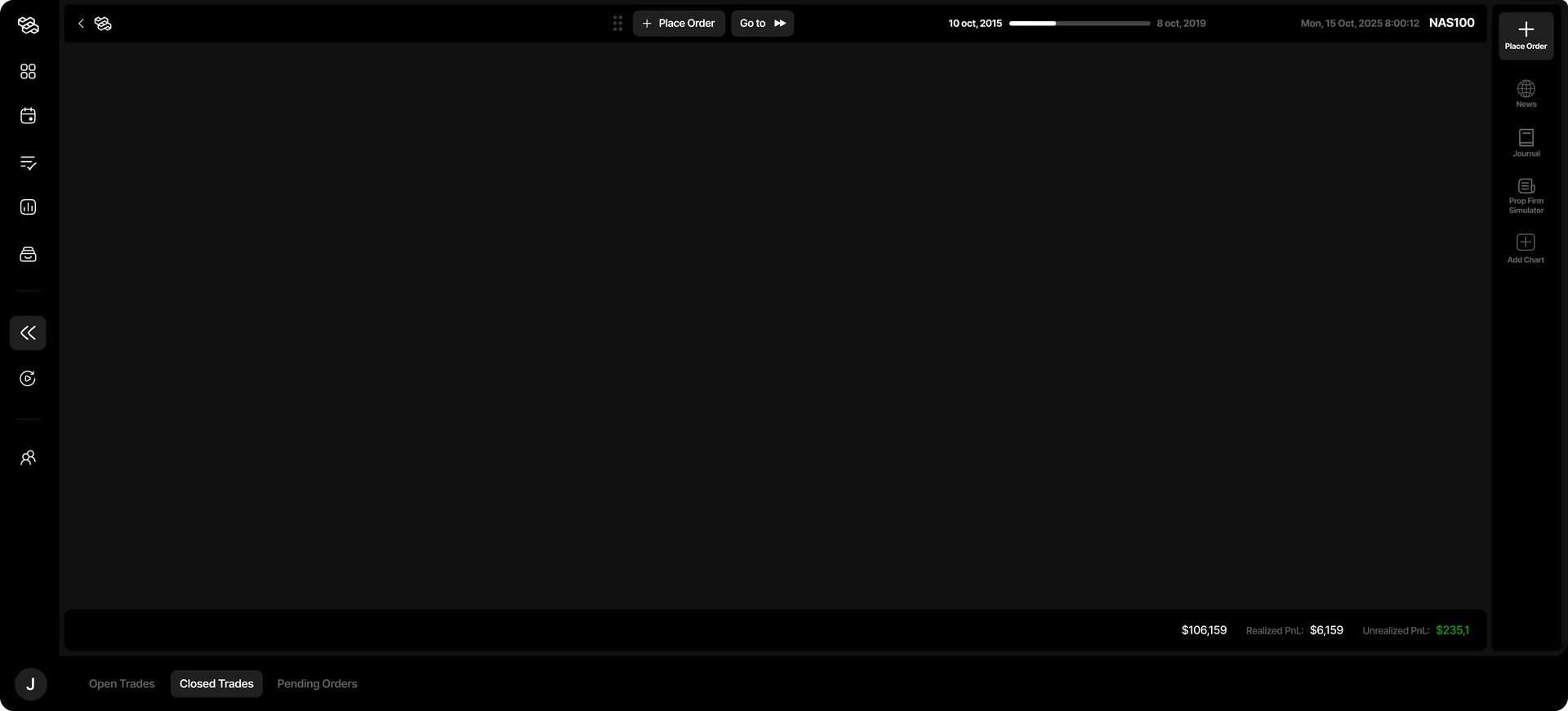
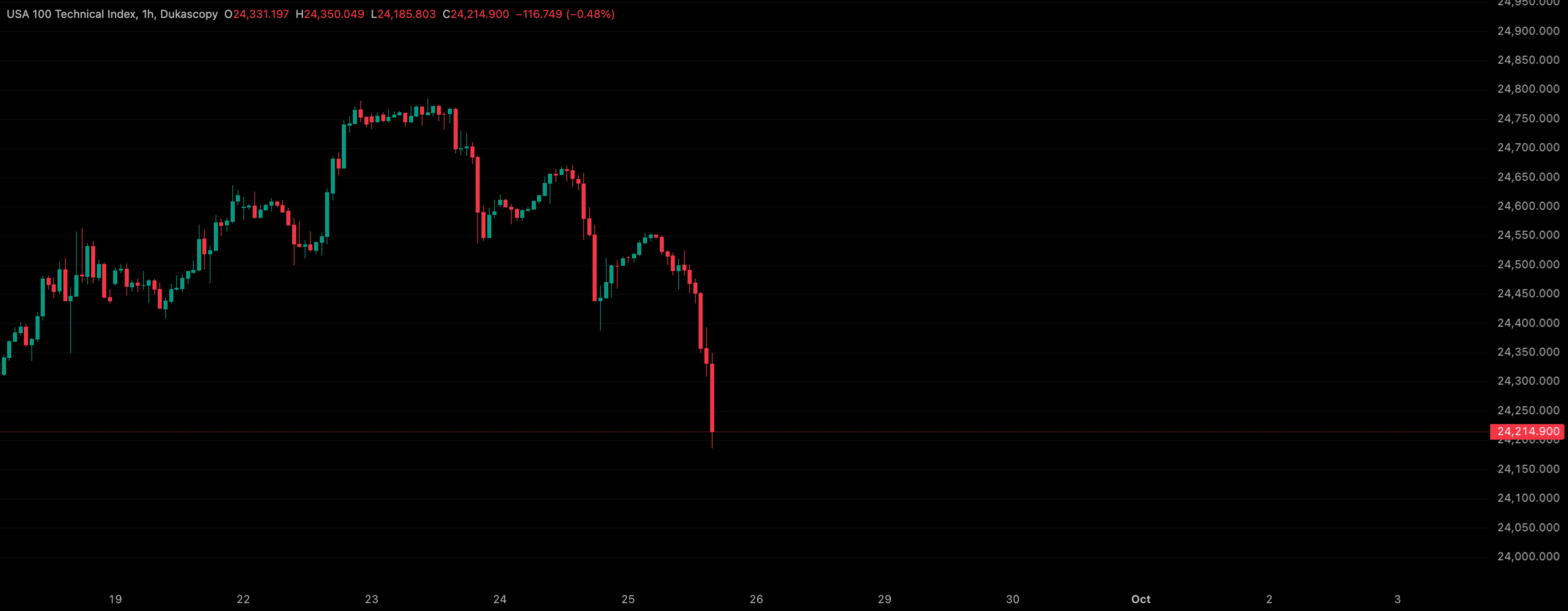
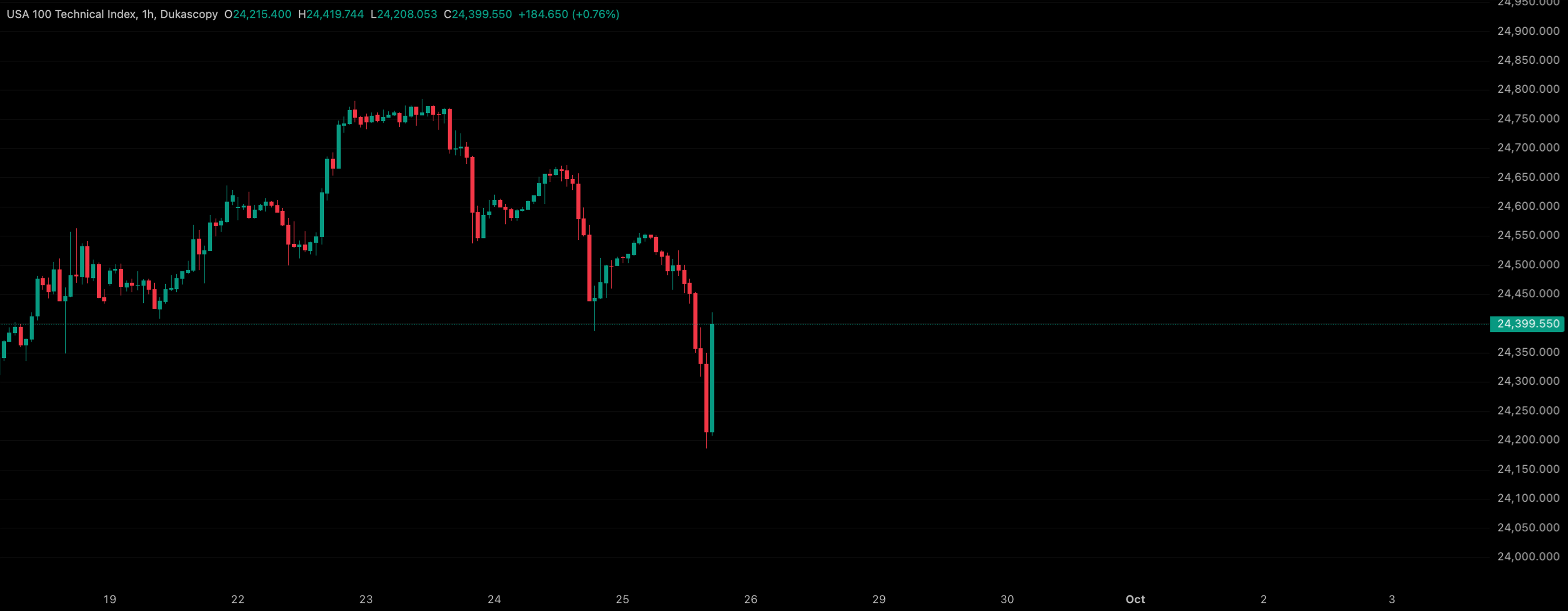
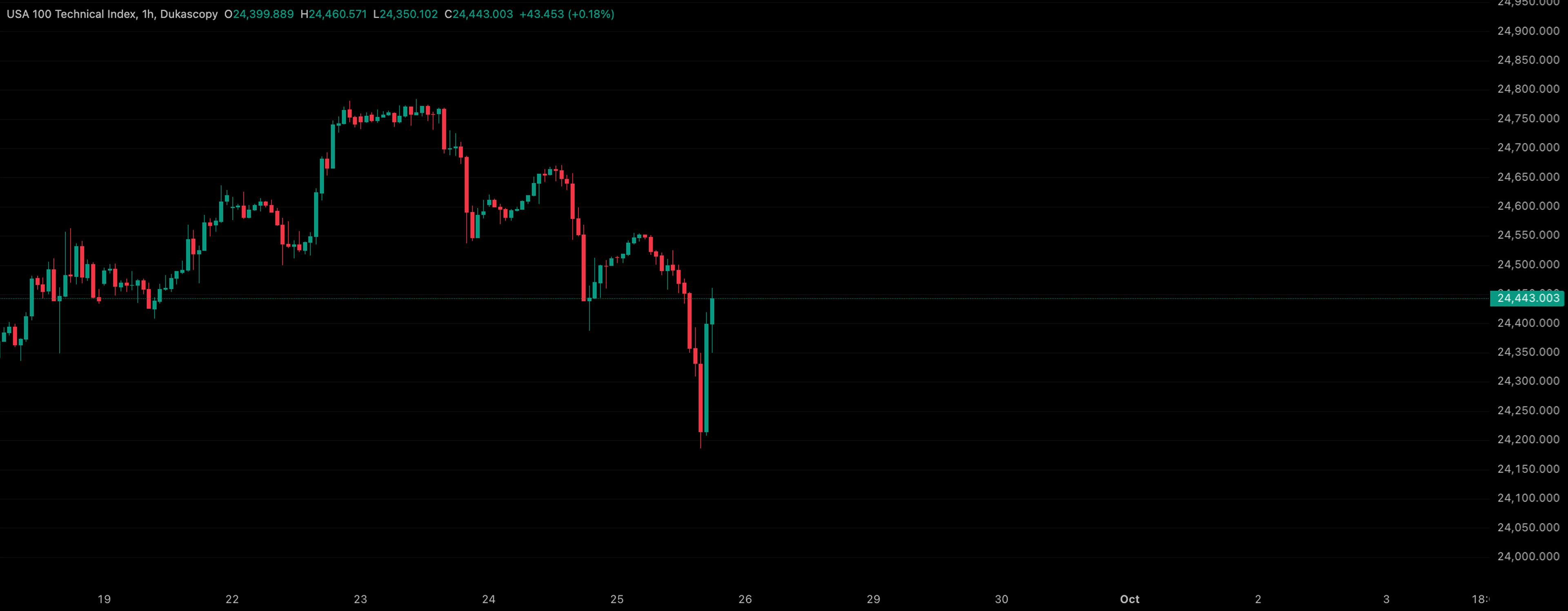
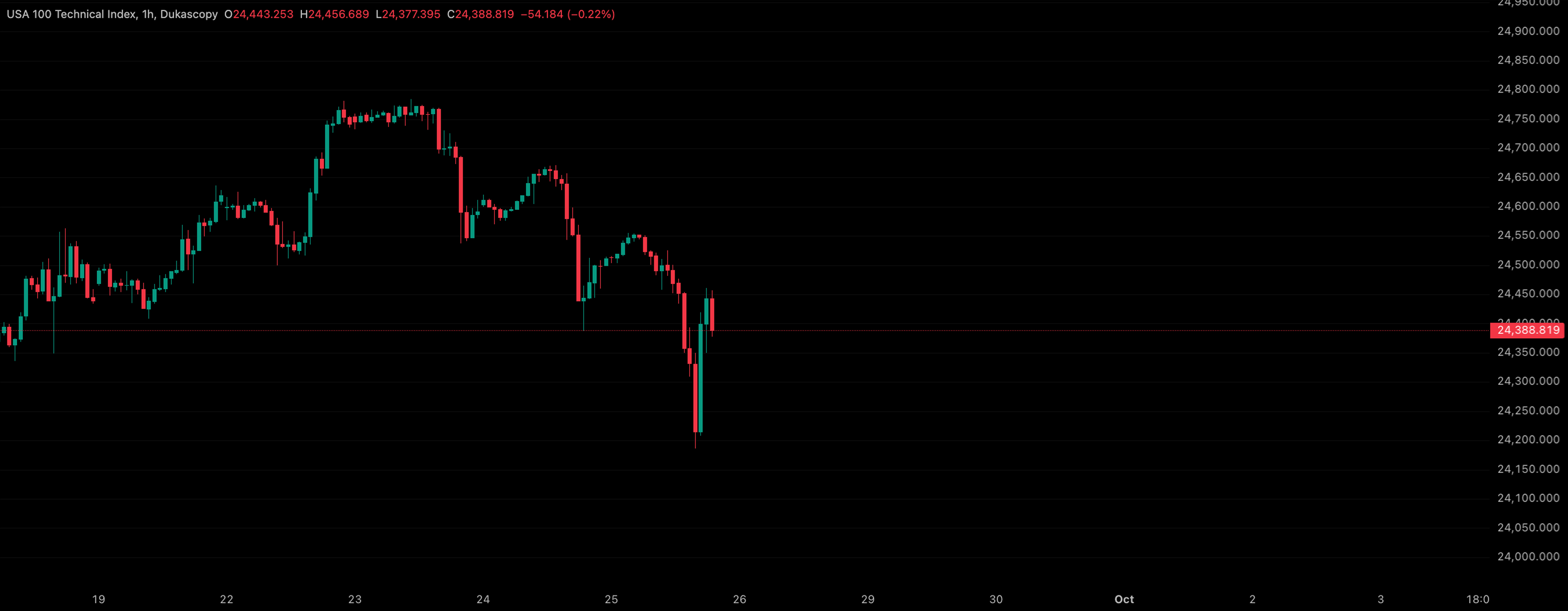
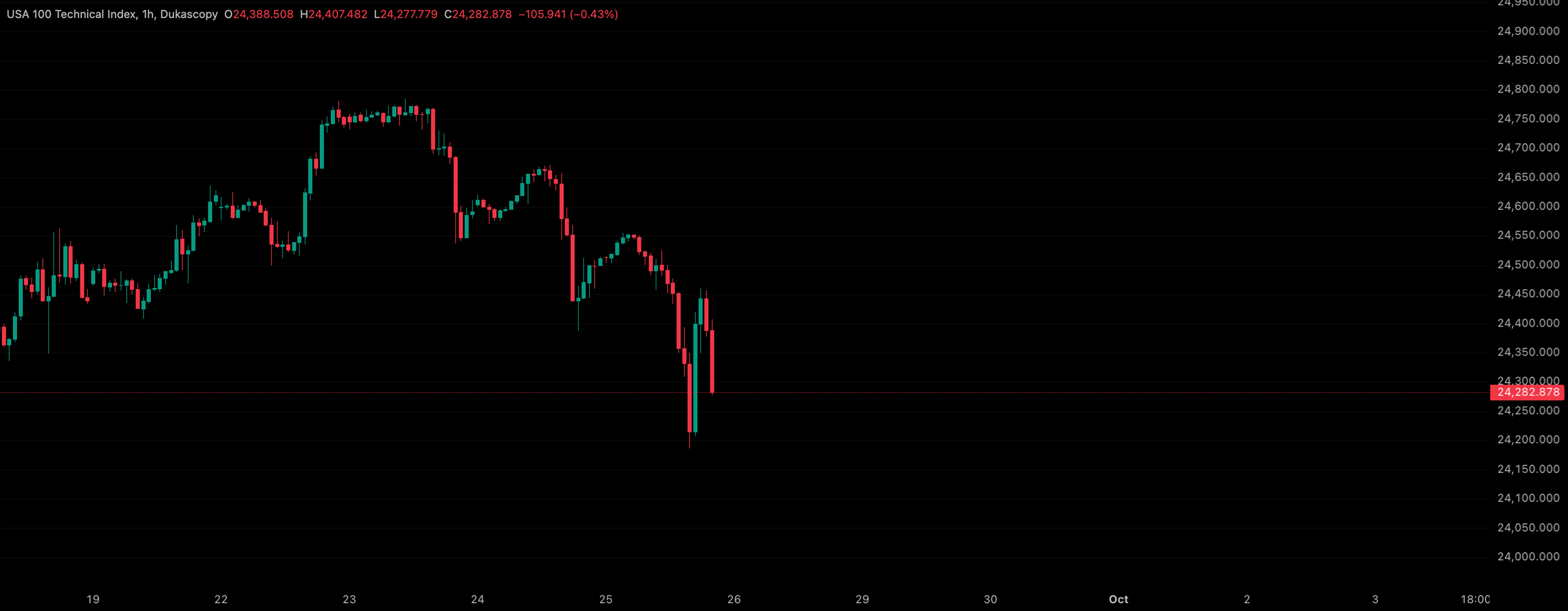
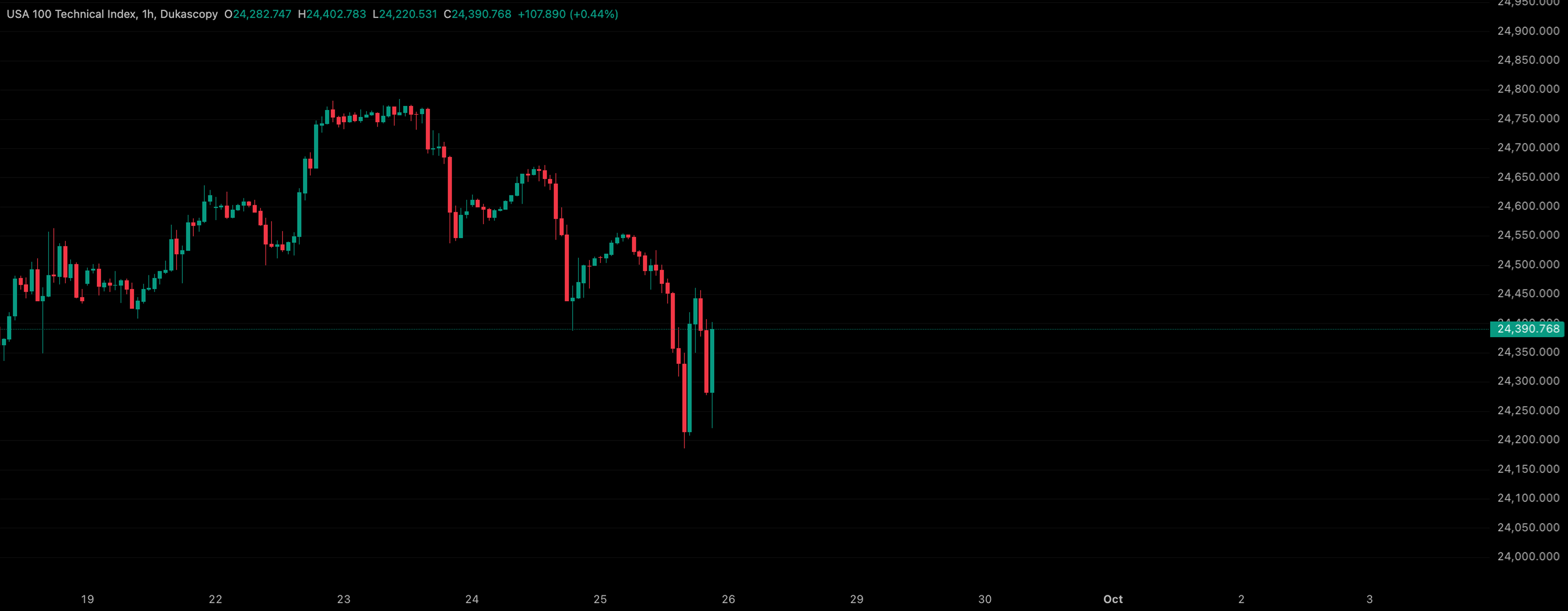
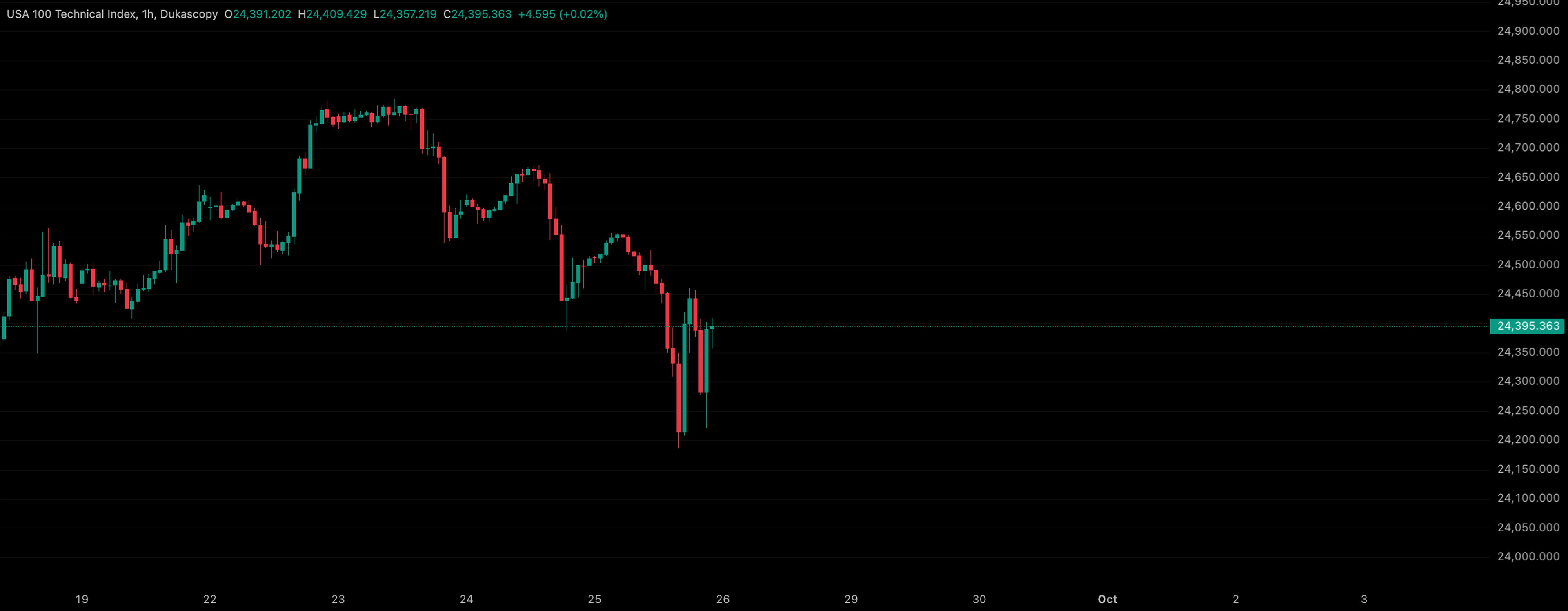
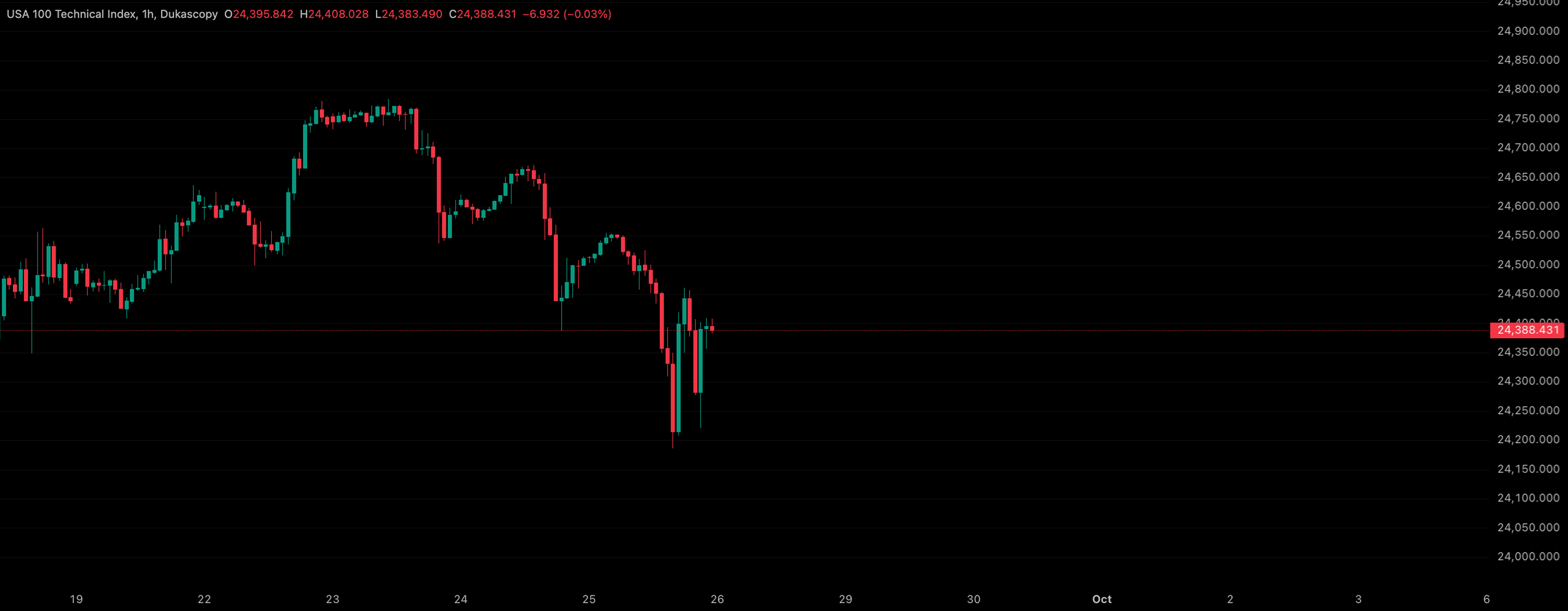
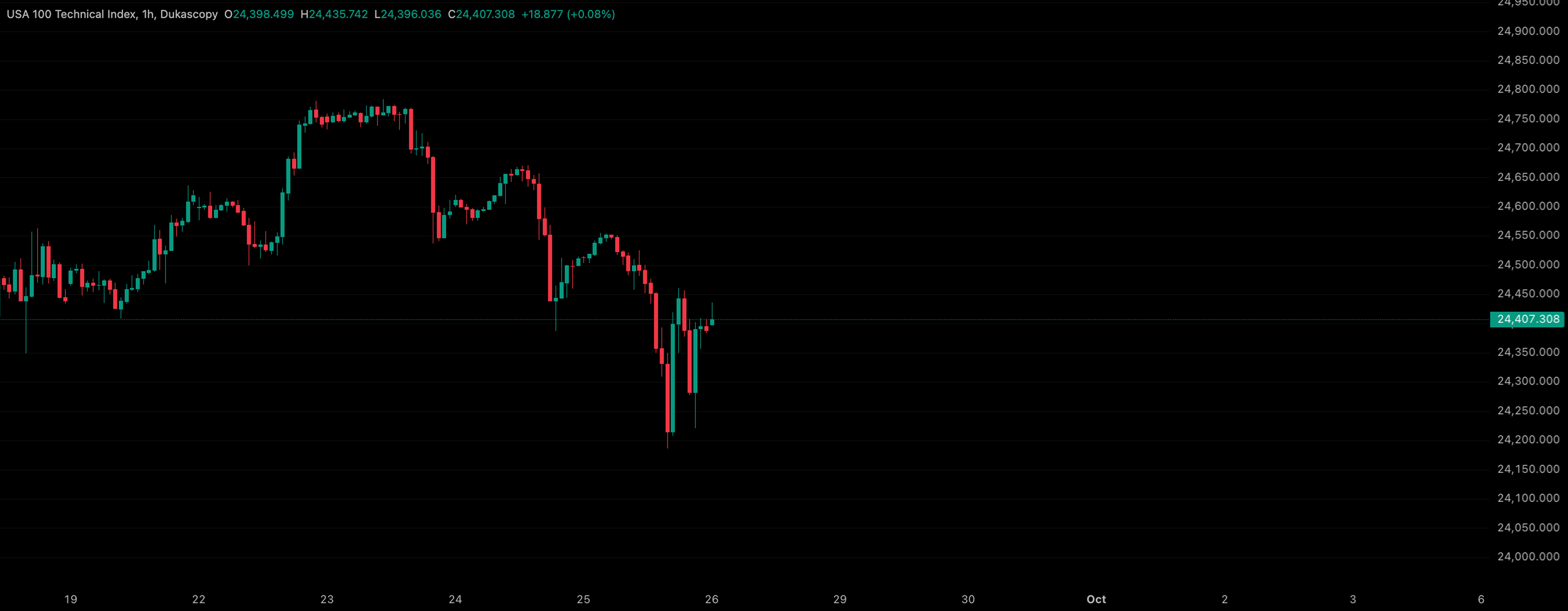
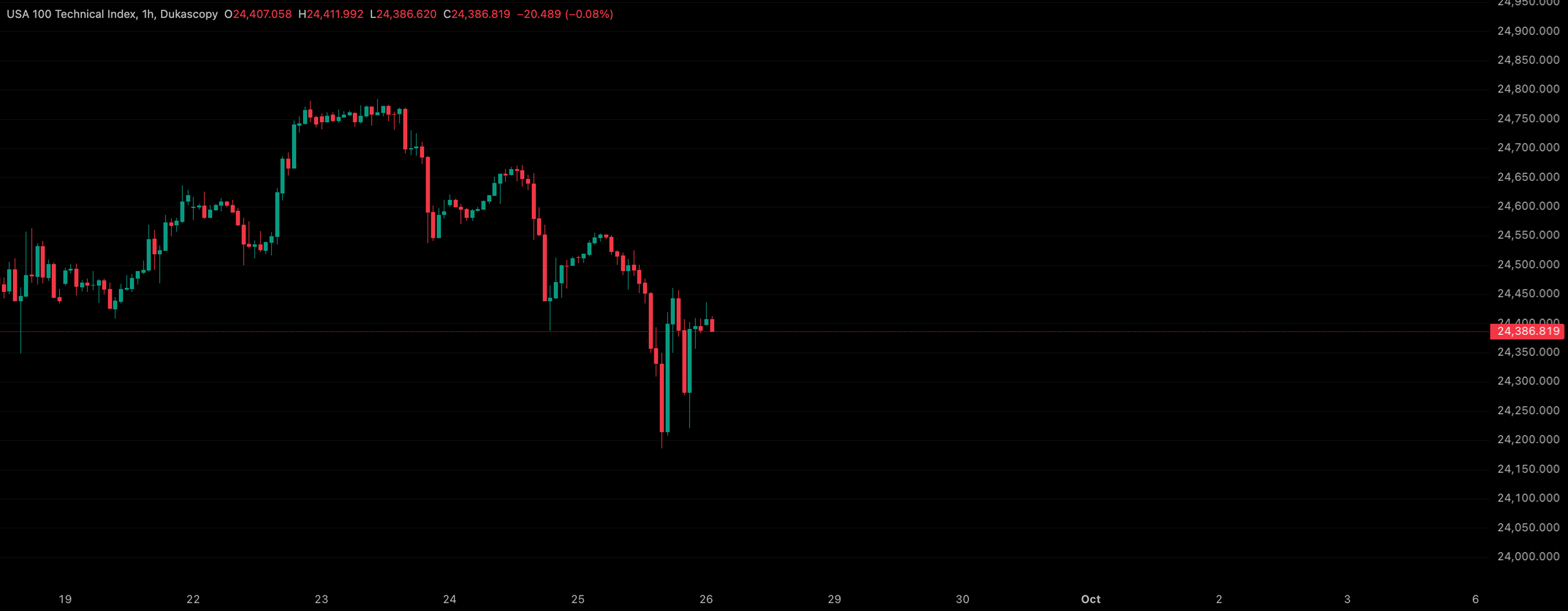
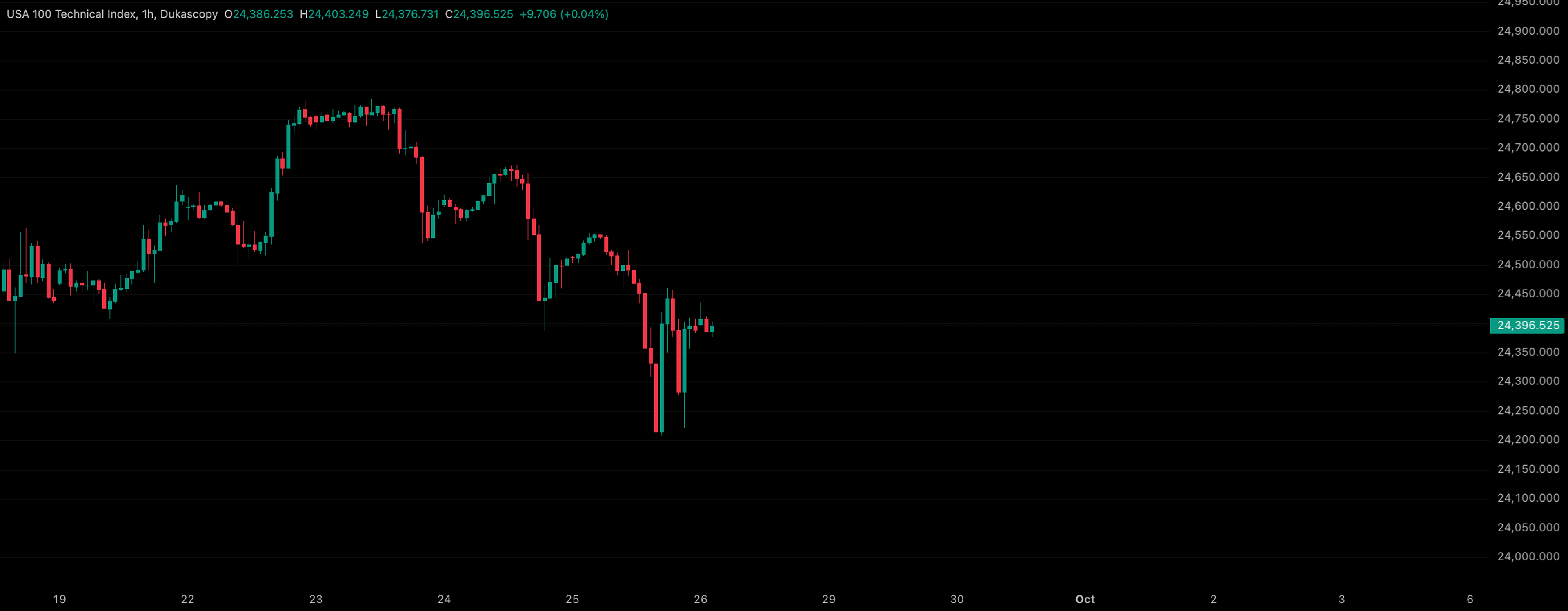
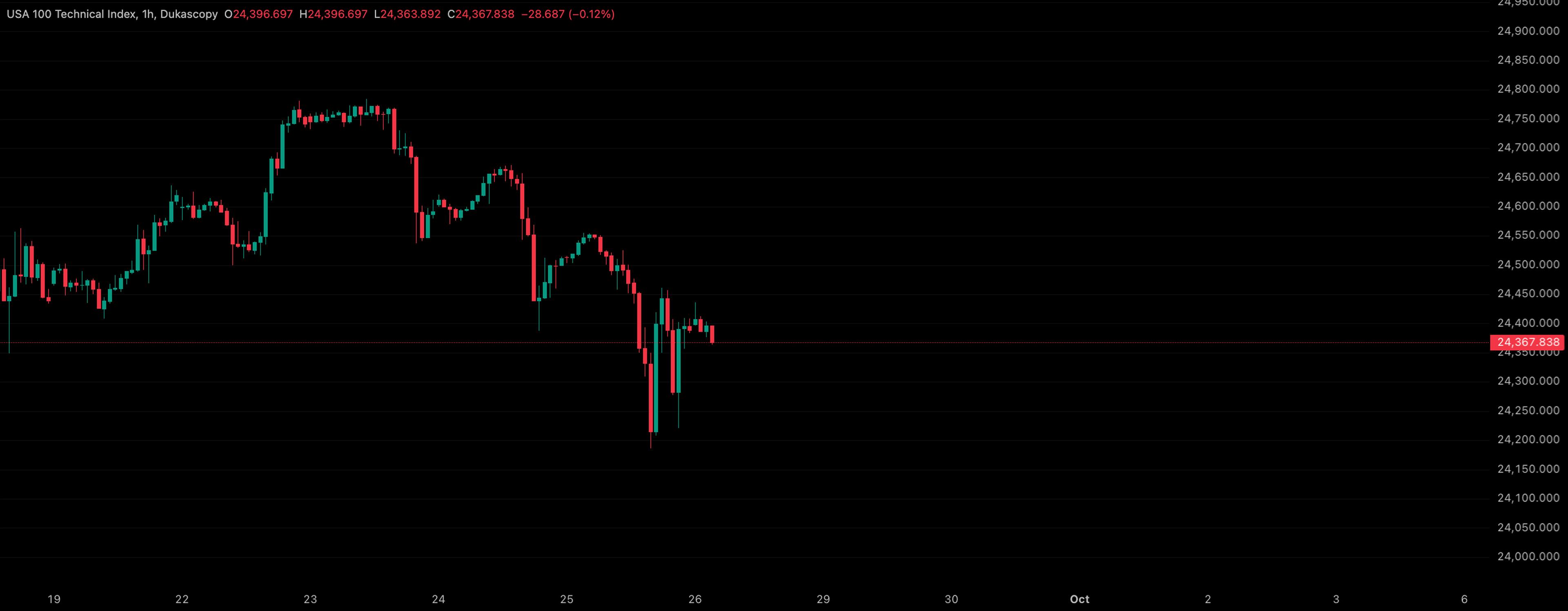
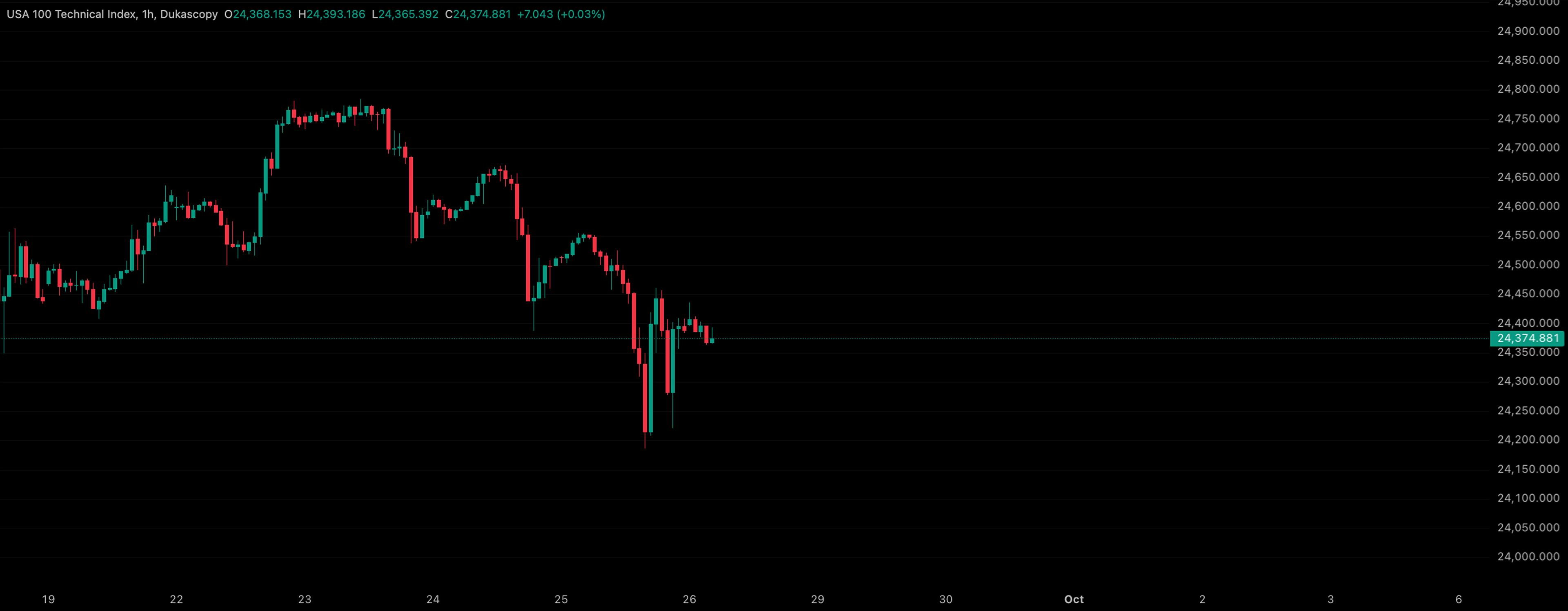
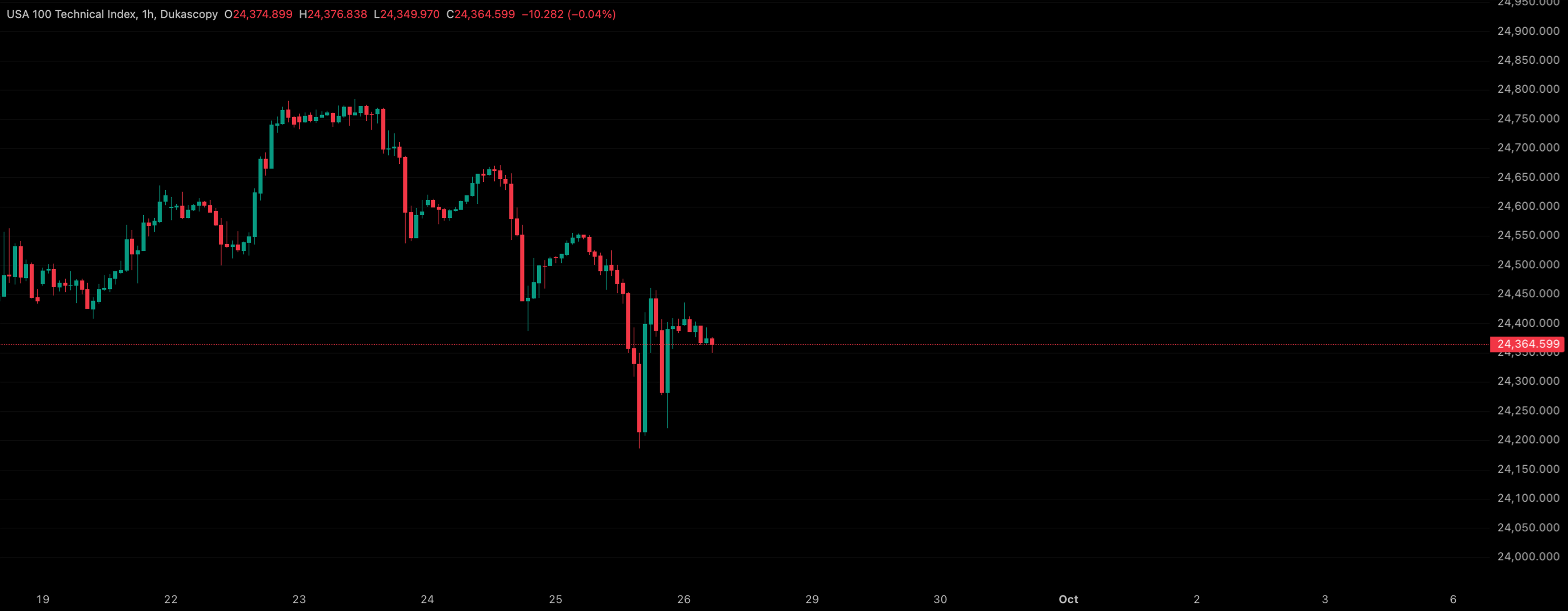
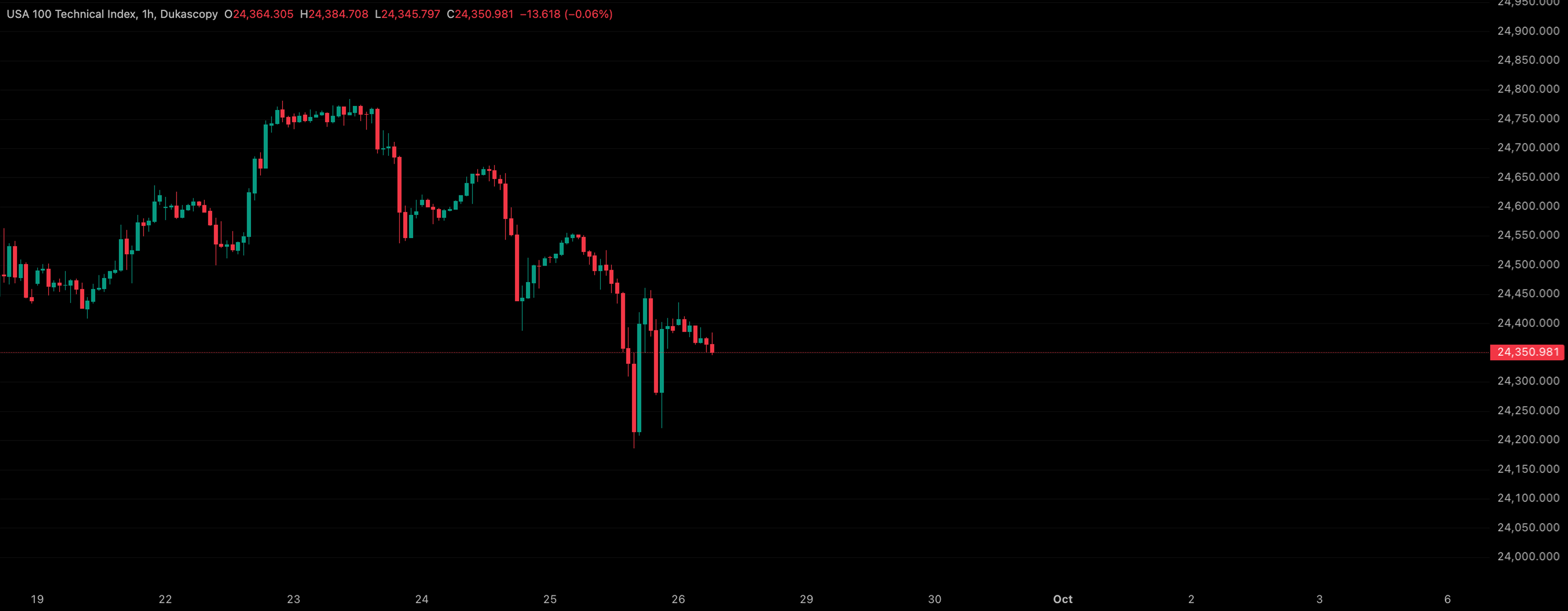
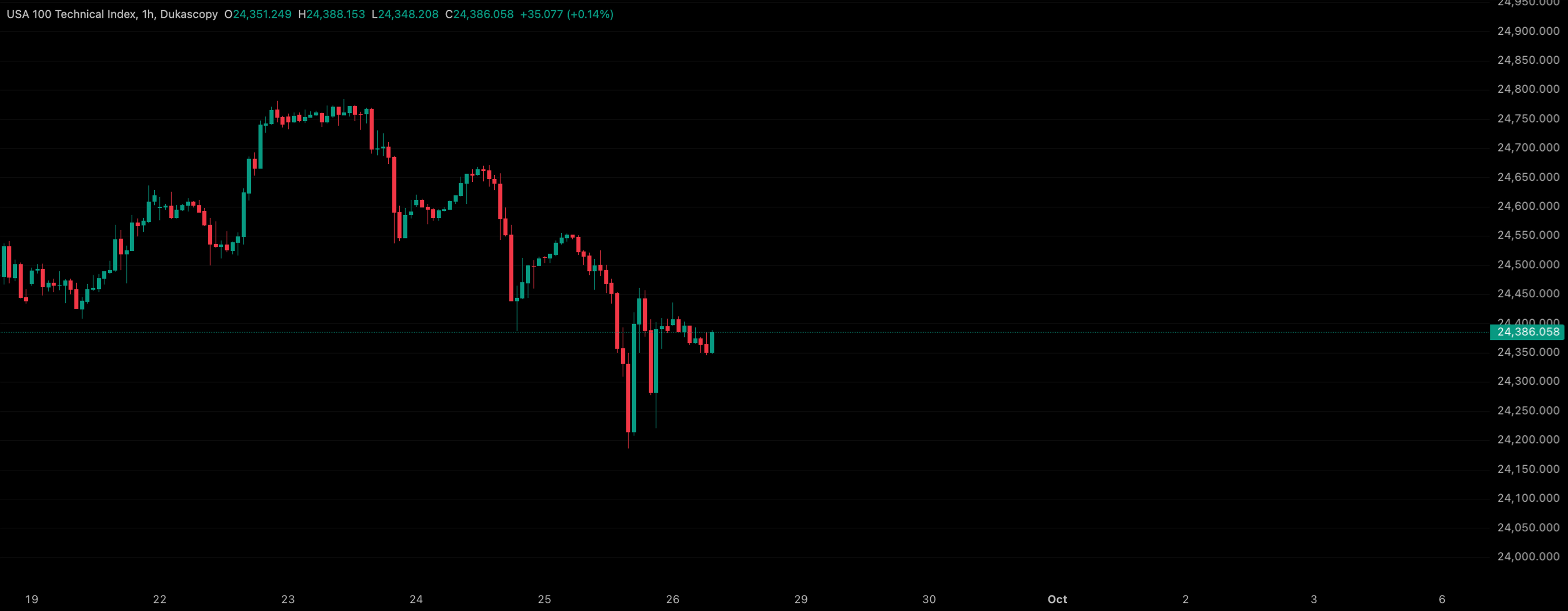
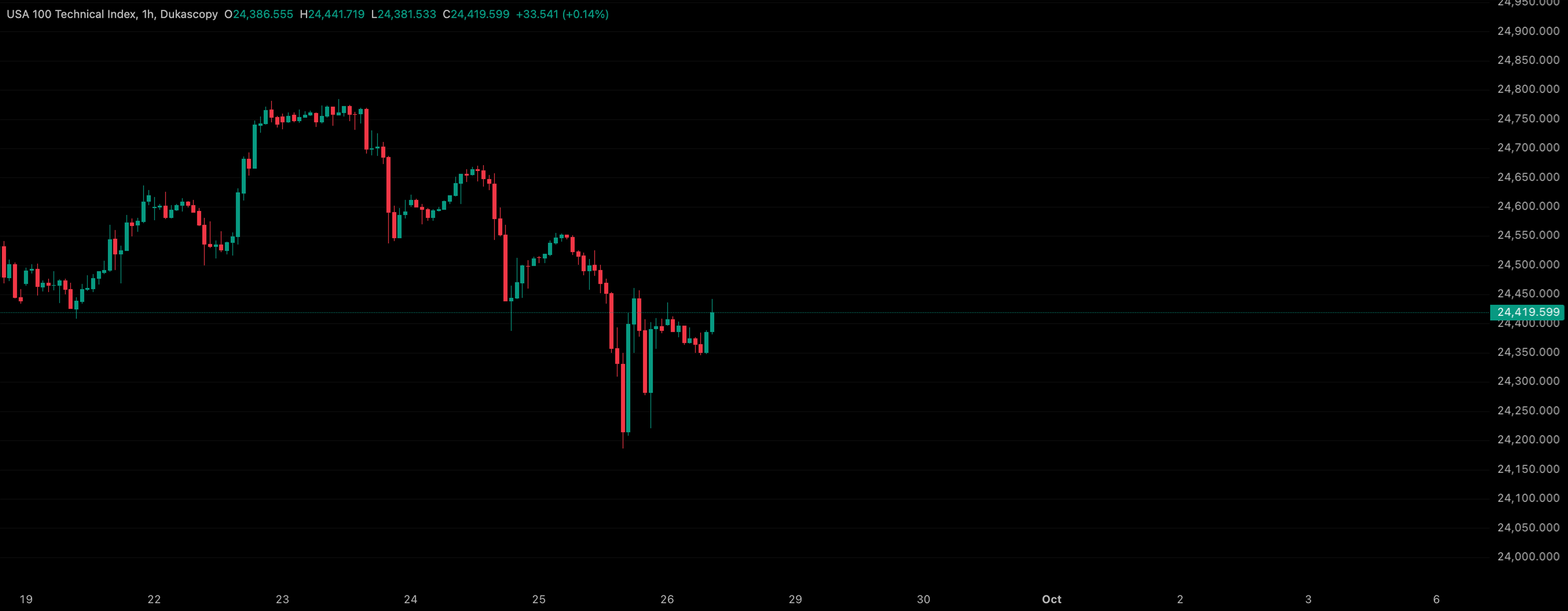
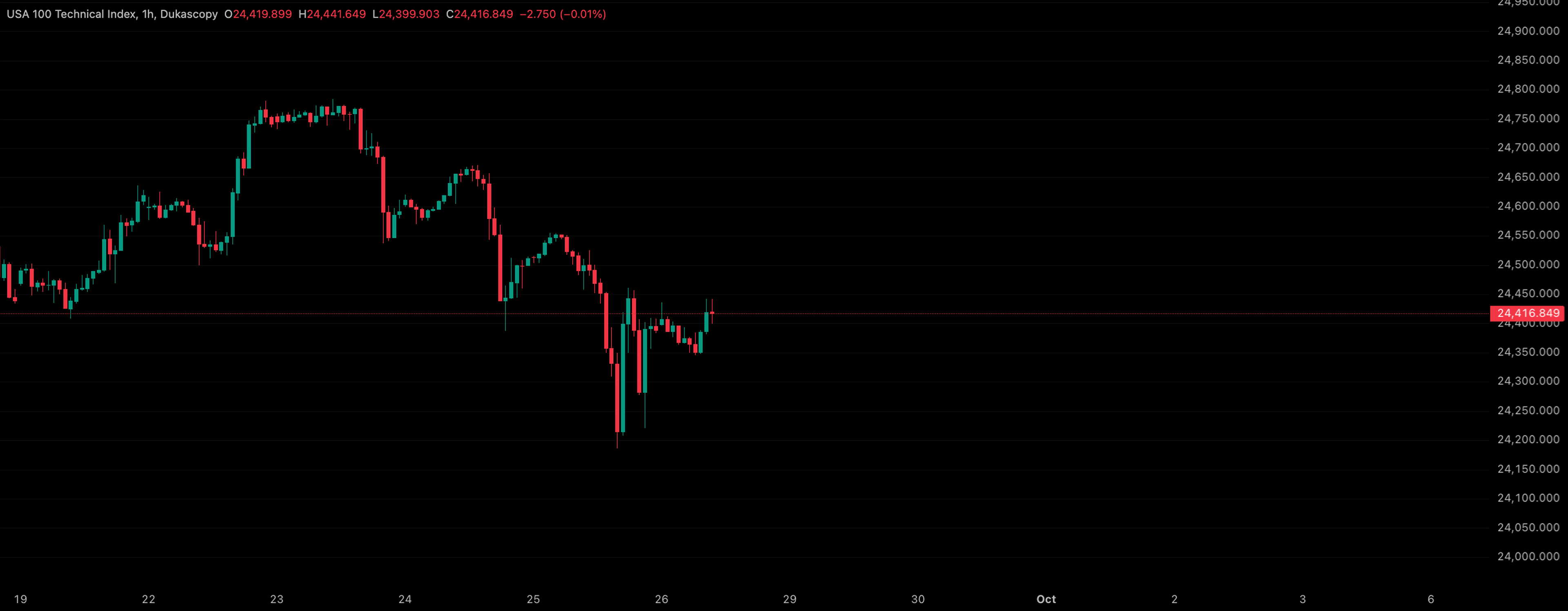
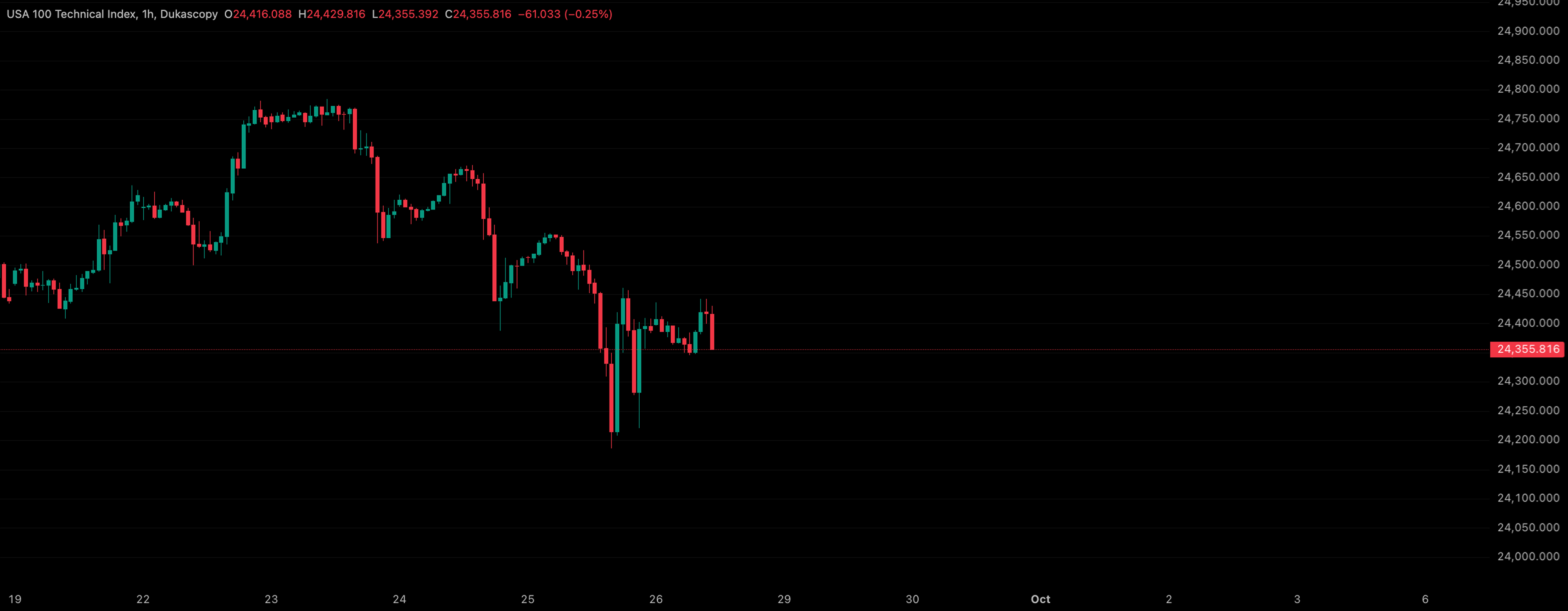
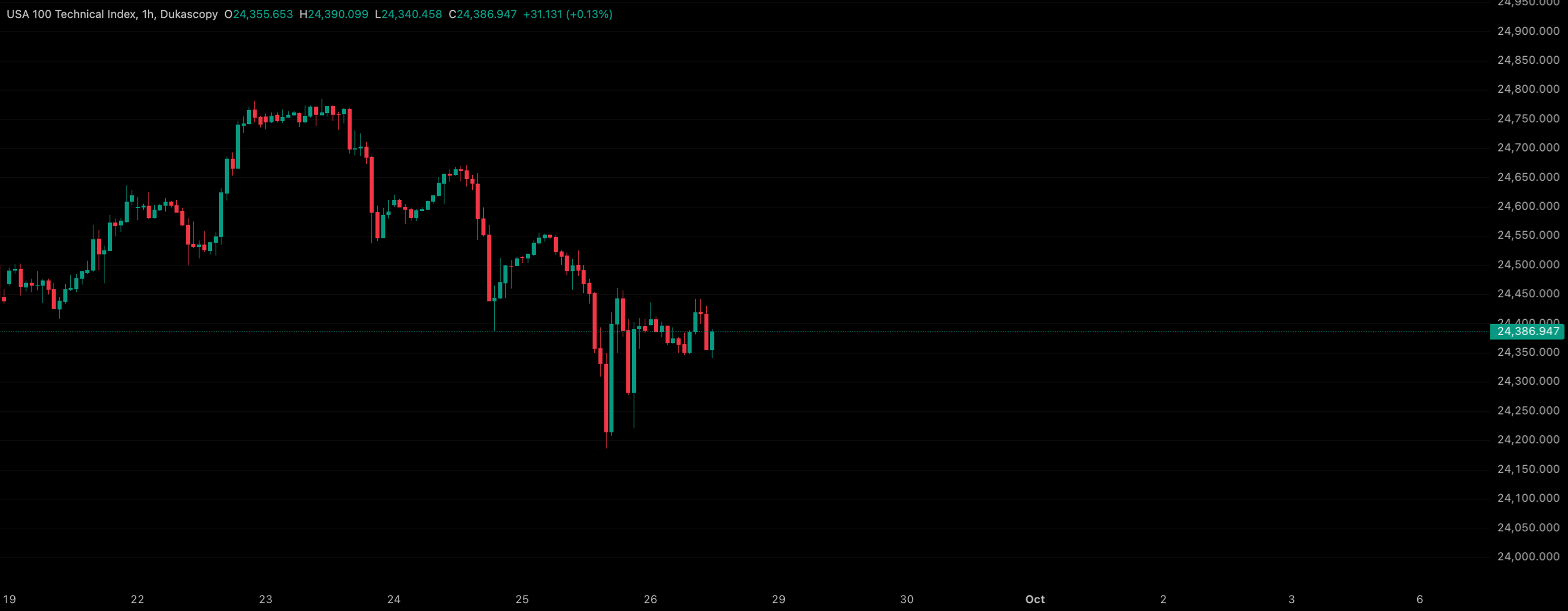
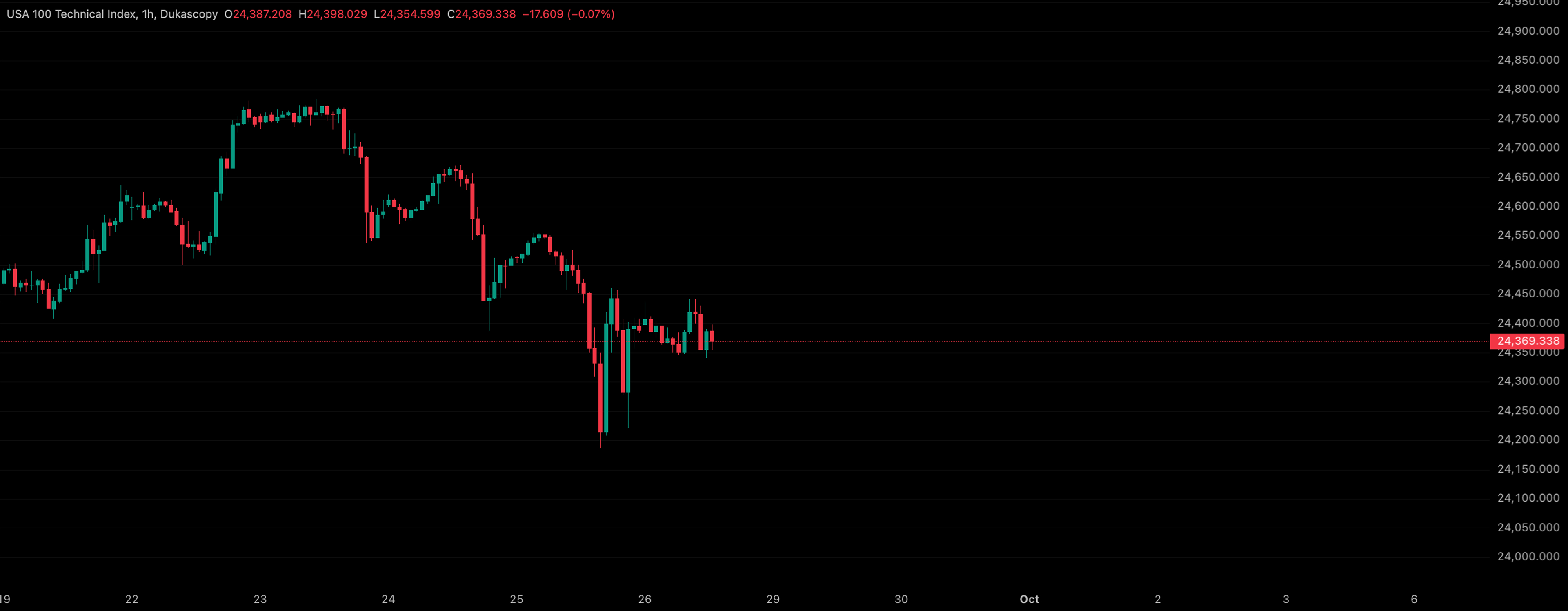
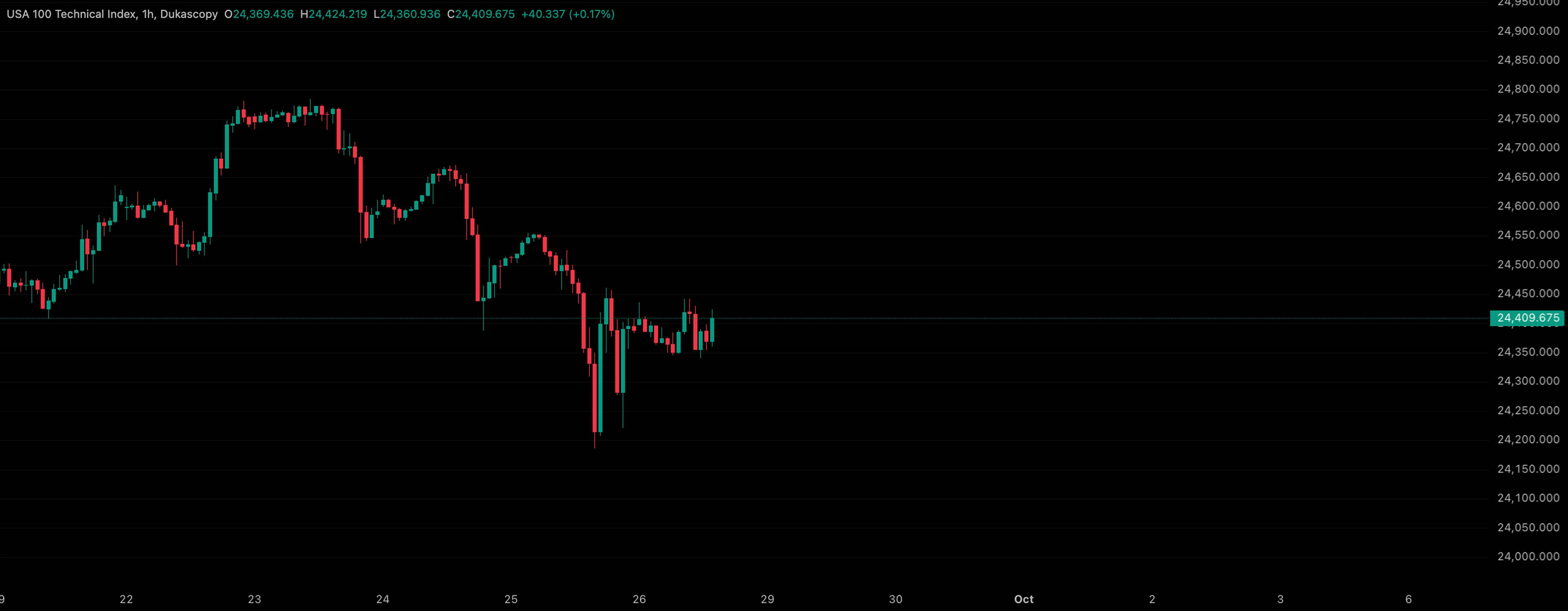
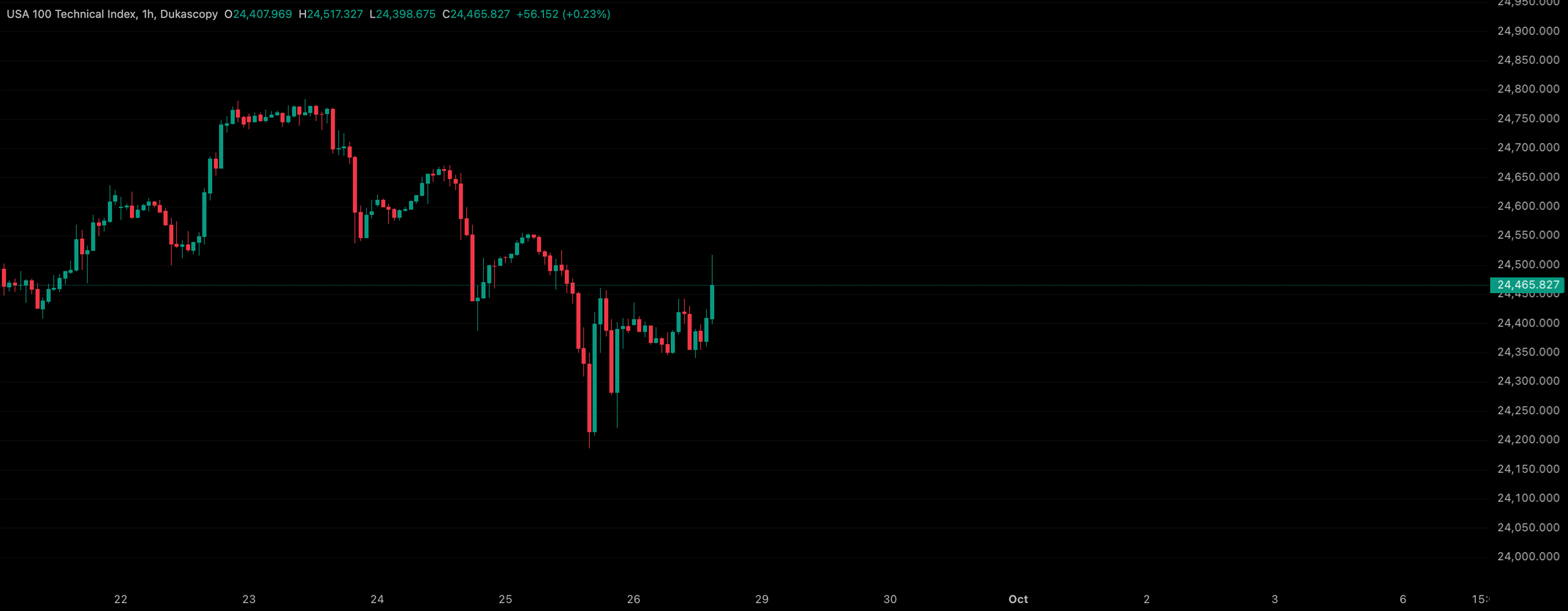
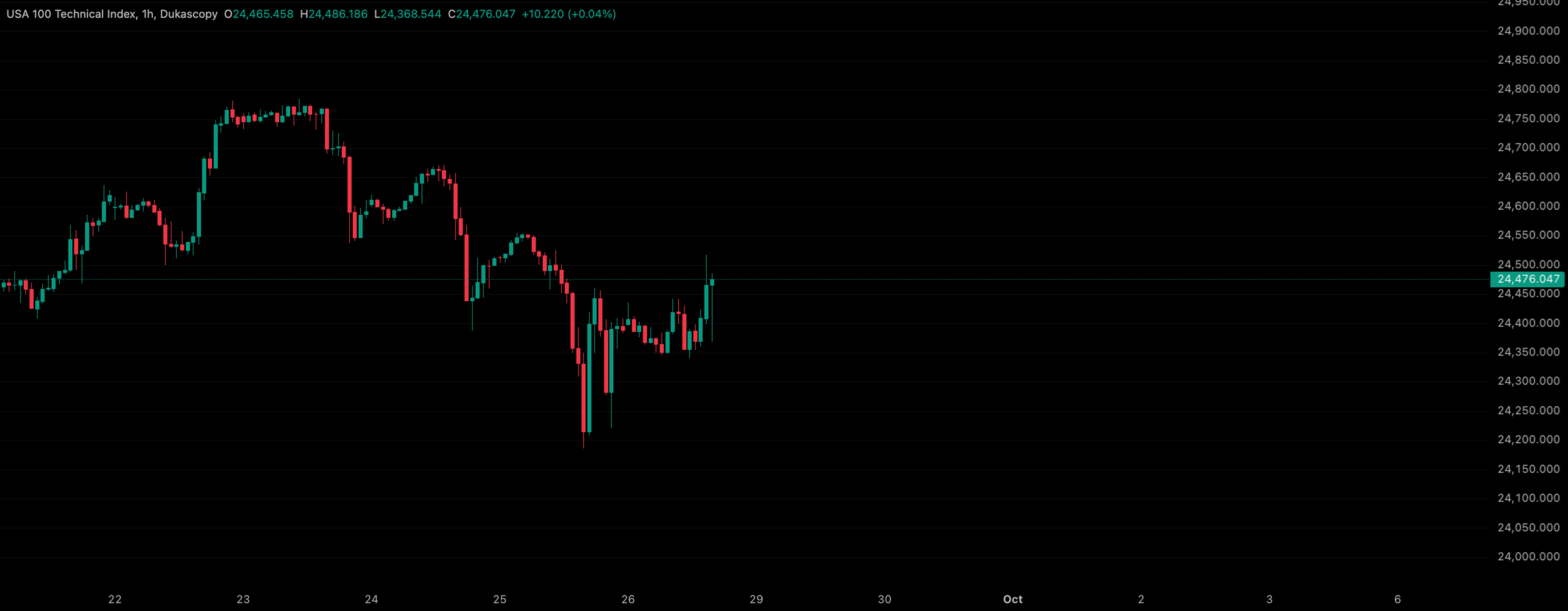
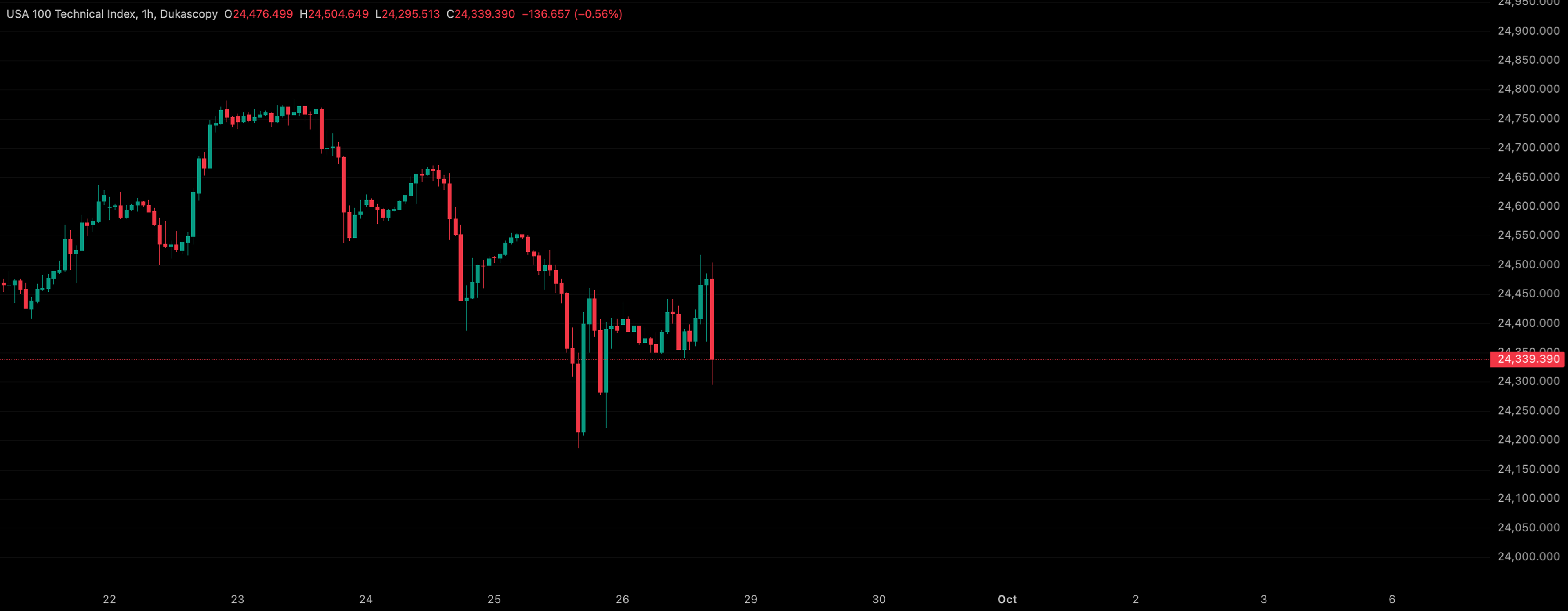
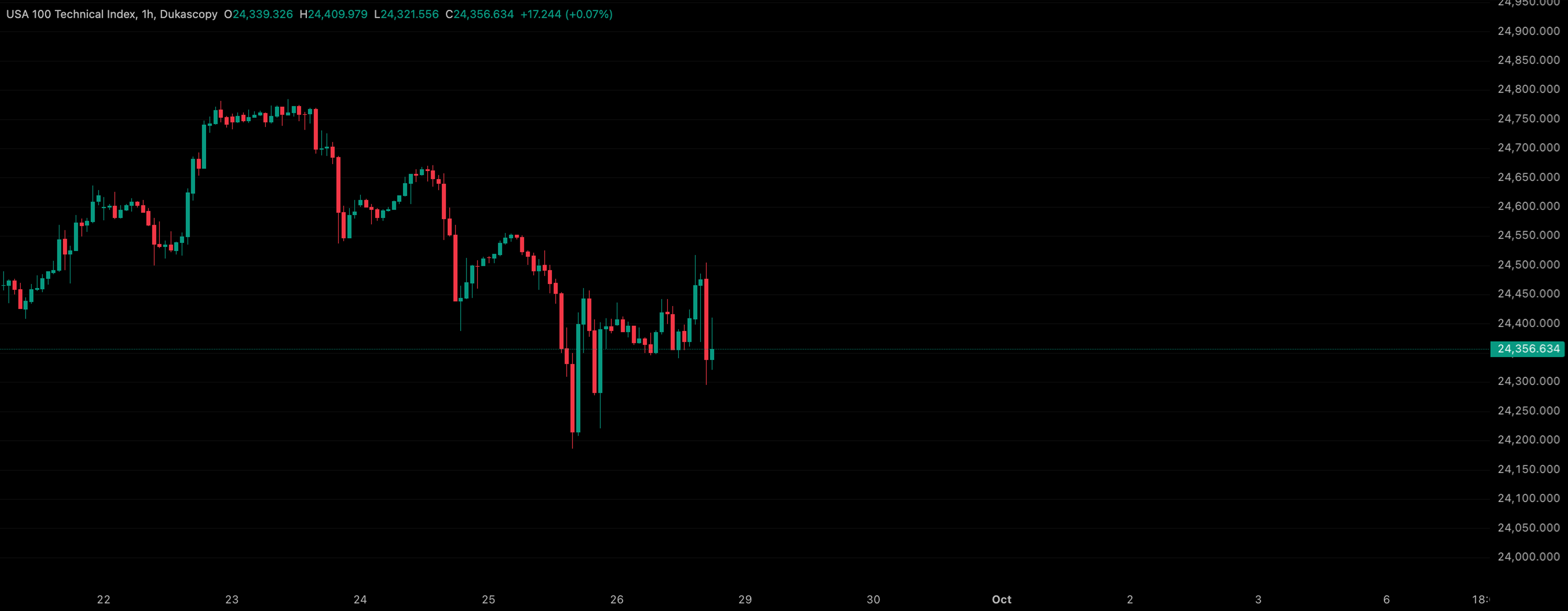
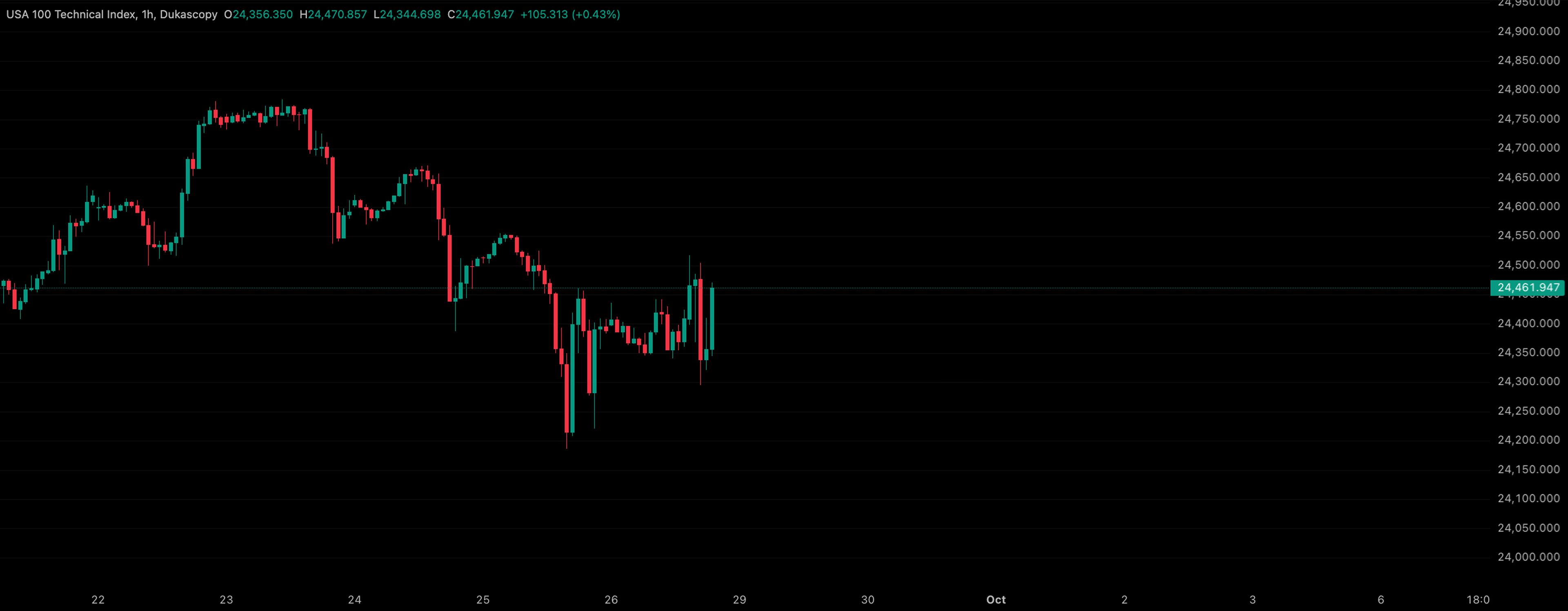
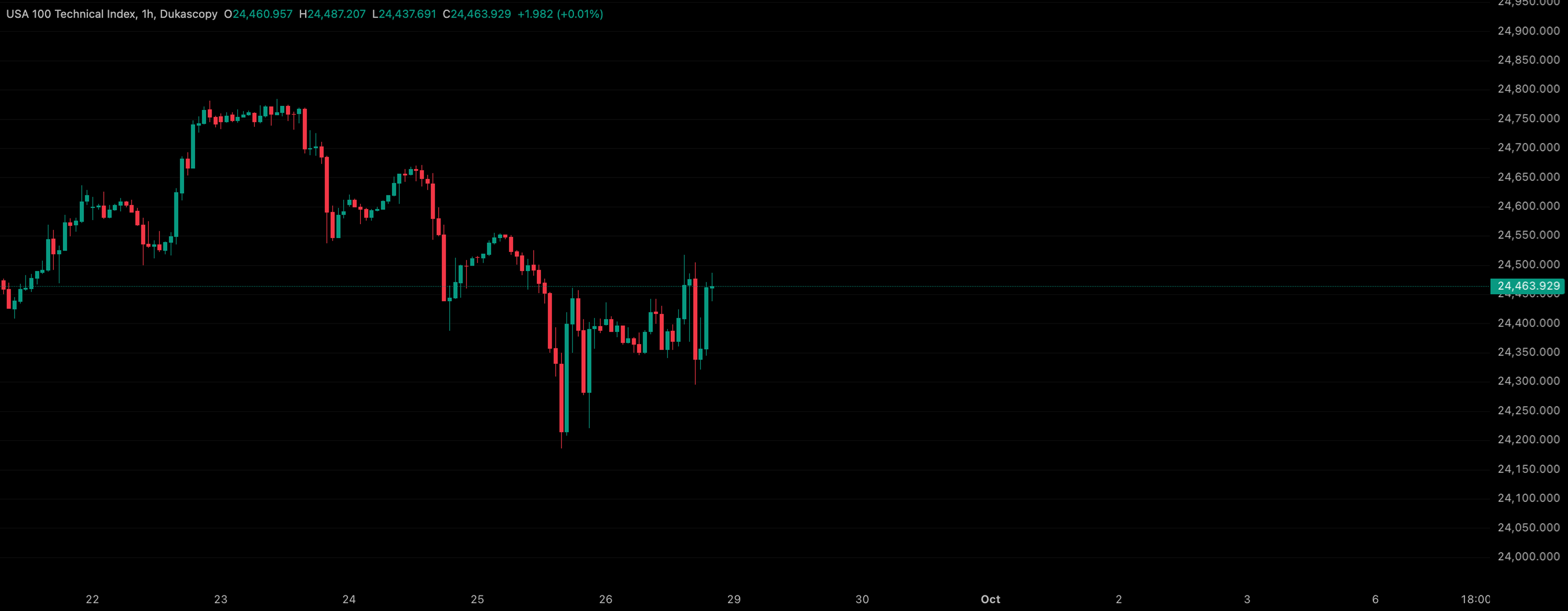


Backtest your sessions with a familiar workflowUse tools that you already use when you trade
Start for free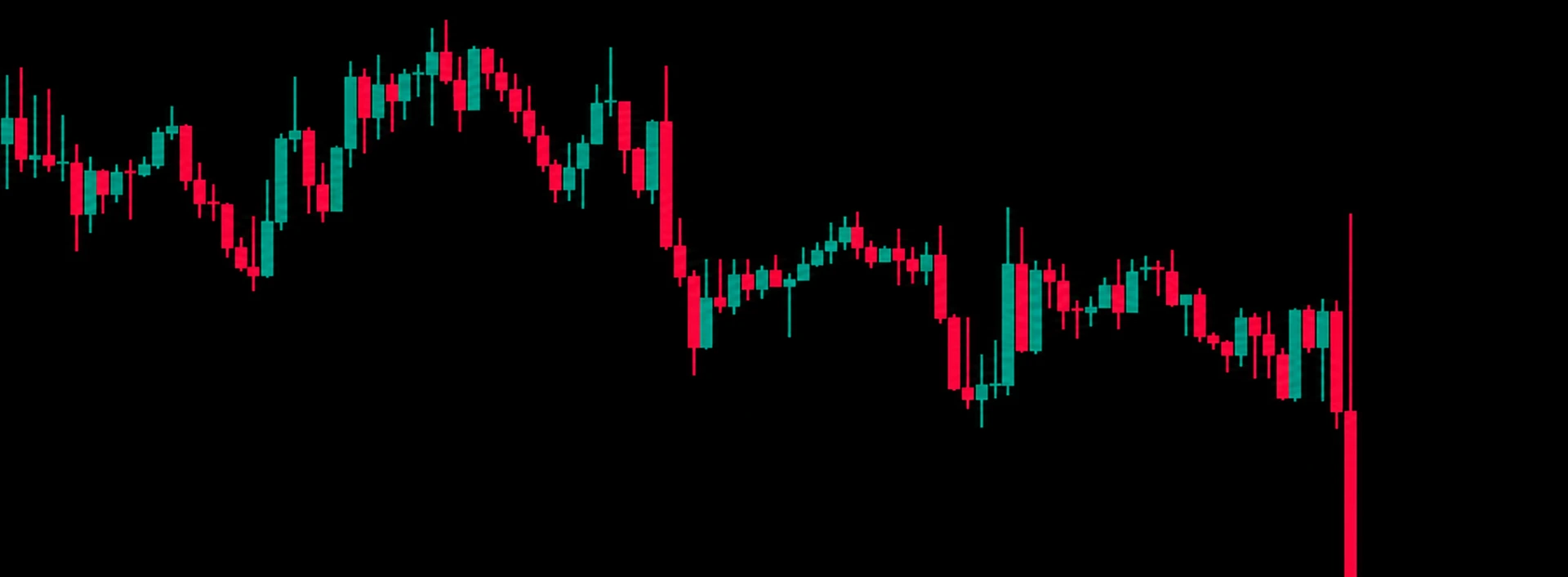
Draggable Stop Loss, Take Profit and Order Limit
The smoother experience to place and manage your backtesting trades, no more numbers and calculations.
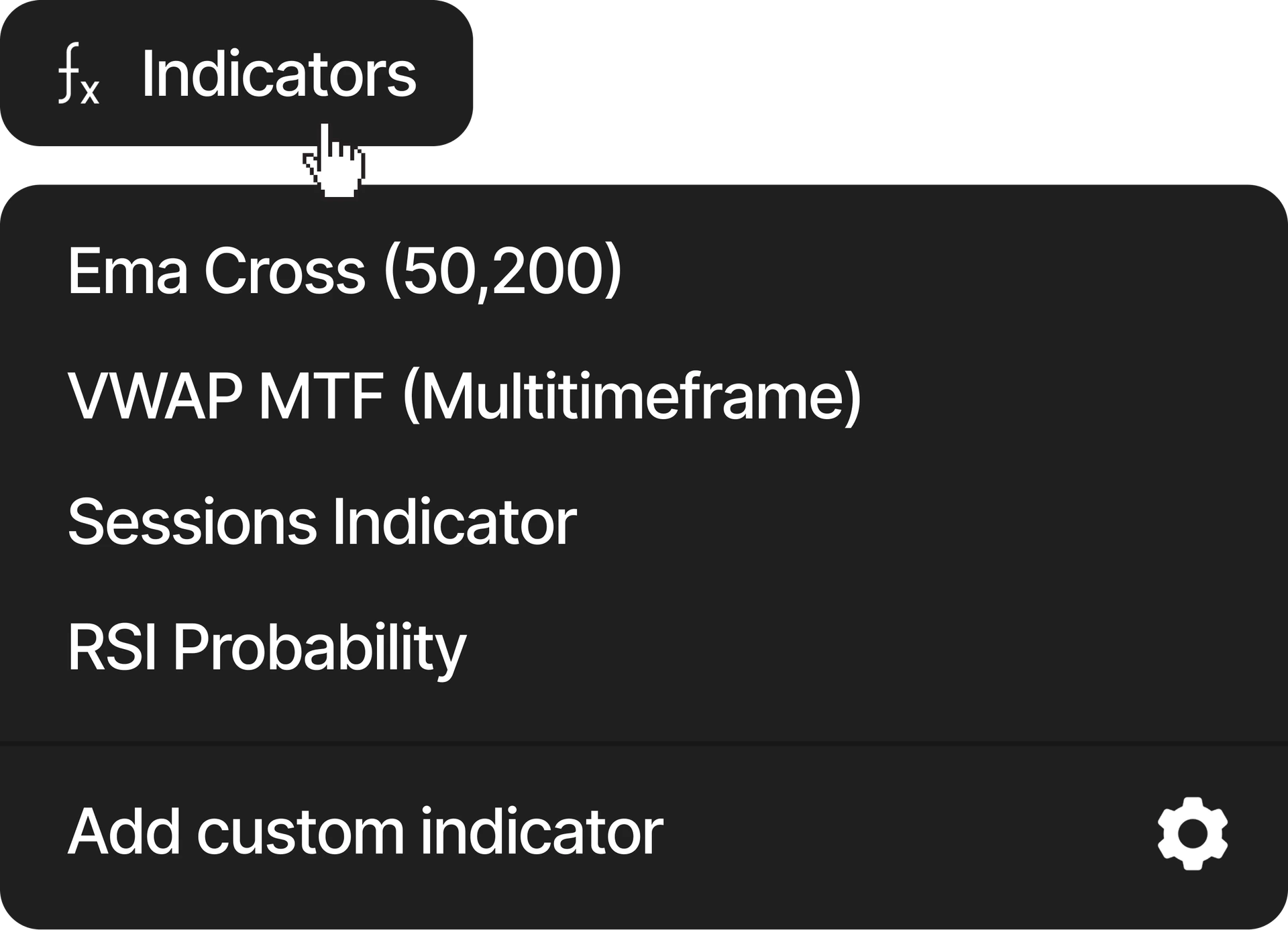
Custom indicators (Soon)
Use the pre-created indicators or create your own custom one
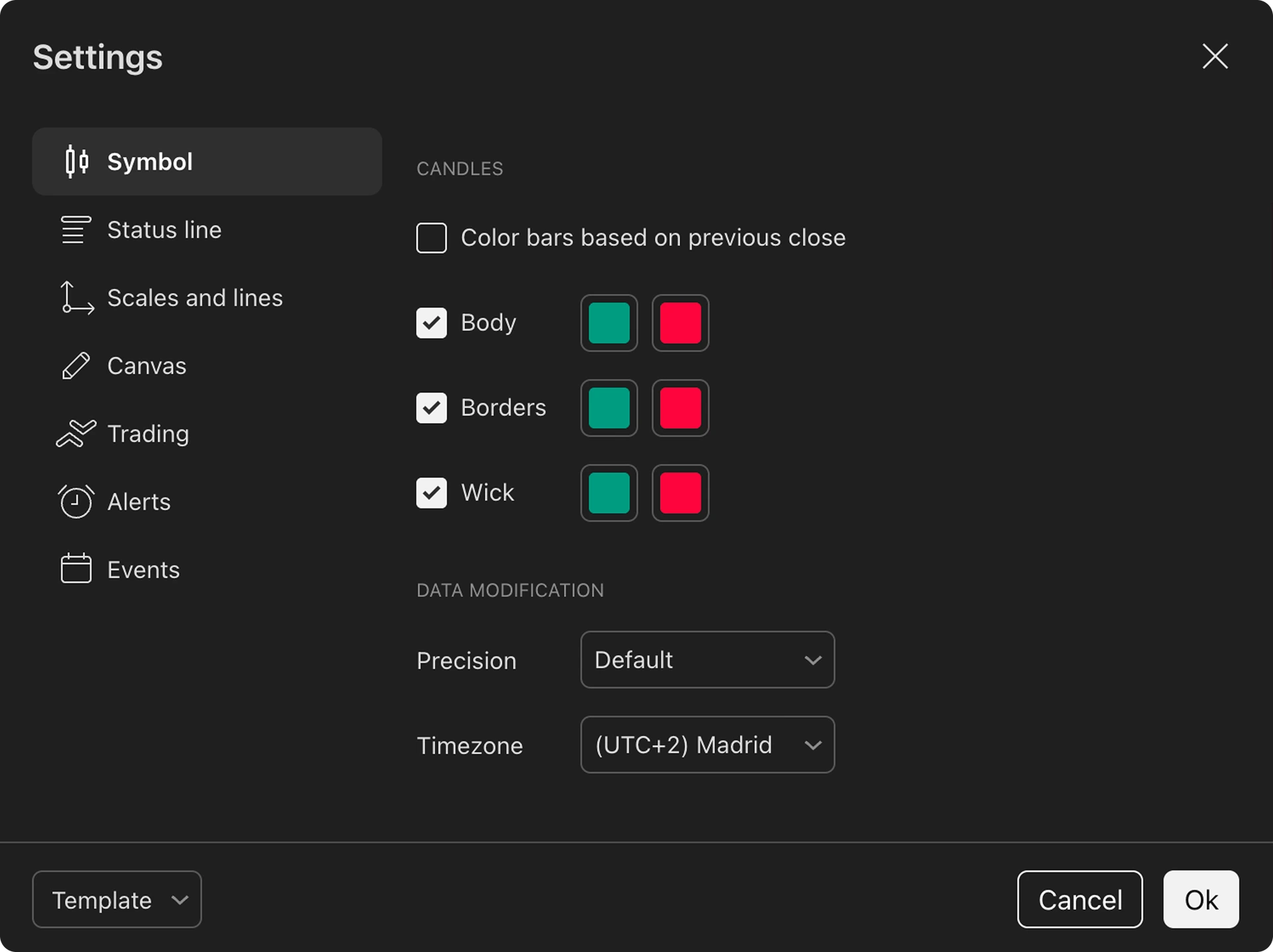
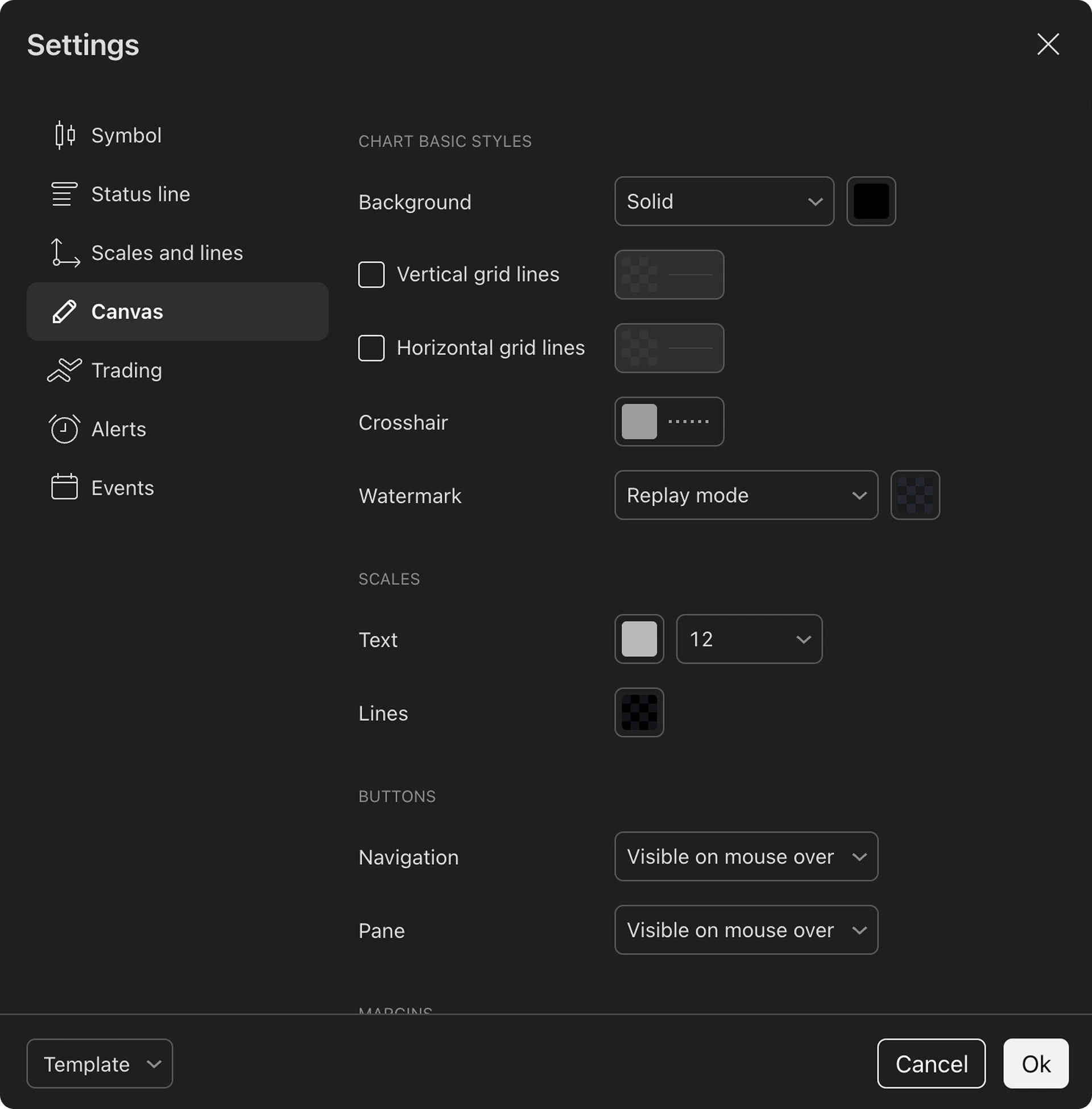
Customizable charts
You can select your preferred chart color, candles, lines and more. You can customize every inch, save layouts and use them again.
Tradespad vs other journal/backtesting softwareSee why traders switch to Tradespad
Why traders journal and backtestGuess less. Prove more. Improve faster.
Why journal your trades
A journal turns every session into feedback you can actually use.
- See which setups, sessions, and habits make you money — and which ones don't.
- Review decisions with notes, screenshots, and tags instead of relying on memory.
- Spot emotional patterns early and stay consistent when the market gets loud.
Why backtest your strategy
Backtesting lets you validate an edge before you risk real capital.
- Replay historical markets and test entries, exits, and risk rules bar by bar.
- Build confidence with data across different conditions, not a few lucky trades.
- Refine your strategy faster by learning from hundreds of simulated trades.
What traders think about TradespadReviews from Tradespad users
“My favourite thing about Tradespad is the design, everything is clear, not confusing like other apps”
Nico R.
Tradespad User
“I love that i can keep all my trading accounts together and check my total portfolio value in a quick view”
Jonah
Tradespad User
“The backtesting tool is amazing. Surprisingly, the free plan gives you a lot of freedom”
Aarav S.
Tradespad User
“Keeping my accounts, strategies, trades, payouts and everything in the same place made my mind clearer”
Aisha
Tradespad User
“I truly believe that every trader should use a journal like this, it's a need if you're a trader, and this one is perfect”
Bastien
Tradespad User
“I used to use Notion to journal my trades, but this is genuinely a game changer, definitely recommended”
Juan D.
Tradespad User
Used by +7000 traders worldwide
Pricing
Fair and flexible pricing plans
for every need
A real free plan with no credit card needed. Paid plans unlock auto-sync, more account slots, longer backtesting sessions, and more
Free
$0/mo
No credit card needed
Journaling
- Up to 1 trading account
- Manual journaling
- Up to 1 strategy
- Limited Automatic Analytics
- Automatic journaling (+650 brokers)
Backtesting
- Up to 3 backtesting sessions
- Unlimited trades per session
- Up to 1 year of history
- Limited backtesting journaling
Other
- Up to 1 community (Soon)
- Mobile App (Soon)
Basic
$19/mo
$0 billed every 6 months
Journaling
- Up to 3 trading accounts
- Manual journaling
- Automatic journaling (+650 brokers)
- Unlimited Automatic Analytics
- Up to 3 strategies
Backtesting
- Up to 5 backtesting sessions
- Unlimited trades per session
- Up to 10 years of history
- Backtesting Journal
Other
- Up to 3 communities (Soon)
- Mobile App (Soon)
Pro
$29/mo
$0 billed every 6 months
Journaling
- Unlimited trading accounts
- Manual journaling
- Automatic journaling (+650 brokers)
- Unlimited Automatic Analytics
- Unlimited strategies
Backtesting
- Unlimited backtesting sessions
- Unlimited trades per session
- Up to 23 years of history
- Backtesting Journal
Other
- Unlimited communities (Soon)
- Mobile App (Soon)
Unlock the full Tradespad experience with our Pro plan and access every advanced feature. See full comparison
Frequently Asked Questions Trading journals, backtesting, and how Tradespad works.
Tradespad is an all-in-one trading journal, analytics, and TradingView chart backtesting platform. You can track live trades, review performance, and test strategies in one workflow. Start free to try it.
Yes. Tradespad includes a real free forever plan with no credit card required. Paid plans unlock more capacity such as auto-sync, extra account slots, and longer backtesting sessions. See current limits on the pricing page or create a free account.
Yes. Tradespad supports broker connections and auto-sync for +650 brokers. Check available brokers and integrations on the integrations page, then sync trades into your trading journal automatically.
Yes. You can add trades manually in the journaling workflow without connecting a broker. Manual import and CSV options are available if you prefer not to use auto-sync. Start free and journal your first trades right away.
Many tools focus only on journaling or only on backtesting. Tradespad combines a minimalist trading journal, visual filtered analytics, and TradingView chart backtesting in one place, with a real free plan on the pricing page.
Yes. Many traders use Tradespad to journal prop firm accounts and track performance across multiple accounts. Tradespad does not place trades or change execution. Before connecting a prop firm account, check your firm's rules, and prefer read-only credentials when available. See supported platforms for connection options.
The best journaling software depends on your needs, but most traders want a clean journal, useful analytics, and room to grow. Tradespad is built for daily trade journaling with performance analytics and optional strategy backtesting, including a free plan on the pricing page.
Yes. Tradespad includes TradingView chart backtesting on the free forever plan, so you can replay markets, place simulated trades, and review results without paying upfront. Compare plan limits on the pricing page or start free.
Tradespad and TradeZella are both trading journals, but they serve different needs. TradeZella is a denser all-in-one suite, while Tradespad focuses on a cleaner journal plus TradingView backtesting with a real free plan. Tradespad is a great TradeZella Alternative if journaling and backtesting are your main priorities.
Both Tradespad and FX Replay combine chart replay with journaling, but Tradespad plans give you more freedom and a more minimalist, easier-to-use interface. If journaling and backtesting are your priority, Tradespad is a strong FX Replay alternative. Learn more on our backtesting page.
Yes. Tradespad backtesting runs on familiar TradingView charts so you can replay bars, place trades, and manage risk in a realistic environment. Learn more on the backtesting page or try it free.