Journaling shouldn't be boringJournaling shouldn't be boring
Manually create your trades or automatically sync them. Add screenshots, notes, fill your confluences and more.Manually create your trades or automatically sync them.
Add screenshots, notes, fill your confluences and more.
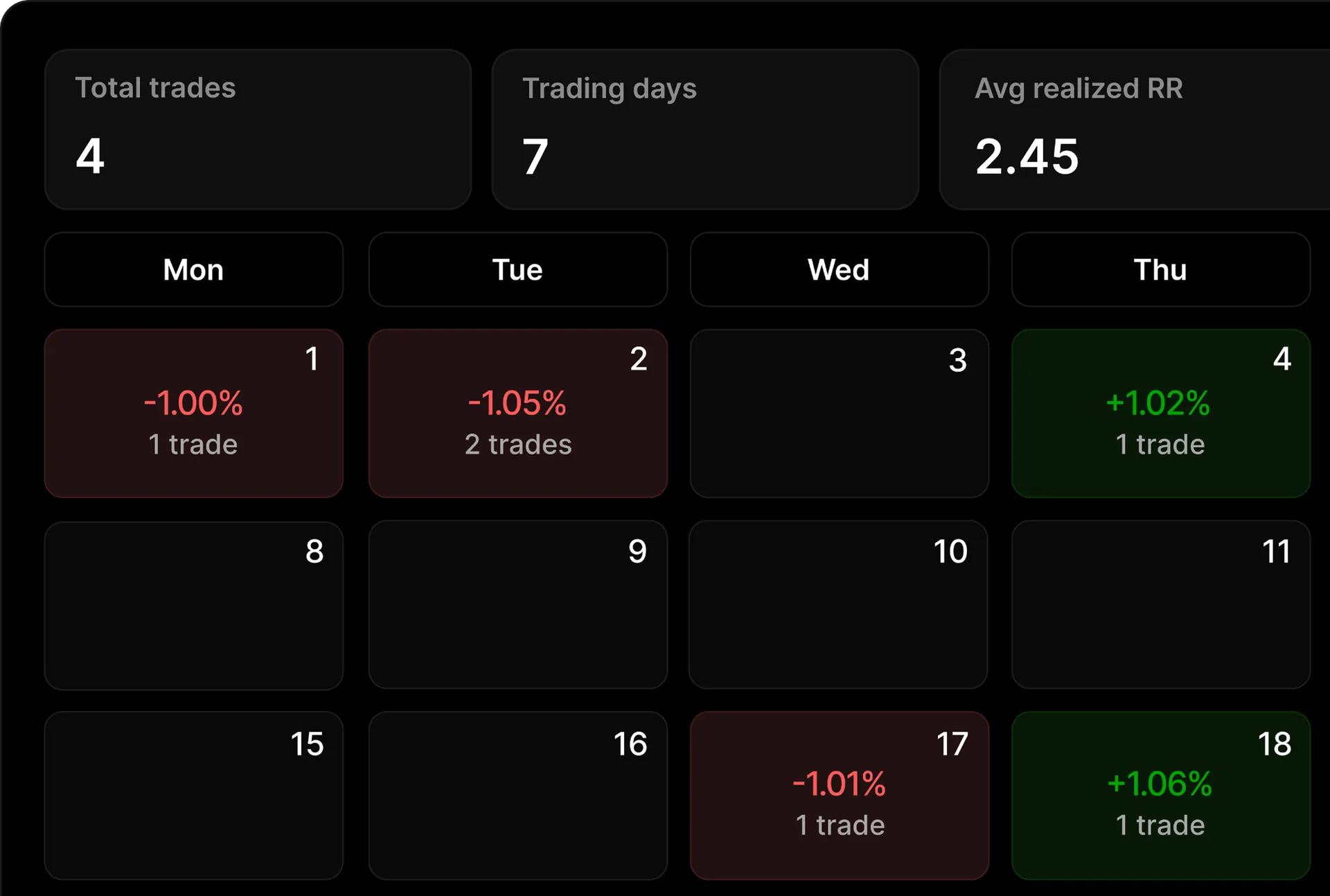
Profit/Loss Calendar. Have a track of your trades in calendar view and see how your months perform
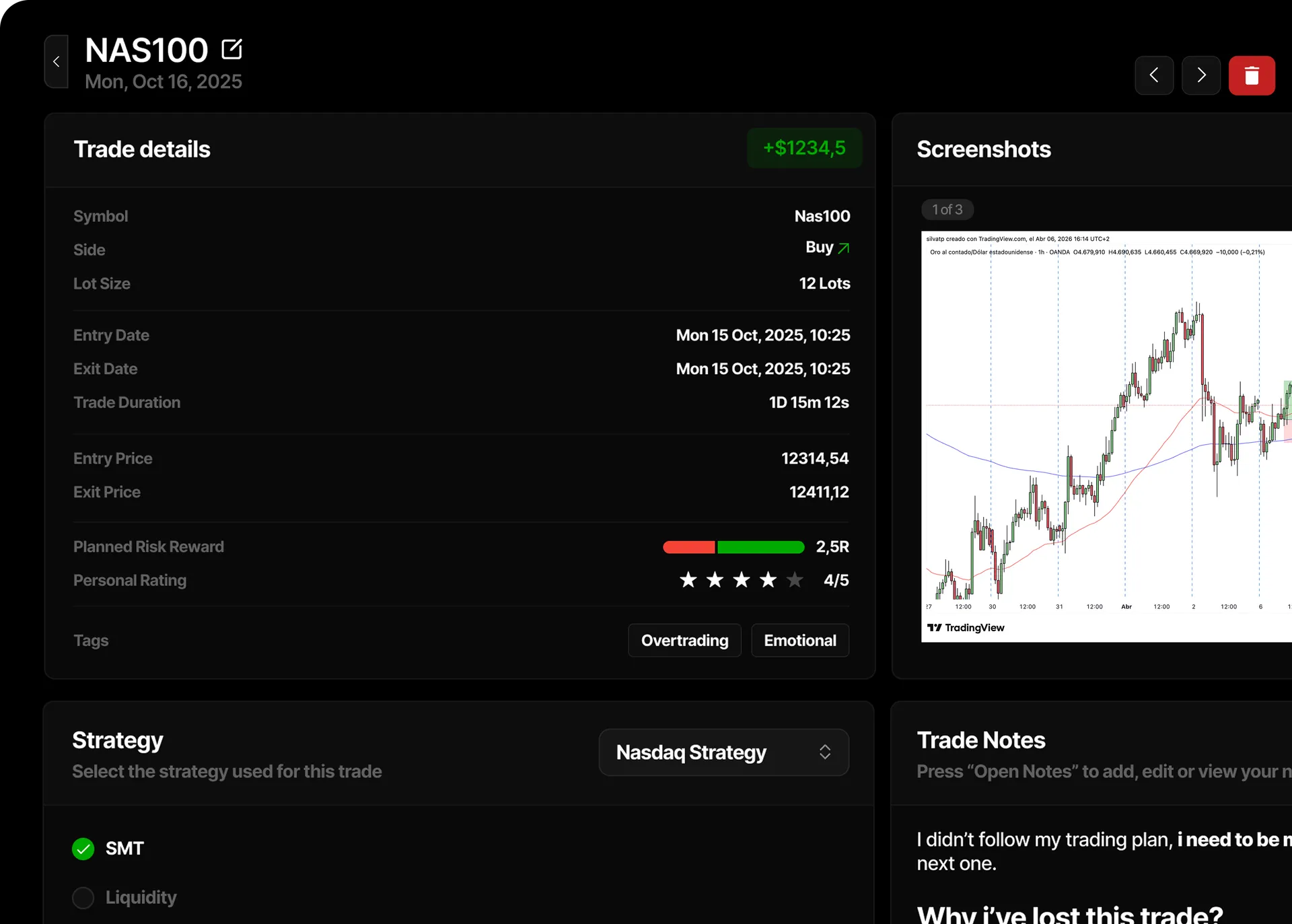
Journal every trading metric. Risk reward, personal rating, trade details (date, time, price, entry/exit, and more)
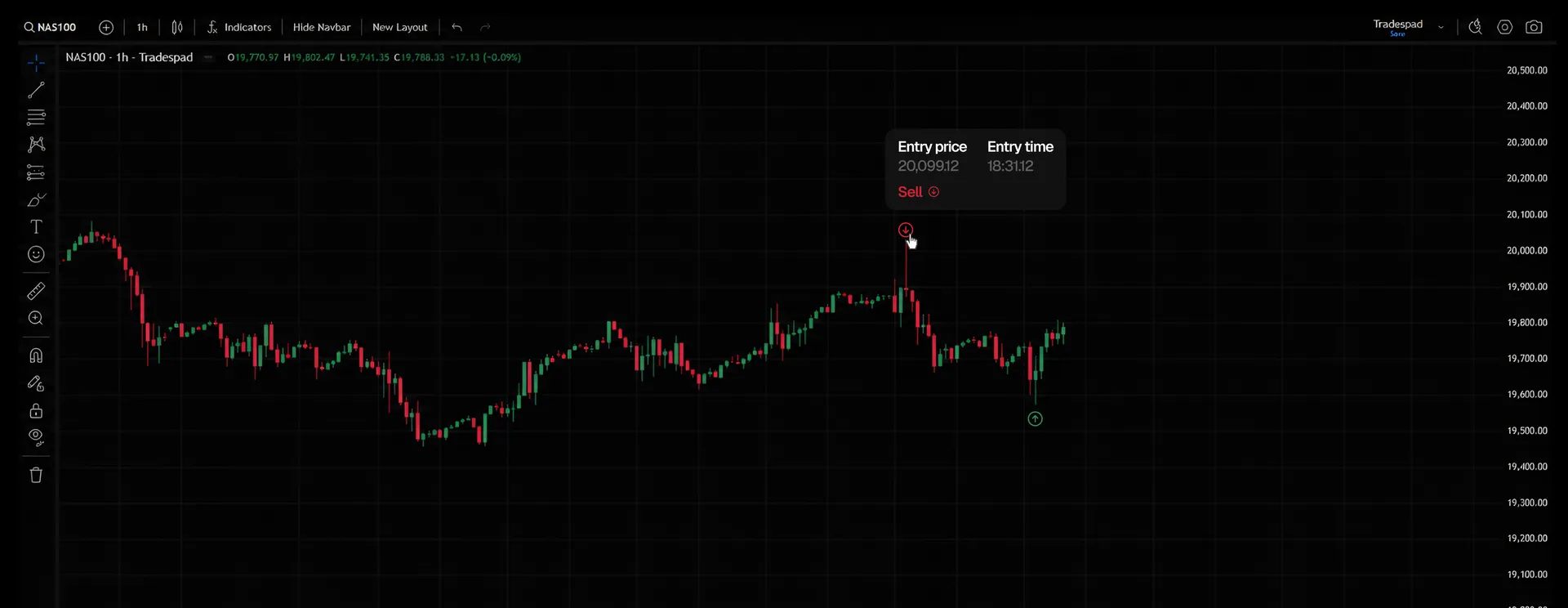



Sell
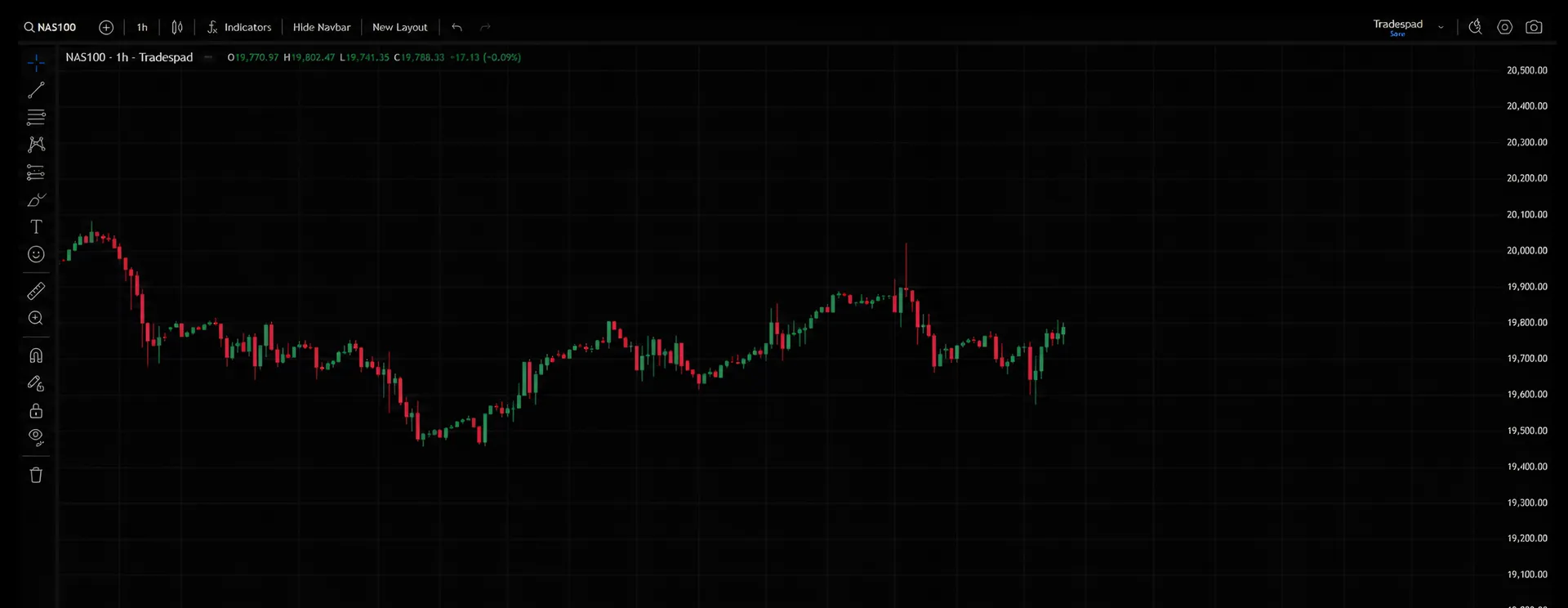
Entry and exit point in TradingView charts. See the exact point you entered and exited in your trade. Charts are automatically generated in your Tradespad trades*
Start journaling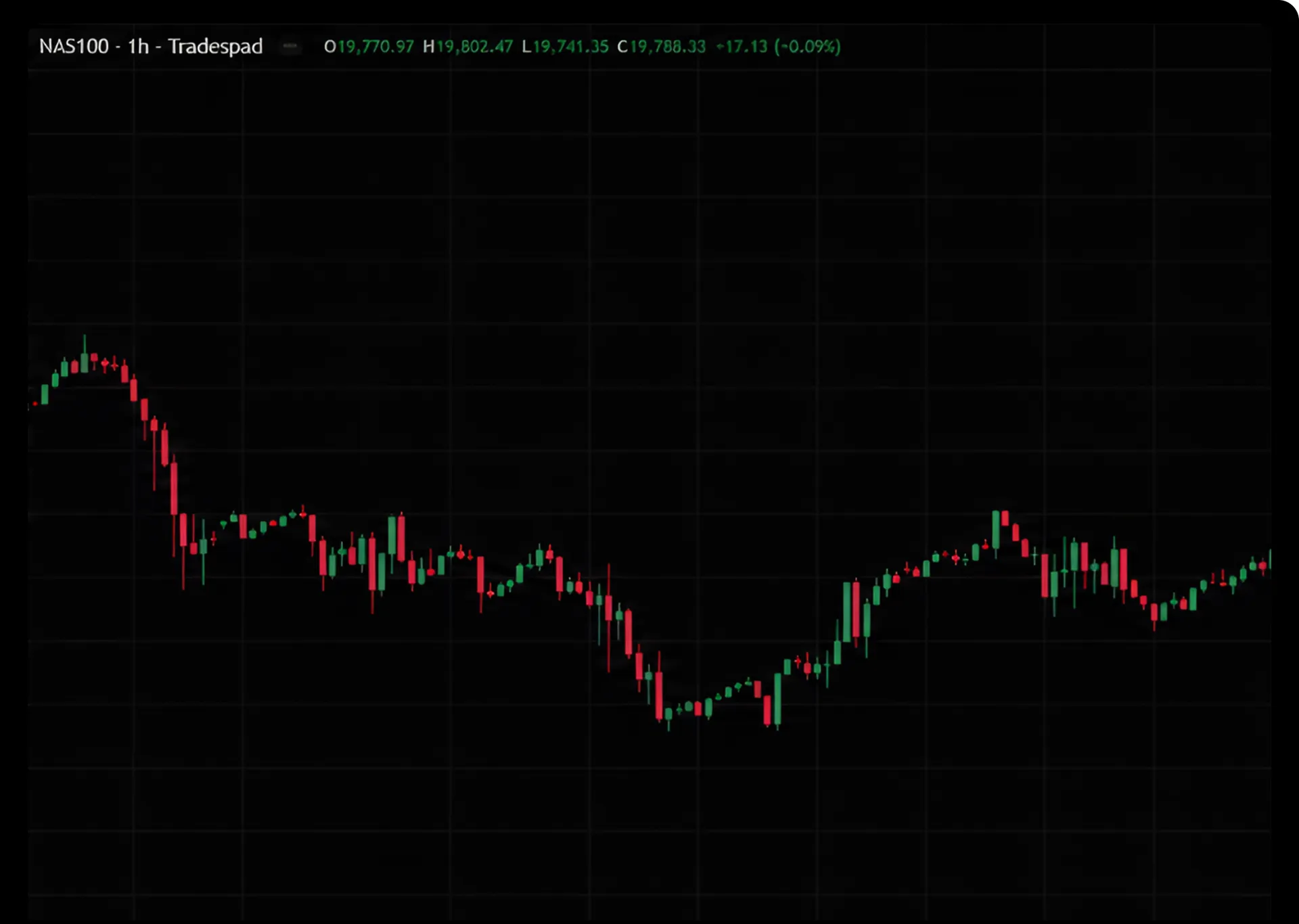
Trade notes
Add screenshots and notes. Add photos and take notes to review your mistakes and capture certain scenarios.
Fill your strategy confluences. After creating your strategy, add it to your trades and fill the confluences.
Strategy
Select the strategy used for this trade
Fill your strategy confluences. After creating your strategy, add it to your trades and fill the confluences.






+650 brokers
Connect your trading accounts. Check our listed platforms to see if you can connect your trading account to Tradespad.
Ready to become a profitable trader? Start journaling with Tradespad today, the all-in-one journaling software used by +7000 traders worldwide