The best free TradingView Bar Replay alternative. TradingView-powered chart replay with simulated trade recording, a backtesting journal, and analytics on a real free plan, no credit card needed.
Why look for a TradingView Bar Replay alternative?
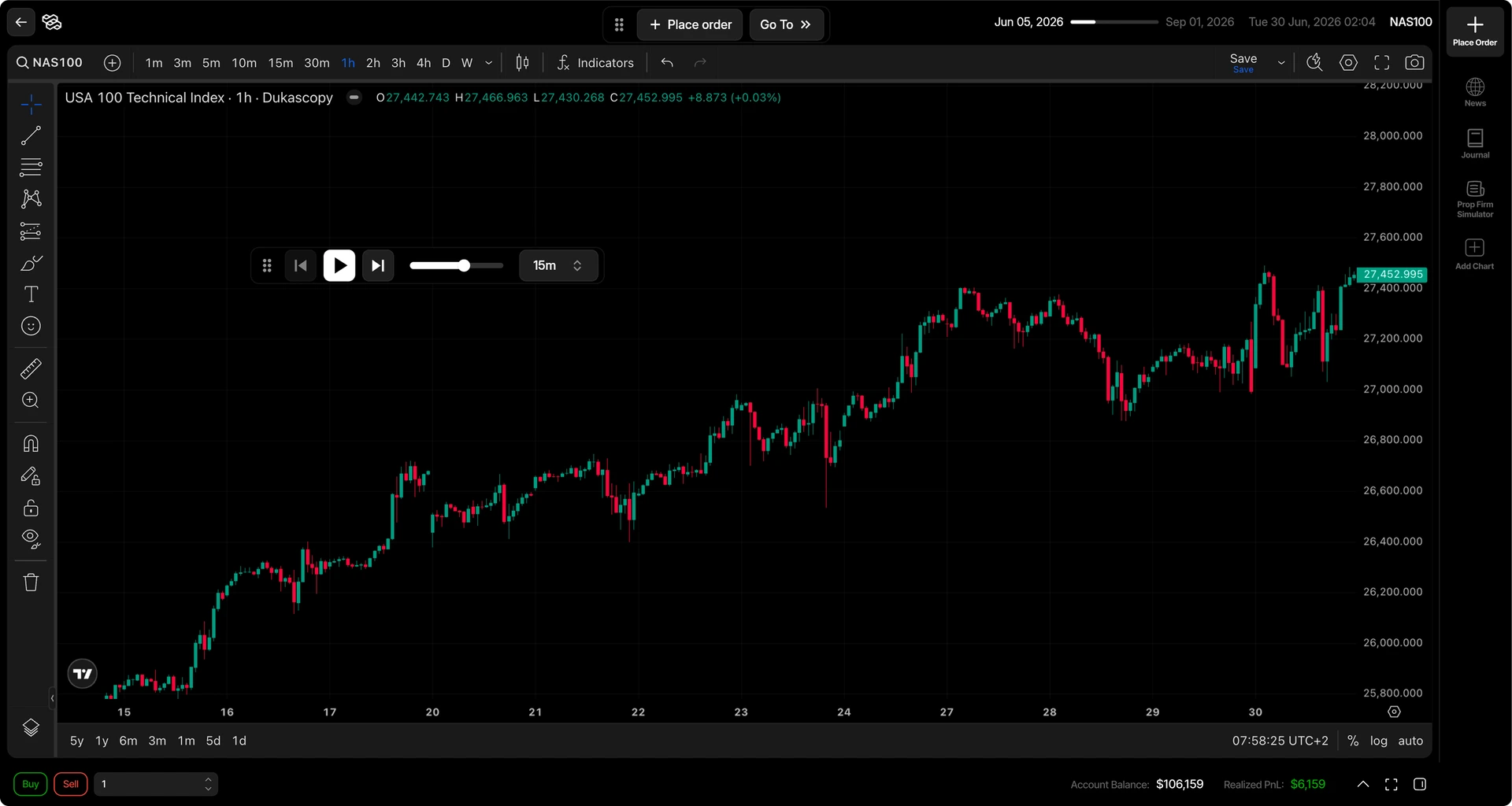
TradingView Bar Replay is excellent for stepping through historical candles and studying price action. Traders look for an alternative when they want to record simulated trades, keep notes, review sessions, and measure performance without assembling that workflow elsewhere. Tradespad connects chart replay with journaling and analytics on TradingView-powered charts, without claiming to replace TradingView's broader charting ecosystem.
What is TradingView Bar Replay?

TradingView Bar Replay is TradingView's built-in way to step through historical candles on a chart. Traders use it to study price action, practice reading structure, and review how a setup might have unfolded without committing live capital.
As a visual study tool it is strong: familiar charts, familiar controls, and a clear path to inspect the past bar by bar. Many traders start here before they look for dedicated bar replay software or a TradingView backtesting alternative.
Where native Bar Replay is thinner is the practice loop after the candles: recording simulated trades in a structured way, journaling those decisions, and reviewing session performance over time. That gap is why searchers look for a TradingView Bar Replay alternative rather than more chart features alone.
Why traders search for a TradingView replay alternative
People searching TradingView Bar Replay alternatives are usually not asking for a different chart engine. They want a more realistic trading simulation experience without paying for a suite subscription: replay history, take trades as if they were live, journal backtesting trades, learn from the results with analytics, and more.
Simulated trades get lost outside the chart
If practice fills live only in your head or in a scattered notebook, it is hard to improve. A TradingView Bar Replay alternative that records simulated trades keeps those decisions attached to the session.
Replaying bars is good, but the job doesn't end there
Stepping through candles is only half the loop. Traders who want notes, tags, and chart context after the replay usually need backtesting journaling connected to the same workflow.
Backtesting without analytics is useless
Tradespad automatically generates analytics from your backtesting trades so you can spot patterns, see what actually works, and improve your strategy over time, instead of replaying bars without a clear read on the results.
Best TradingView Bar Replay alternatives in 2026
These tools help when native Bar Replay alone is not enough for a structured practice habit. Tradespad is the free TradingView Bar Replay alternative we built for replay plus journaling. Others fit replay-only practice or denser journaling suites. Confirm live plans on each site.
Tradespad Best free TradingView Bar Replay alternative. TradingView-powered replay, simulated trades, journaling, and analytics on a real $0 forever plan.
FX Replay A dedicated chart-replay practice tool some traders compare when they want a replay-first environment. Has a free plan with tighter session and historical data limits than Tradespad Free.
Traders Casa A chart-replay option some traders compare for strategy practice. Confirm current plans and features on their site.
TradeZella A fit if you want backtesting inside a denser paid journaling suite rather than a free forever structured replay workflow.
Free Tradespad vs TradingView Bar Replay Essential plan Same idea of historical replay; different workflows. Tradespad adds structured trade capture, journaling, and review. Native Bar Replay stays strongest for studying price action inside TradingView alone.
See full pricingTradespad
Free plan
TradingView
Essential · $15 a month
$0 forever free
Start free$0–$239.95 Basic to Ultimate
Neither option is universally better. Choose native TradingView Bar Replay if you mainly want to inspect historical price action on TradingView. Choose Tradespad when you want simulated trade records, a backtesting journal, and performance analytics connected to the same TradingView-powered replay workflow. On 1m candles, Tradespad Free lists up to about 1 year of history versus about 6 months on TradingView Essential for this comparison. TradingView still offers a free Basic plan, with paid tiers through Essential, Plus, Premium, and Ultimate. Confirm live prices and history limits on each site.
TradingView plan prices that affect historical replay depth
Native Bar Replay is a TradingView feature, so access and how far back you can replay depend on the plan. Public monthly prices and Bar Replay limits (as shown on TradingView at the time of writing) look like this:

Basic is free and does not include Bar Replay. Paid tiers start at Essential around $14.95/month, then Plus around $34.95/month, Premium around $69.95/month, and Ultimate around $239.95/month (monthly pricing; billing cycles can differ).
Once you have Bar Replay (Essential and above), intraday history depth scales with the plan. Essential lists about 180 days on 1-minute replay, 2.5 years on 5-minute, and 7.5 years on 15-minute. Plus lists about 365 days on 1-minute, 5 years on 5-minute, and 15 years on 15-minute. Premium and Ultimate list all available history on those timeframes. Second-based replay starts on Premium. Tick-by-tick replay and up to 7 days of historical tick data appear on Ultimate.
That is why many traders compare a TradingView Bar Replay alternative when they want longer practice history without jumping paid tiers, or when they want simulated trades, journaling, and analytics attached to the session. Tradespad Free starts at $0 for a structured replay-plus-review workflow on TradingView-powered charts. Confirm live Bar Replay limits and prices on TradingView, and Free-plan details on Tradespad pricing.
Analyze your backtesting results.Understand what works and what doesn't
Start for free
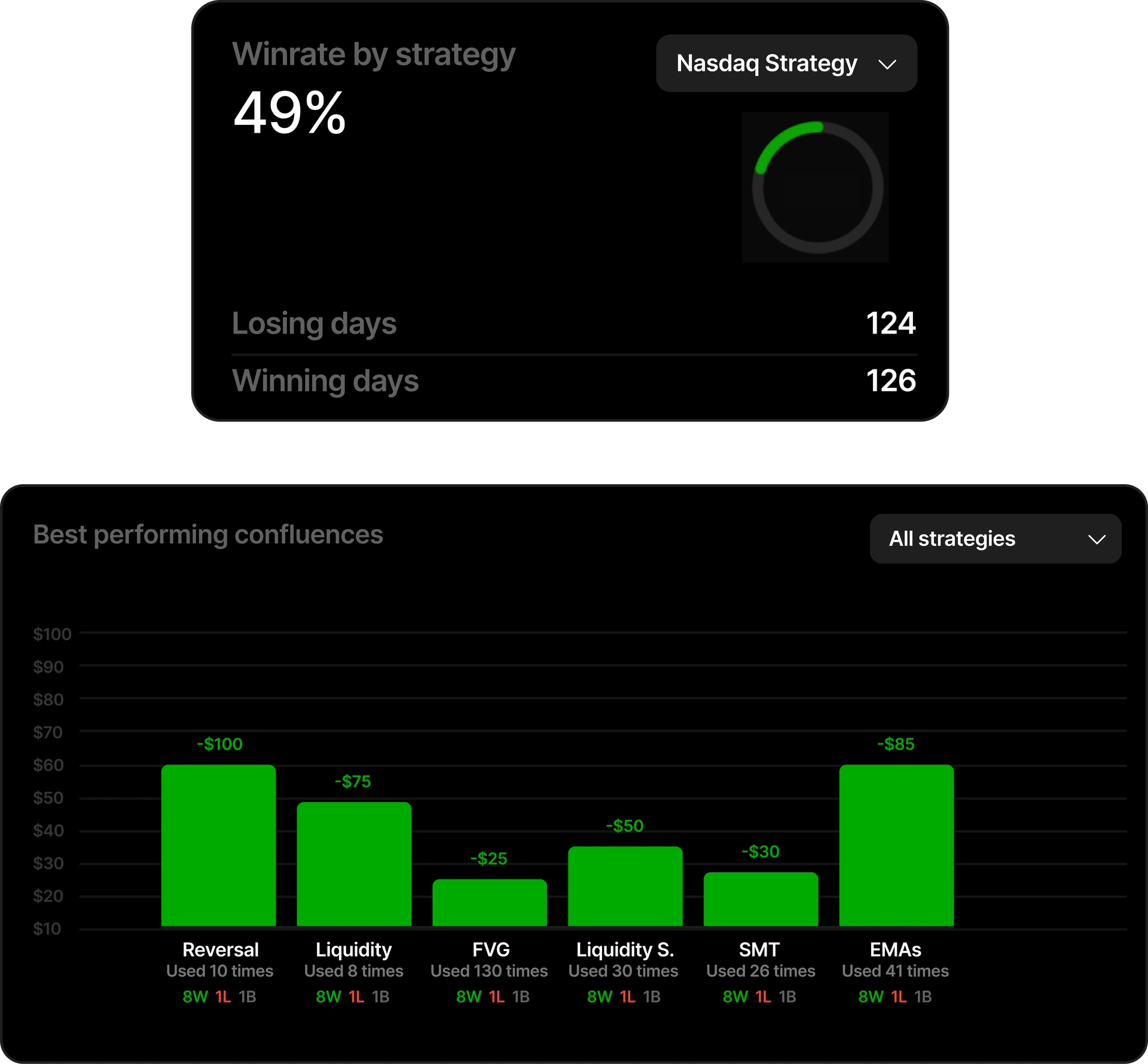
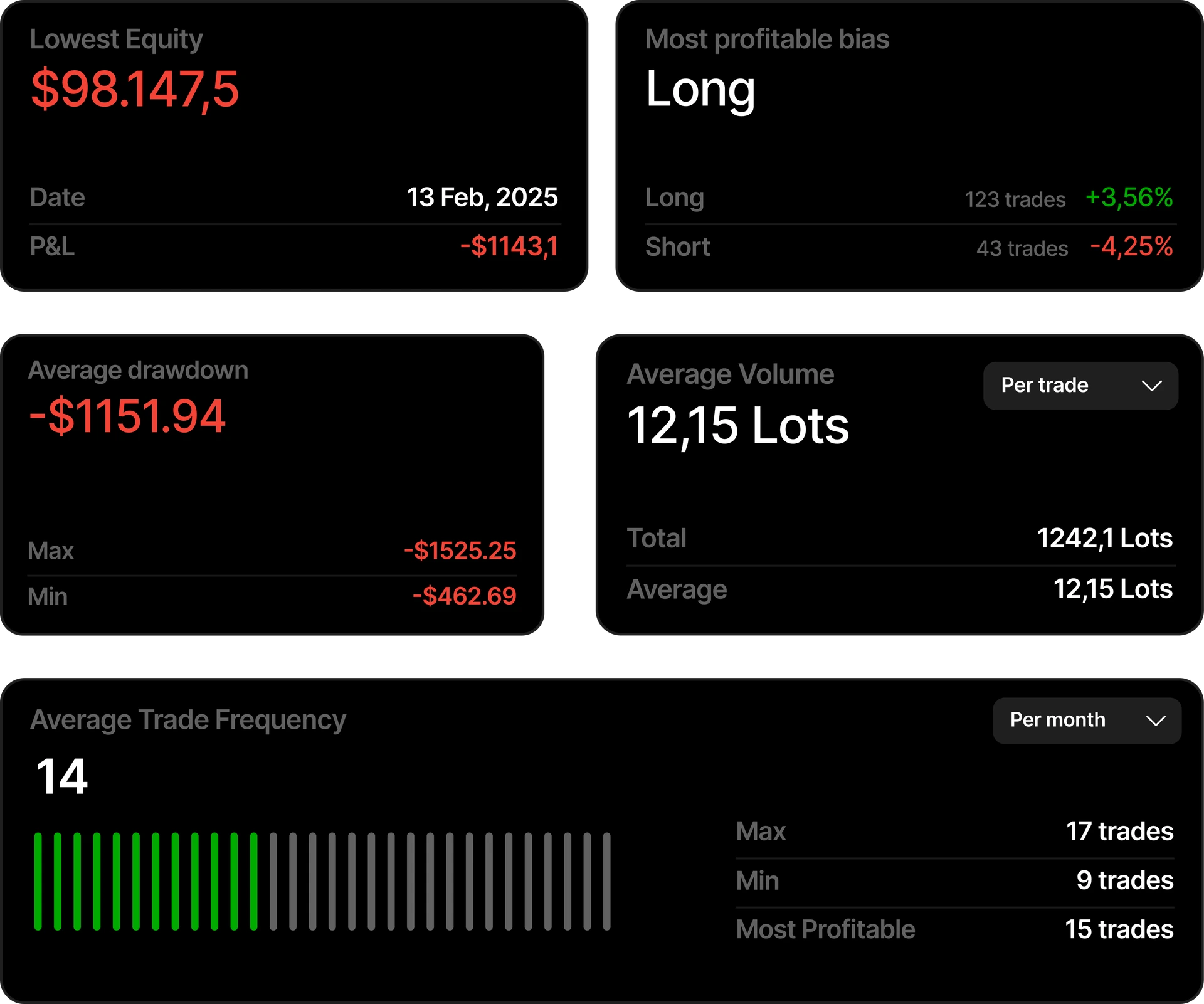
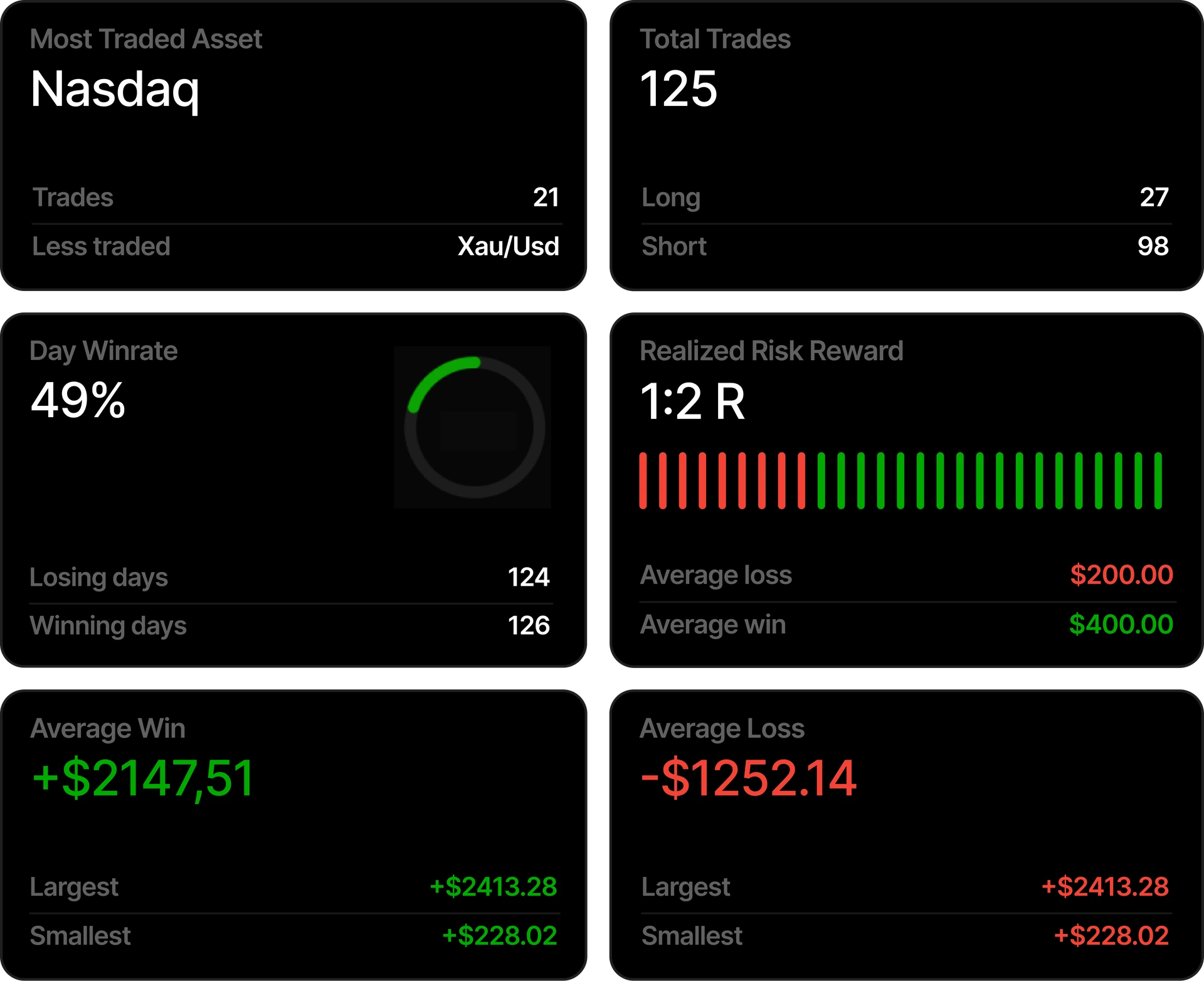
Visualize your backtesting session performance month by month
The most visual way to analyze your backtesting results, yearly view, monthly, daily and candle by candle with our TradingView chart widget journal.
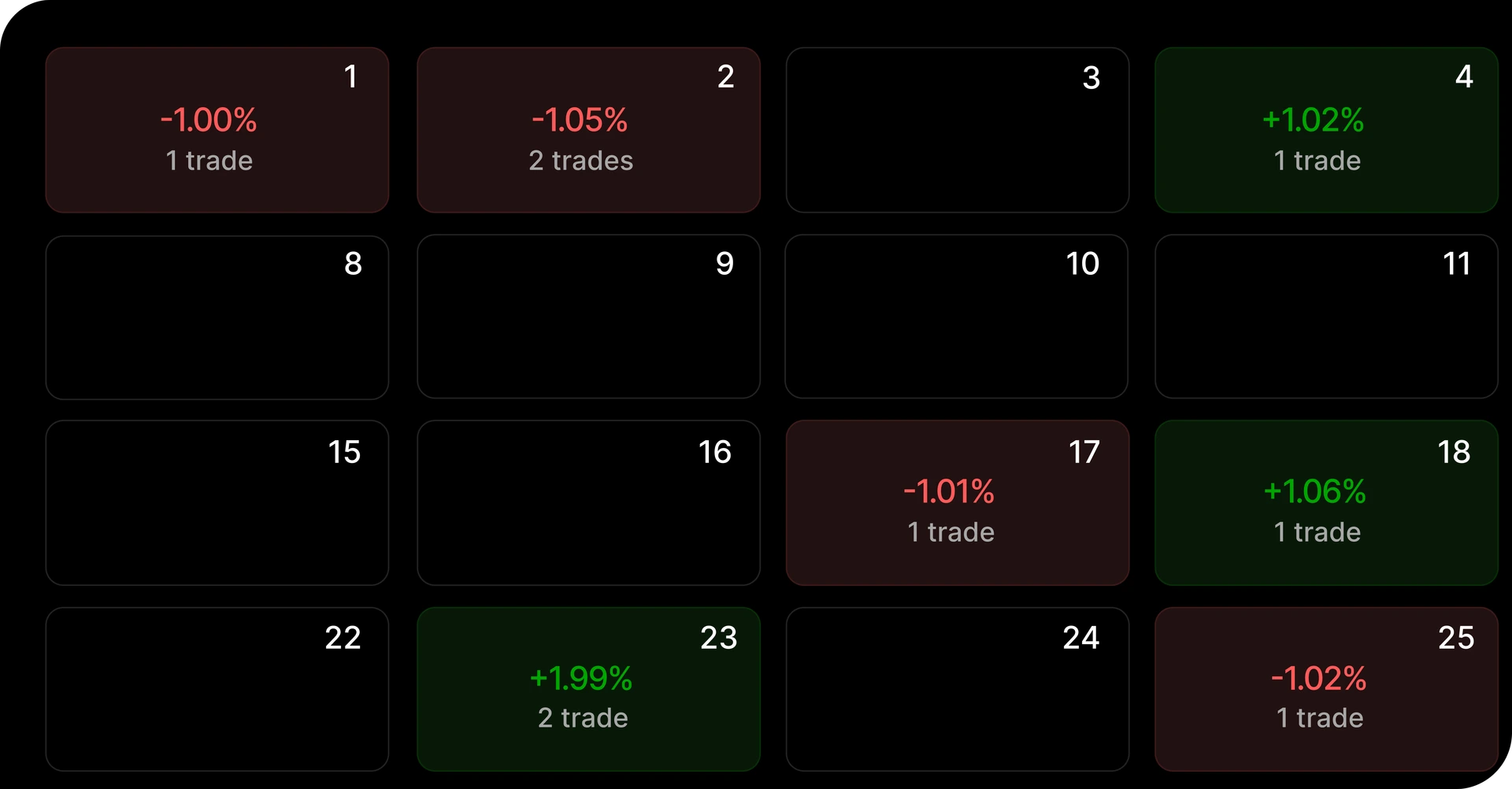
P&L Calendar to view your monthly return
The backtesting trades automatically get logged in your session calendar after closing it. The most intuitive way to test your strategies.
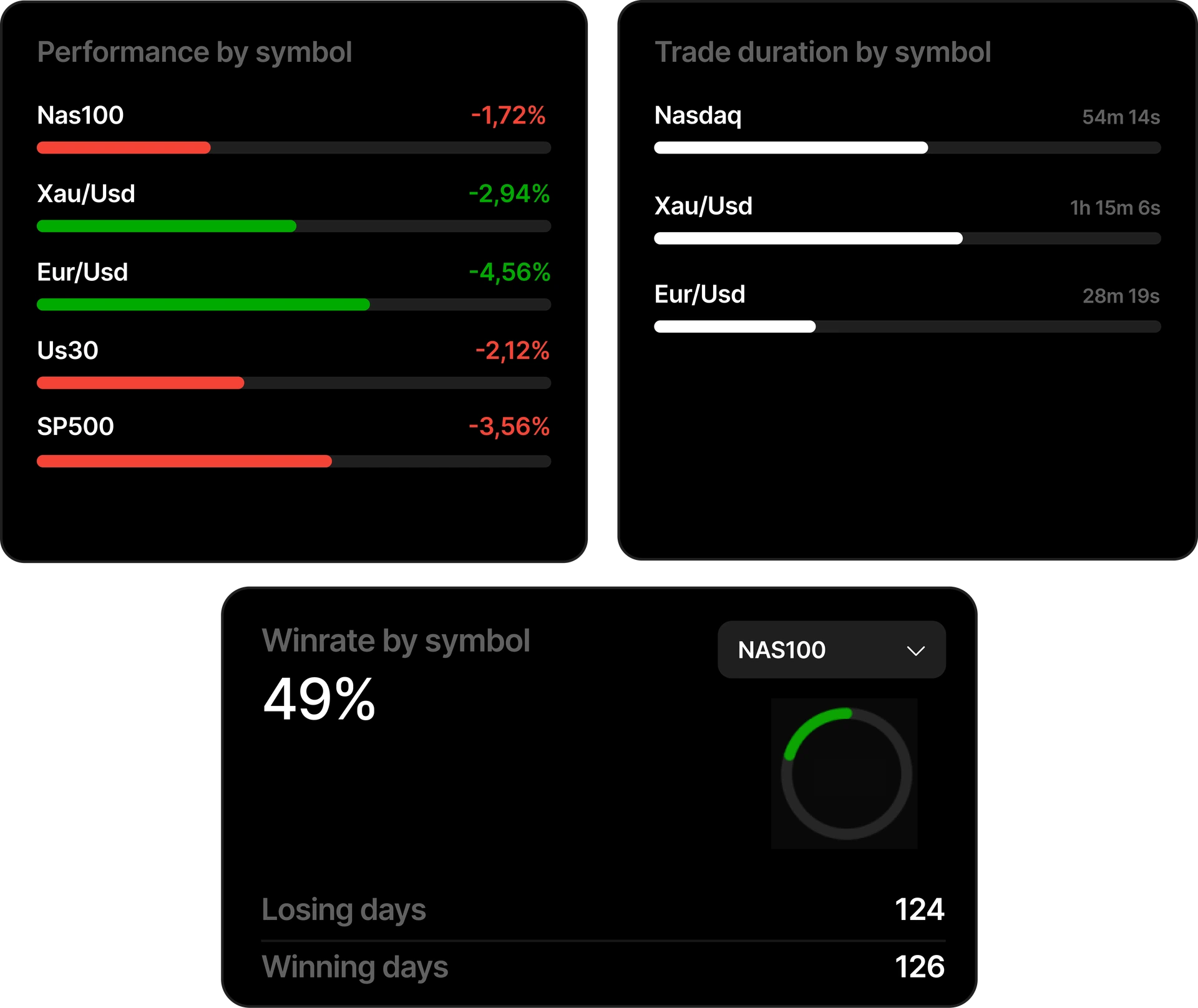
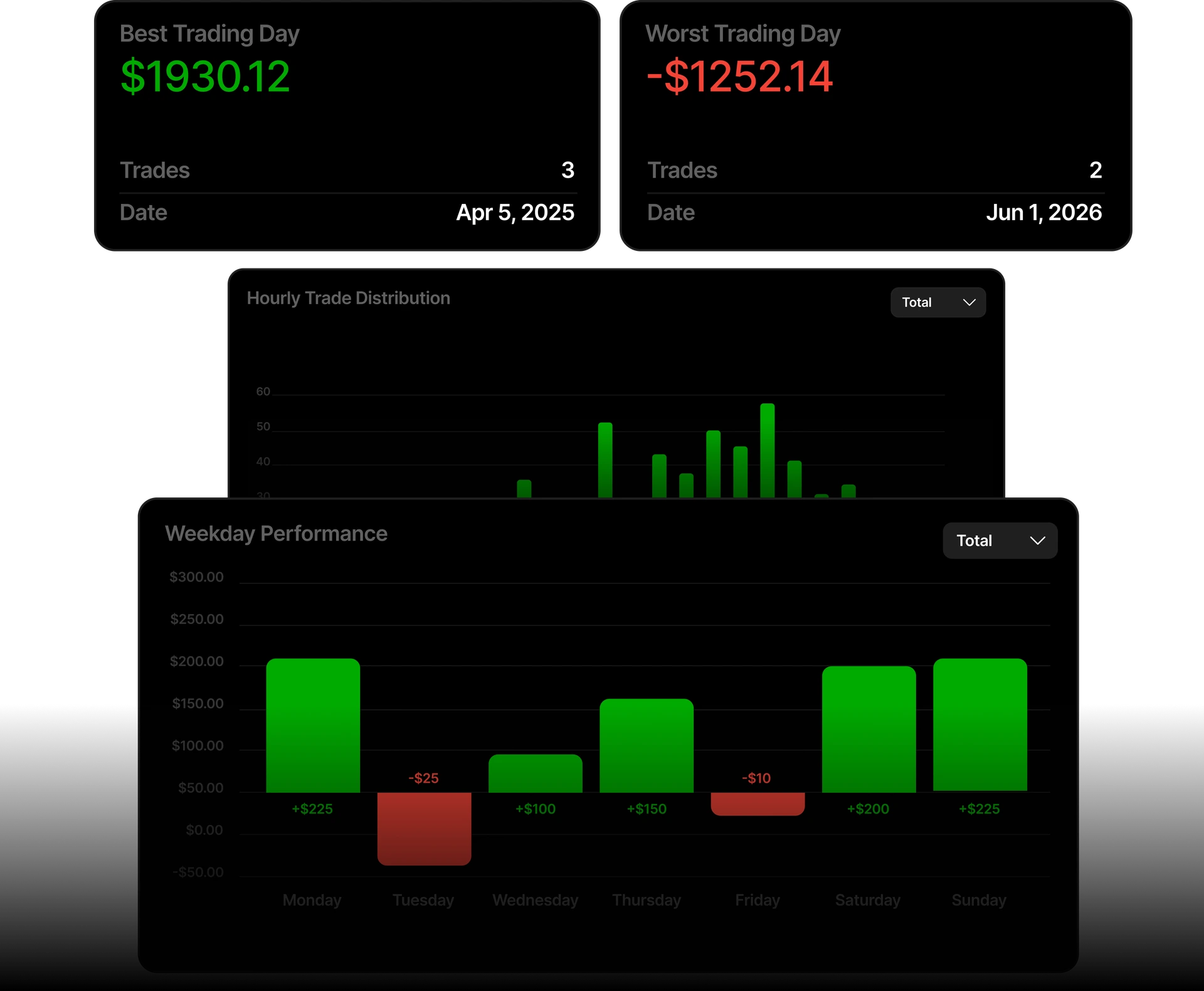
View moreYears of data turned into filtered analytics.Add years of experience to your strategy.
Replay on TradingView-powered charts. Step through historical price action, then place and manage simulated trades in the same workflow, without leaving the chart for a separate notebook.
Try for freeJournal your backtesting trades.Review your mistakes to refine your edge.
Start for freeIn-chart journaling workflow
Journal your trades without leaving the chart, then review them when the backtesting session is finished
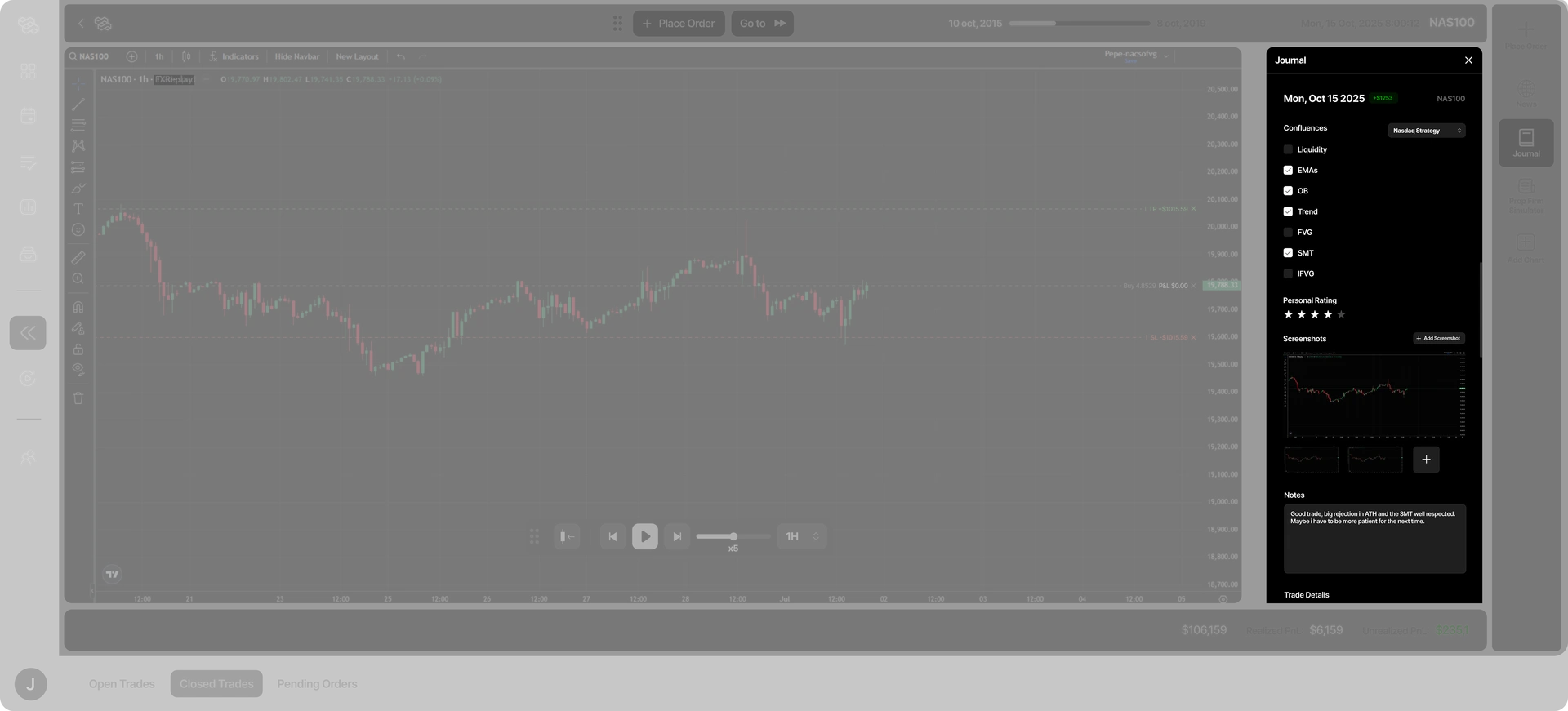
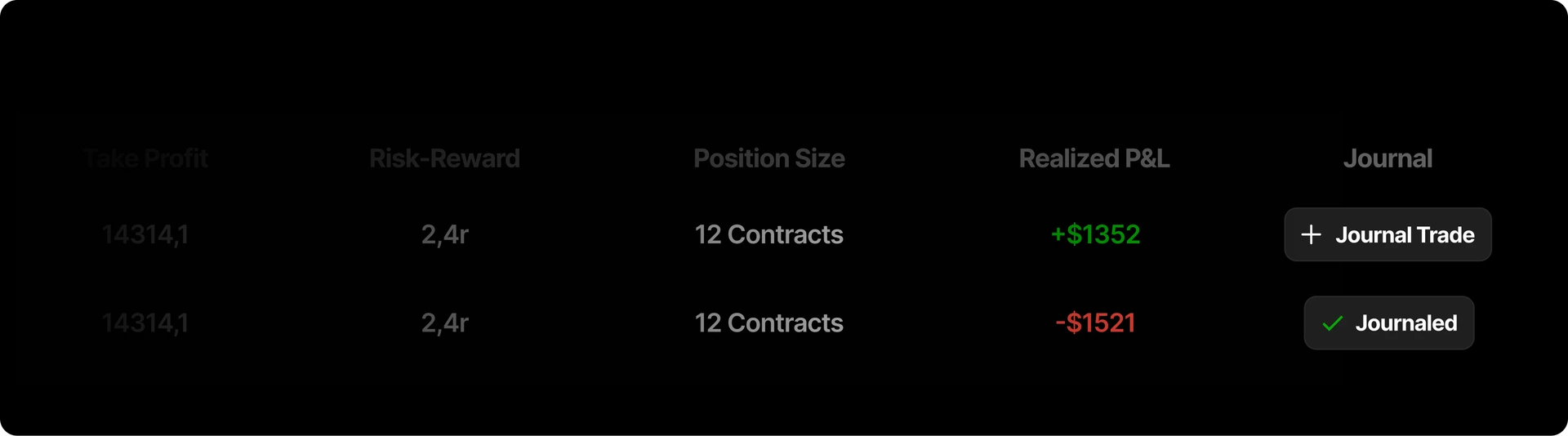
The most intuitive way to journal your backtesting trades
Journal when the trade is opened or after closing it, then review it whenever you want in the backtesting journal.
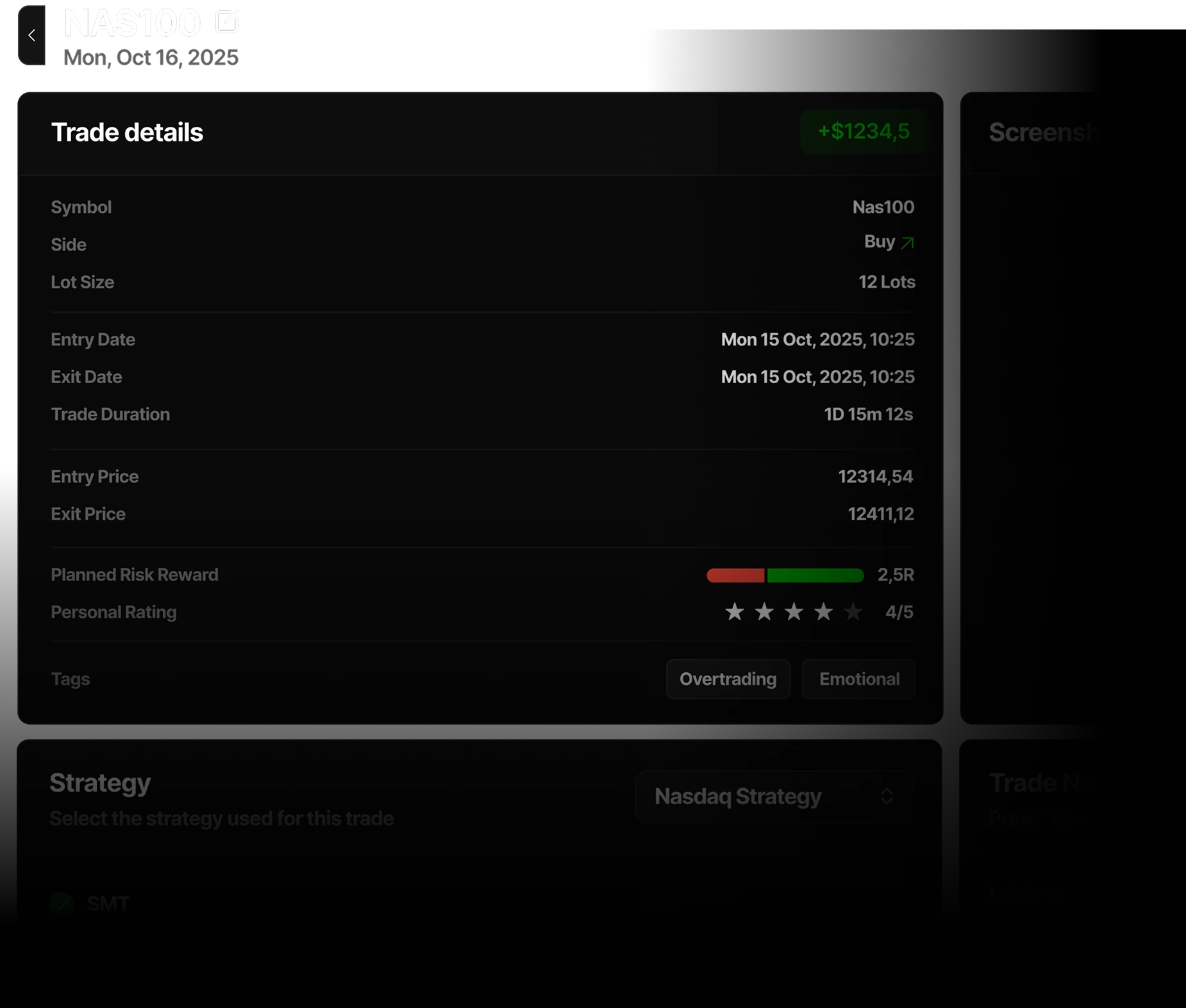
Review your trades post-session
Access the backtesting journal to review your trades
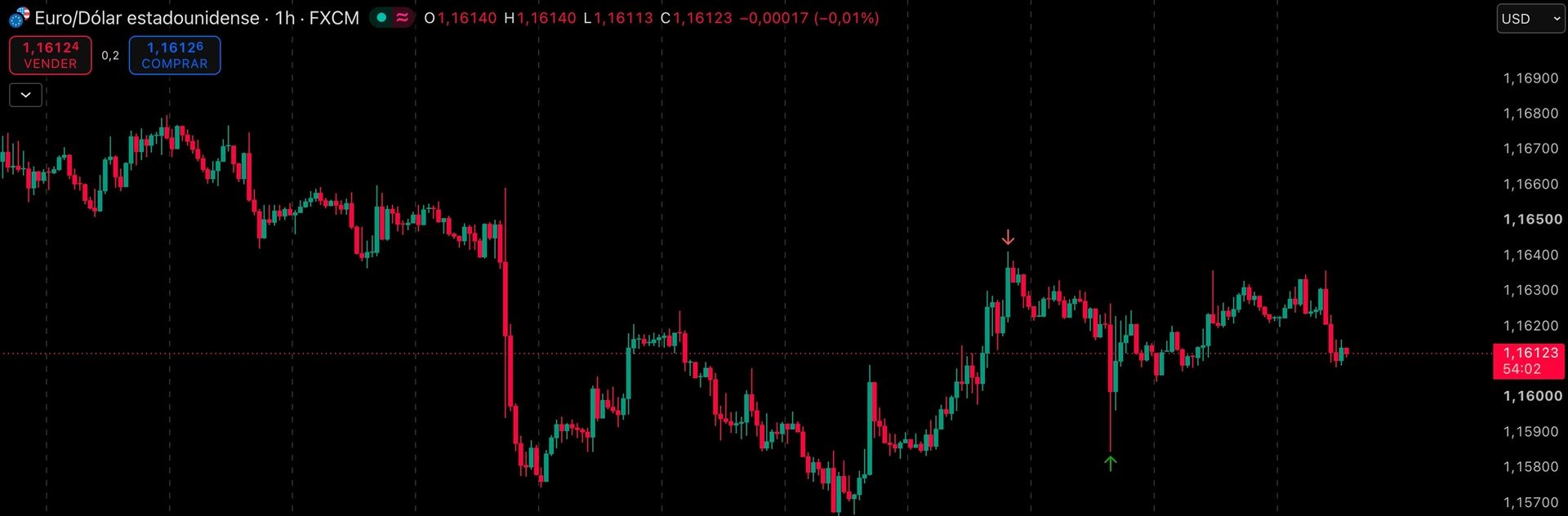
Automatically generated entry and exit point
A visual way to remember your trades. Get automatically the real entry and exit point of your backtesting trades in a TradingView chart.
Journal the session afterward. Log open or closed practice trades with notes and chart context so replay work becomes reviewable history, not a one-off study pass.
Try for free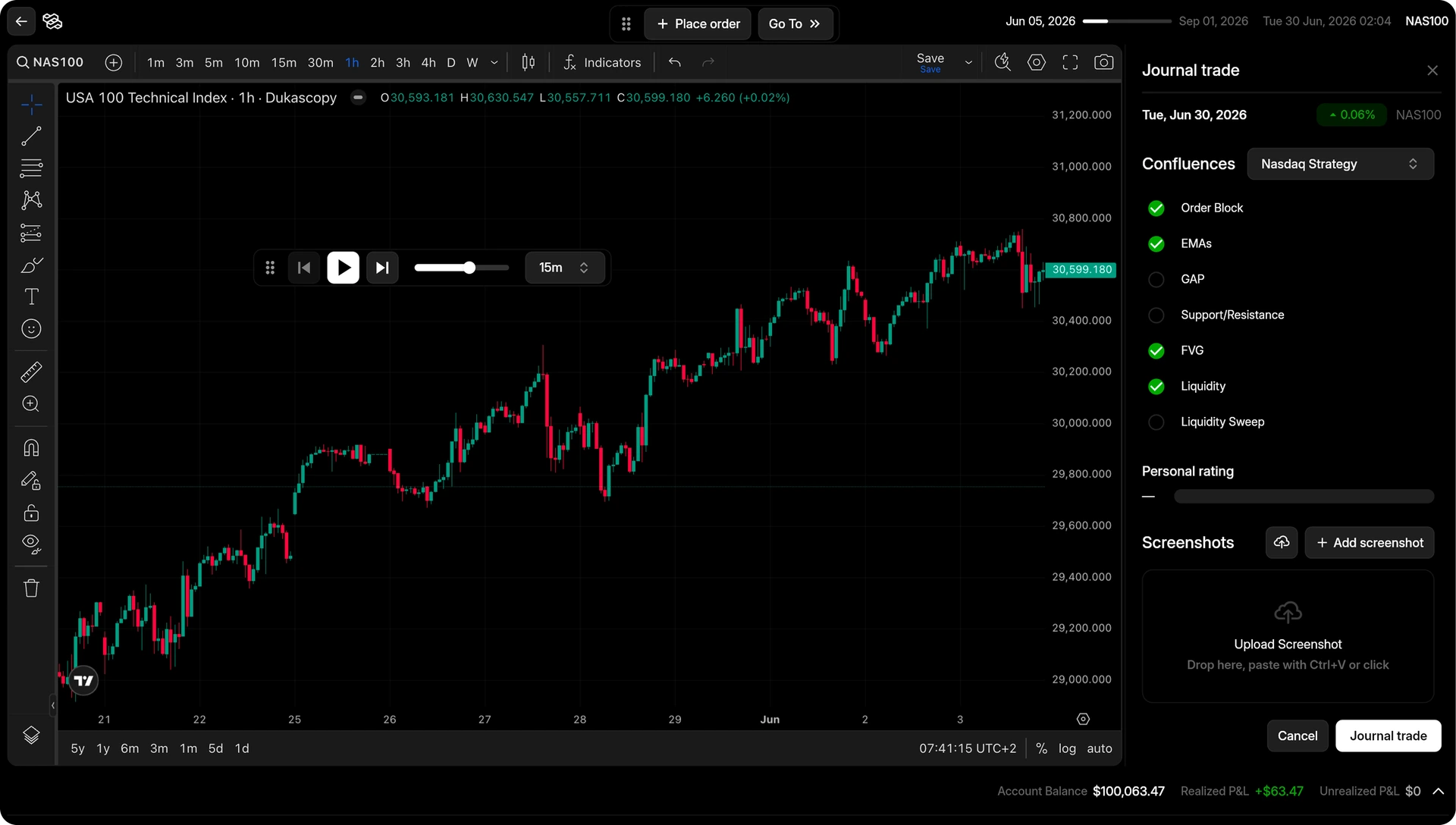
The most realistic trading simulator.Real market conditions with realistic tools.
Start for free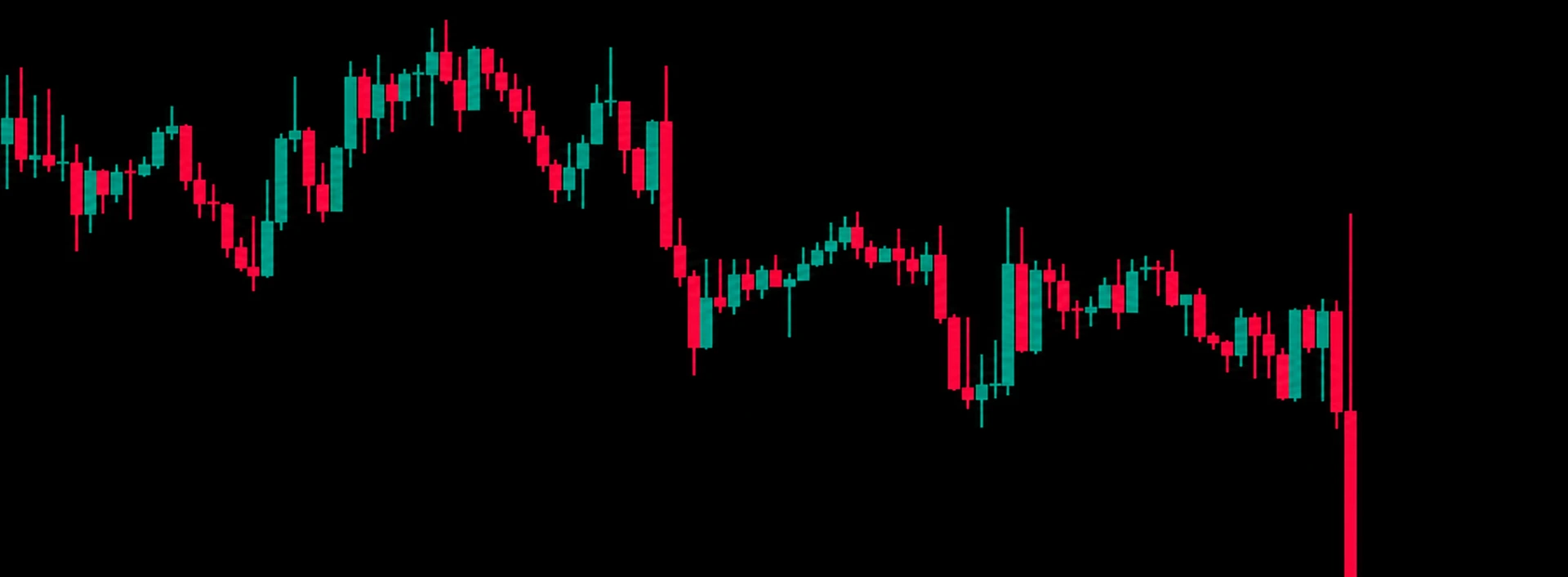

Draggable Stop Loss, Take Profit and Order Limit
The smoother experience to place and manage your backtesting trades, no more numbers and calculations.
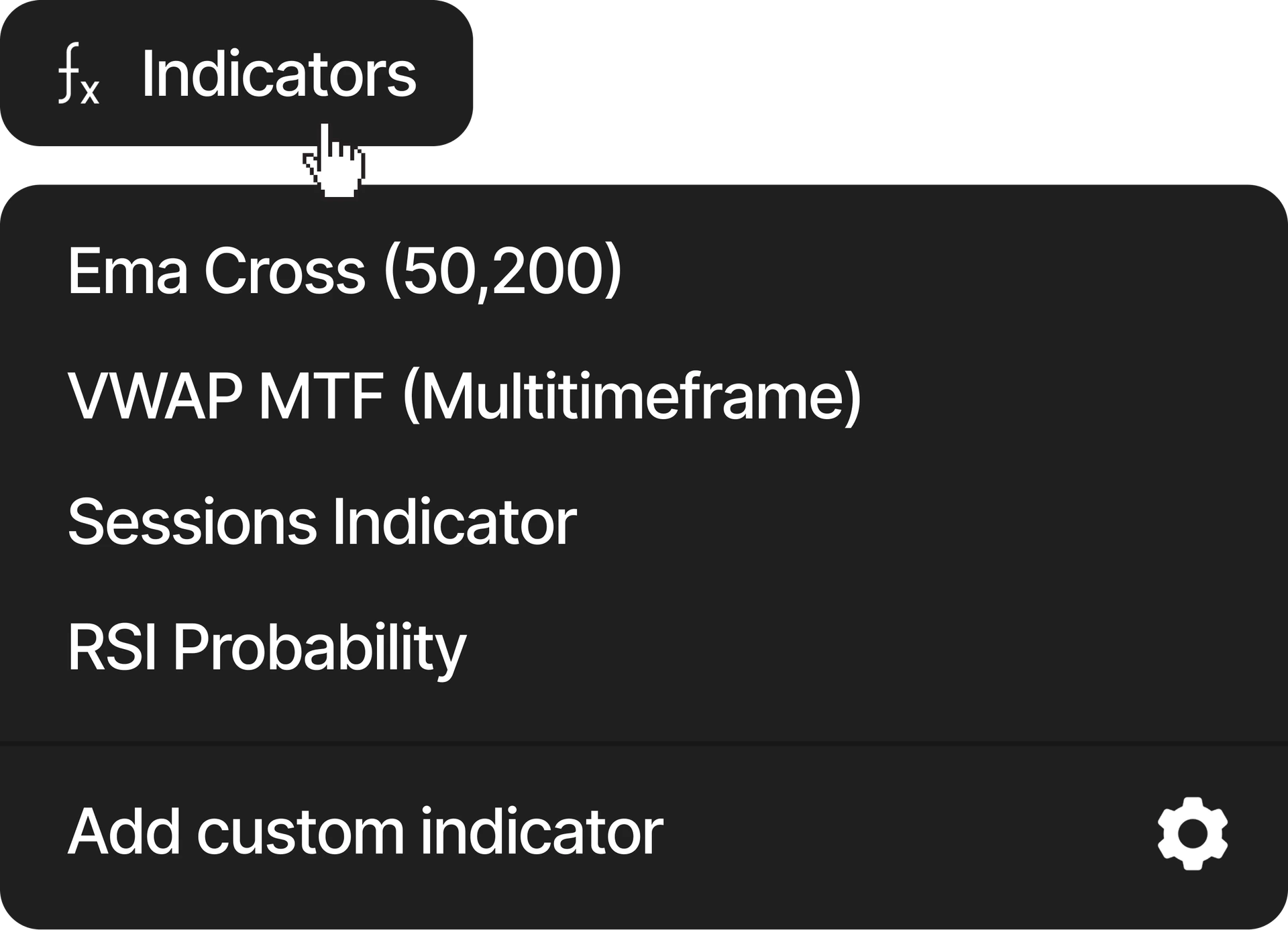
Custom indicators (Soon)
Use the pre-created indicators or create your own custom one
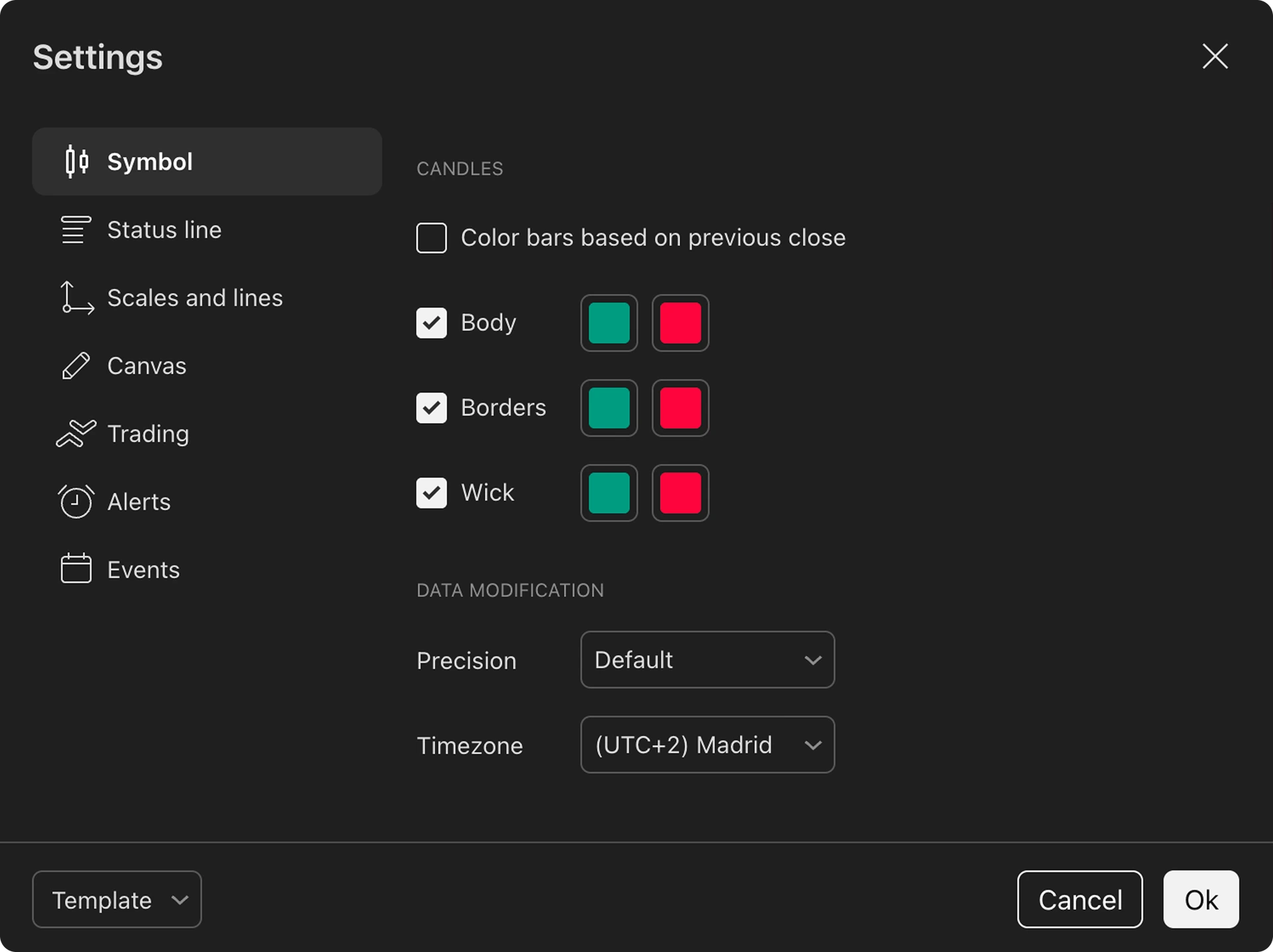
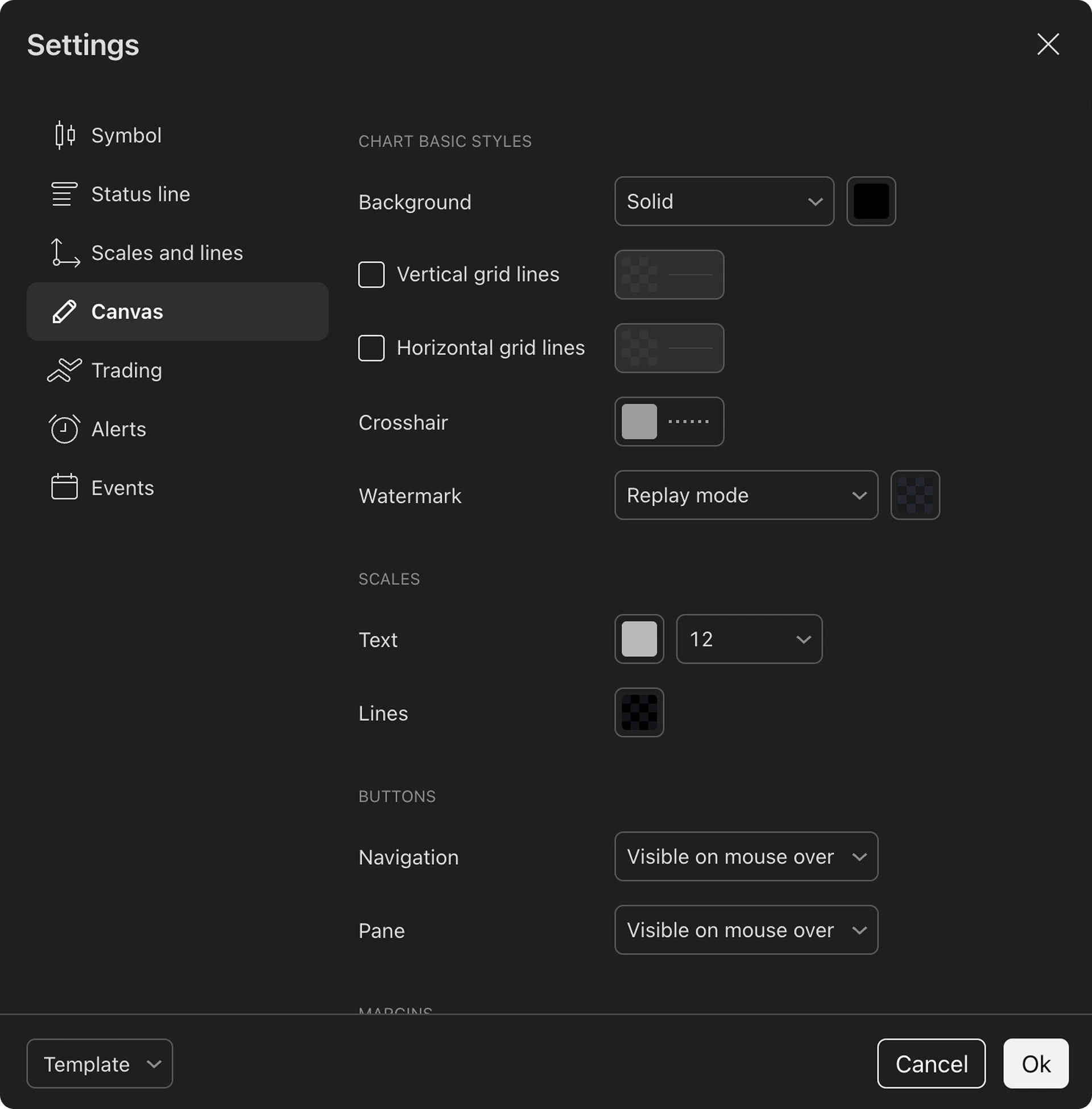
Customizable charts
You can select your preferred chart color, candles, lines and more. You can customize every inch, save layouts and use them again.
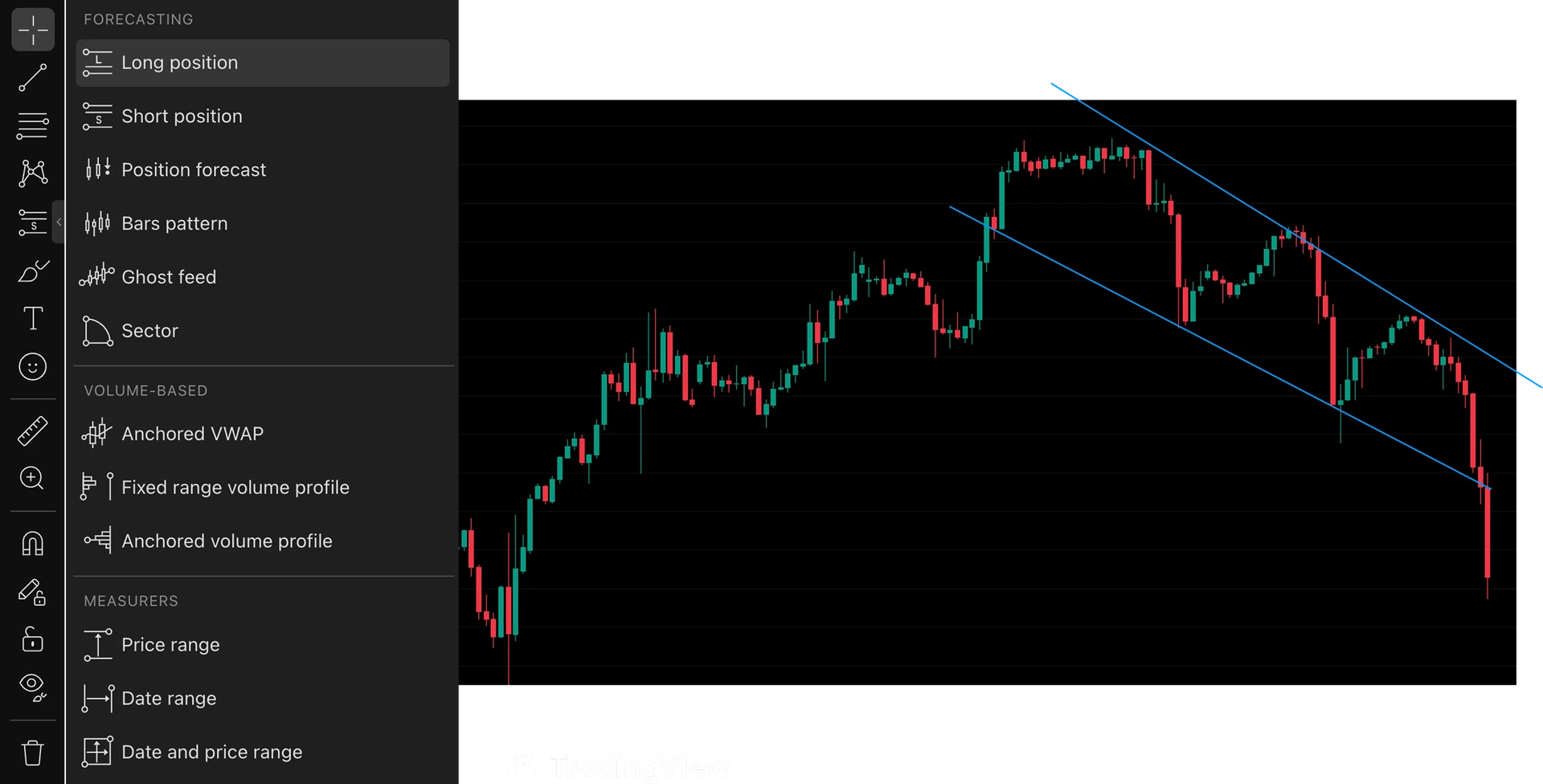
100+ drawing tools for precise analysis
Mark up your charts, measure price movements, and analyze every detail of your setups with a complete set of professional drawing tools provided by TradingView.
TradingView Bar Replay vs dedicated backtesting software
TradingView Bar Replay and dedicated backtesting software share one idea: move through history without peeking at the future. The difference is what happens after each decision.
Native Bar Replay is optimized for studying candles inside TradingView. Dedicated backtesting software such as Tradespad is optimized for a full practice loop: place and manage simulated trades during replay, journal them, save the session, and review performance analytics later.
They are not the same as automated strategy testing. Bar Replay and Tradespad both support bar-by-bar decisions you make yourself. If you need coded strategy runs, that is a different product category. If you need a free TradingView Bar Replay alternative for structured practice, prioritize tools that keep trades, notes, and results together.
How a structured TradingView-powered replay workflow works
A useful TradingView backtesting alternative does not stop at play and pause. It turns each session into something you can actually review after-session.
1. Replay historical price action
Start a session on TradingView-powered charts, step through candles, and practice reading the market the way you would live, without forward-looking spoilers.
2. Place and manage simulated trades
Record practice entries, exits, and management decisions in the product so the session is more than a visual walkthrough.
3. Journal the session
Add notes, strategies, and chart context while the trade is still fresh. That is the practical upgrade over relying on native Bar Replay alone.
4. Review saved results and analytics
Come back to performance by symbol, strategy, or session. Dedicated backtesting software earns its keep when last week's practice is still measurable.
What to look for in bar replay software
When you compare TradingView Bar Replay alternatives, judge tools by the habit you will keep, not by feature lists alone.
Familiar charting for practice
If you already think in TradingView charts, a TradingView-powered replay workflow usually feels more natural than learning a separate chart stack only for practice.
In-product simulated trade recording
Bar replay software should capture practice trades during the session. If every fill lives in a notepad, review will stall.
A real backtesting journal
Notes and screenshots only help when they stay connected to the trades you just practiced.
Session review and analytics
Look for saved results and filters that answer what worked, not another blank chart pass.
A free starting option with clear limits
A free TradingView Bar Replay alternative should let you build the habit before you pay. Confirm live Free-plan session limits on the pricing page.
Why use Tradespad as a TradingView Bar Replay alternative
Native Bar Replay is great for studying price action. Tradespad adds the practice loop most traders still need: simulated trades, journaling, and analytics on TradingView-powered charts.
TradingView-powered charts
Practice on familiar charting without claiming Tradespad replaces TradingView's full product or every chart feature.
Simulated trade management
Place and manage practice trades during replay so decisions are recorded instead of remembered.
Backtesting journal
Connect notes, strategies, and chart context to the trades you just practiced.
Performance analytics
Review which setups, symbols, or sessions actually perform after you save the work.
Real free plan
Start structured chart replay on a forever-free plan. Paid plans unlock more capacity when you need it. See live limits on pricing.
Broad assets list and historical data
Backtest assets across forex, indices, commodities, and stocks with historical data suited for chart replay practice.
Who should choose each option?
Pick the workflow that matches how you practice: visual review inside TradingView, a structured backtesting journal, or a specialized replay-first tool.
Choose TradingView Bar Replay if…
You mainly want to study historical price action inside TradingView, already have a review habit you like, or primarily need TradingView's broader charting ecosystem. It is also a strong option if you want to use Pine Script for automated backtesting, and you do not need a separate saved backtesting journal.
Choose Tradespad if…
You want a TradingView Bar Replay alternative for replay, simulated trade records, journaling, and analytics connected in one workflow on TradingView-powered charts, with a free forever starting point.

If you want a free TradingView Bar Replay alternative for structured backtesting and journaling, start on Tradespad.
Try for freeTradingView Bar Replay alternatives FAQ Free plan, workflow differences, TradingView charts, and when to use dedicated backtesting software.
Tradespad is the best TradingView Bar Replay alternative for most traders who want more than visual candle replay. You get TradingView-powered charts, simulated trade recording, a backtesting journal, and analytics on a real free forever plan. Native TradingView Bar Replay remains a strong choice if you only want to study price action inside TradingView. See Tradespad backtesting.
Yes. Tradespad is a free TradingView Bar Replay alternative with a forever-free plan and no credit card required. It connects chart replay to simulated trades, journaling, and performance review. TradingView Basic is free but does not include Bar Replay, so structured free practice usually means a dedicated tool like Tradespad.
TradingView Basic is free and does not include Bar Replay. Paid tiers with Bar Replay start at Essential around $14.95/month, then Plus around $34.95, Premium around $69.95, and Ultimate around $239.95 at the time of writing. Those prices unlock deeper replay history and resolution by plan. Tradespad is a separate $0-starting workflow for structured backtesting and journaling on TradingView-powered charts. Confirm live TradingView prices on their site.
TradingView Bar Replay is mainly for replaying historical candles and studying price action on TradingView charts. Dedicated backtesting software like Tradespad is built to turn that practice into a structured workflow: place and manage simulated trades, journal them, save sessions, and review performance analytics afterward.
On TradingView itself, Basic is free but does not include Bar Replay, so manual bar-by-bar practice is limited unless you upgrade. Scripted strategy testing may still be available with plan limits. If you want free manual chart backtesting with simulated trades and a journal, Tradespad offers that workflow on TradingView-powered charts on a forever-free plan.
It depends on your TradingView plan. Essential lists about 180 days of 1-minute historical replay; Plus about 365 days; Premium and Ultimate list all available 1m history. Second-based replay starts on Premium; tick-by-tick replay is Ultimate-only. Confirm live history limits on TradingView’s pricing page.
TradingView Bar Replay does not include a dedicated backtesting journal for simulated trades, notes, and session review the way a trading journal does. Most traders keep notes elsewhere or upgrade to a tool built for that workflow. Tradespad lets you place simulated trades during replay and journal them with notes, strategies, and chart context.
The best software for manual trading backtesting depends on whether you want chart replay alone or a full practice loop. Tradespad is built for manual chart backtesting: TradingView-powered replay, simulated trade management, journaling, and analytics on a free forever plan. Native TradingView Bar Replay fits visual review inside TradingView; tools like FX Replay fit if you prefer a replay-first product.
Yes. Tradespad uses TradingView-powered charts for its backtesting workflow. It is an alternative to relying on TradingView’s native Bar Replay alone, not a claim that Tradespad replaces TradingView chart technology.
Yes. After practice sessions, Tradespad lets you review saved trades and performance analytics so you can see which setups, symbols, or sessions actually perform, rather than leaving results as informal notes outside the chart.
Keep reading: FX Replay alternative, Tradespad pricing, and Tradespad backtesting.
Tradespad publishes this comparison and also offers a trading journal with TradingView-powered chart backtesting. Tradespad is not affiliated with, endorsed by, or sponsored by TradingView. TradingView plan prices and history limits cited above reflect public equivalent monthly pricing at the time of writing and can change. Confirm live plans on each site. This is educational, not financial advice.